
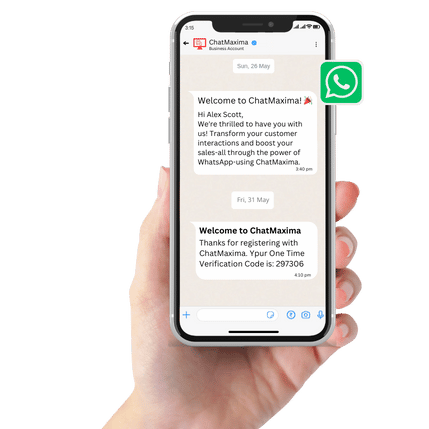
Welcome to ChatMaxima! 🎉
Hi John,
We're thrilled to have you with us!
Transform your customer interactions and boost your sales-all through the power of WhatsApp-using ChatMaxima.
Get ready to elevate your engagement game and watch your business grow!
Free AI WhatsApp Message Template Generator
Create professional WhatsApp message templates instantly with our free AI-powered template builder. Generate personalized templates for marketing campaigns, customer support, order updates and more.
Last updated: February 24, 2026
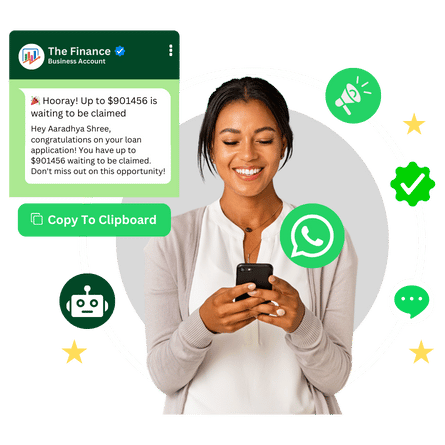
AI Whatsapp Template Generator
Template Preview
About Our WhatsApp Message Template Builder
The ChatMaxima WhatsApp message template generator is revolutionizing the way businesses communicate via messaging. With our AI-powered WhatsApp message creator, you can turn simple text prompts into professional WhatsApp templates in seconds, ensuring your messaging is engaging and compliant with WhatsApp Business API guidelines.
Our WhatsApp template builder is designed for businesses of all sizes, eliminating communication bottlenecks. This intuitive WhatsApp message creator allows users to create custom templates for various use cases — ranging from marketing messages and WhatsApp chatbot automation to customer support — quickly and effectively.
With AI technology, you can generate engaging and compliant messages without the hassle of tedious approvals. Streamline your communication process, enhance customer interactions, and focus on what truly matters — building relationships and driving engagement. Pair our template generator with ChatMaxima's WhatsApp integration platform to send templates directly through the WhatsApp Business API.
Powerful Features for Your Messaging Needs
Discover the unique features that set our WhatsApp Template Creator apart. Elevate your messaging experience and improve customer interactions.
Benefits of AI Whatsapp Template Generator:
AI-Driven Customization: Automatic generation of personalized templates tailored to your audience.
Quick Template Creation: Generate templates in just seconds to keep your business running smoothly.
Compliance Assurance: Ensure your messages comply with WhatsApp’s policies to avoid rejections.
User-Friendly Interface: Designed for ease of use, no technical skills required!
24/7 Availability: Leverage chatbots for round-the-clock customer interaction.
Easy Steps to Create Templates
Creating customized WhatsApp templates is streamlined with our AI-powered tool. Simply follow these steps to generate personalized templates tailored to your needs!
🌐 How Does It Work?
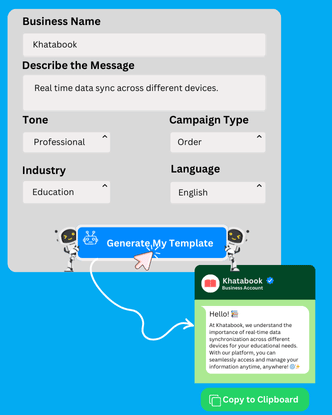
1. Input Business Details: Start by entering your business name in the designated field to ensure accurate branding.
2. Describe Your Message: Provide a clear description of your message, including its purpose and content, in the text box provided.
3. Select Tone and Campaign Type: Choose the desired tone for your message and the relevant campaign type from the dropdown menus to align with your communication style.
4. Pick Industry and Language: Select your industry and preferred language from the options available to ensure context-specific messaging.
5. Generate Your Template: Click on the "Generate My Template" button to let the AI create a draft for you.
6. Preview and Edit: View the generated template on the right side of the screen, and make any necessary edits before finalizing.
7. Copy to Clipboard: Once satisfied, simply use the "Copy To Clipboard" button to easily transfer your template for use in WhatsApp.
Ready-to-Use WhatsApp Message Templates
Copy these professionally crafted WhatsApp message templates and customize them for your business. Each template follows WhatsApp Business API guidelines and is optimized for high engagement.
Abandoned Cart Recovery
Hi {{1}}, you left some great items in your cart! Your {{2}} is still waiting for you. Complete your order now and enjoy 10% off with code COMEBACK10. Shop now: {{3}}
Customize with AI
Order Confirmation
Thank you for your order, {{1}}! Your order #{{2}} has been confirmed and is being processed. Estimated delivery: {{3}}. Track your order here: {{4}}
Customize with AI
Appointment Reminder
Hi {{1}}, this is a friendly reminder about your appointment with {{2}} on {{3}} at {{4}}. Reply YES to confirm or RESCHEDULE to pick a new time. We look forward to seeing you!
Customize with AI
Welcome Message
Welcome to {{1}}, {{2}}! We're thrilled to have you with us. Explore our latest offerings and get exclusive deals as a new member. Need help? Reply to this message anytime!
Customize with AI
Payment Reminder
Hi {{1}}, a gentle reminder that your invoice #{{2}} of {{3}} is due on {{4}}. Please complete the payment to avoid any service interruption. Pay now: {{5}}
Customize with AI
Shipping Update
Great news, {{1}}! Your order #{{2}} has been shipped and is on its way. Estimated delivery: {{3}}. Track your package in real-time: {{4}}
Customize with AI
Feedback Request
Hi {{1}}, thank you for choosing {{2}}! We'd love to hear about your experience. Please take a moment to rate us and share your feedback: {{3}}. Your opinion helps us improve!
Customize with AI
Limited-Time Offer
Flash Sale Alert! Hi {{1}}, enjoy up to {{2}}% off on our best-selling products for the next 24 hours only. Use code {{3}} at checkout. Don't miss out - shop now: {{4}}
Customize with AI
Birthday Offer
Happy Birthday, {{1}}! As a special gift from {{2}}, enjoy {{3}}% off your next purchase. Use code BDAY{{4}} before {{5}}. Celebrate in style - shop your favorites now!
Customize with AI
Re-engagement
We miss you, {{1}}! It's been a while since your last visit to {{2}}. We've added exciting new products just for you. Come back and enjoy a special {{3}}% welcome-back discount: {{4}}
Customize with AI
Customer Support
Hi {{1}}, we received your support request #{{2}}. Our team is looking into it and will get back to you within {{3}} hours. In the meantime, check our FAQ: {{4}}
Customize with AI
Loyalty Program
Congratulations, {{1}}! You've earned {{2}} loyalty points with {{3}}. Redeem your points for exclusive rewards and discounts. Check your balance and rewards: {{4}}
Customize with AINeed a template customized for your specific business? Use our AI WhatsApp message template generator above to create personalized templates in seconds.
WhatsApp Message Template Best Practices & Guidelines
Follow these guidelines to ensure your WhatsApp templates get approved quickly and drive maximum engagement with your audience.
Character Limits
WhatsApp template body text supports up to 1024 characters. Keep your header text under 60 characters and footer text under 60 characters. Use variables like {{1}}, {{2}} as placeholders for personalization.
Template Categories
WhatsApp Business API supports three template categories: Utility (order updates, account alerts), Marketing (promotions, offers, newsletters), and Authentication (OTP codes, verification). Choose the right category to speed up approval.
Approval Tips
To get templates approved faster: avoid vague content, include specific sample values for variables, don't use URL shorteners in examples, write clear and professional language, and avoid all-caps text or excessive punctuation.
CTA Button Types
Add interactive CTA buttons to boost engagement: Quick Reply buttons let users respond with one tap, URL buttons link to your website or app, and Phone Number buttons allow instant calling. You can add up to 3 buttons per template.
Common Rejection Reasons
Templates get rejected for: spelling or grammar errors, misleading content, requesting sensitive information (passwords, PINs), containing threatening language, violating WhatsApp commerce policy, or missing variable sample values.
Maximize Engagement
Boost your WhatsApp message open rates (typically 95%+) by personalizing with customer names, keeping messages concise, sending at optimal times, using emojis sparingly, and including a clear call-to-action in every template.
WhatsApp Templates by Industry
Explore industry-specific WhatsApp message templates tailored for different business verticals. Each template is designed to address the unique communication needs of your industry.
E-commerce WhatsApp Templates
E-commerce businesses use WhatsApp templates for abandoned cart recovery, order confirmations, shipping updates, and promotional campaigns. These templates help drive sales, reduce cart abandonment rates by up to 30%, and keep customers informed throughout their buying journey. Learn more about ChatMaxima's e-commerce chatbot solutions.
Cart Recovery
Hi {{1}}, your cart at {{2}} is waiting! You left behind {{3}}. Complete your purchase within 24 hours and get free shipping. Shop now: {{4}}
Customize with AI
Product Launch
Exciting news, {{1}}! Our new {{2}} collection is here. Be among the first to explore exclusive styles and enjoy {{3}}% early-bird discount. Browse now: {{4}}
Customize with AI
Back in Stock
Good news, {{1}}! The {{2}} you were looking for is back in stock at {{3}}. Grab yours before it sells out again. Order here: {{4}}
Customize with AIHealthcare WhatsApp Templates
Healthcare providers use WhatsApp templates to send appointment reminders, prescription updates, lab results notifications, and wellness tips. These templates reduce no-show rates, improve patient engagement, and streamline clinic communication. Explore ChatMaxima's healthcare chatbot platform.
Appointment Reminder
Hi {{1}}, this is a reminder from {{2}} about your appointment with Dr. {{3}} on {{4}} at {{5}}. Please arrive 15 minutes early. Reply C to confirm or R to reschedule.
Customize with AI
Prescription Ready
Hello {{1}}, your prescription from Dr. {{2}} is ready for pickup at {{3}} pharmacy. Pickup hours: {{4}}. Please bring your ID. Questions? Call us: {{5}}
Customize with AI
Wellness Check
Hi {{1}}, it's time for your annual wellness check at {{2}}. Regular checkups help detect potential health issues early. Book your visit: {{3}}
Customize with AIReal Estate WhatsApp Templates
Real estate agents and property firms use WhatsApp templates to share new property listings, schedule viewings, send virtual tour links, and follow up with buyers. These templates help close deals faster and provide personalized property recommendations. See ChatMaxima for real estate.
New Listing Alert
Hi {{1}}, a new property matching your preferences is available! {{2}} BHK in {{3}}, priced at {{4}}. Key features: {{5}}. Schedule a viewing: {{6}}
Customize with AI
Viewing Confirmation
Hello {{1}}, your property viewing at {{2}} is confirmed for {{3}} at {{4}}. Your agent {{5}} will meet you at the location. Directions: {{6}}
Customize with AI
Price Update
Great news, {{1}}! The property you liked at {{2}} has a price reduction to {{3}}. This is a limited-time opportunity. Interested? Reply YES or call {{4}}.
Customize with AIEducation WhatsApp Templates
Educational institutions and ed-tech platforms use WhatsApp templates for enrollment confirmations, class reminders, exam schedules, fee payment alerts, and course recommendations. These templates keep students and parents engaged. Discover ChatMaxima's education chatbot solutions.
Enrollment Confirmation
Welcome, {{1}}! Your enrollment for {{2}} at {{3}} is confirmed. Classes start on {{4}}. Access your course materials here: {{5}}. We're excited to have you!
Customize with AI
Class Reminder
Hi {{1}}, reminder: your {{2}} class starts in 1 hour at {{3}}. Join the live session here: {{4}}. Please keep your study materials ready.
Customize with AI
Fee Reminder
Dear {{1}}, this is a reminder that your fee of {{2}} for {{3}} is due by {{4}}. Avoid late charges by paying online: {{5}}. Need help? Contact: {{6}}
Customize with AITravel & Hospitality WhatsApp Templates
Travel agencies, airlines, and hotels use WhatsApp templates for booking confirmations, itinerary updates, check-in reminders, and travel deals. These templates enhance the traveler experience with real-time updates. See ChatMaxima's travel industry solutions.
Booking Confirmation
Hi {{1}}, your booking at {{2}} is confirmed! Check-in: {{3}}, Check-out: {{4}}. Booking ID: {{5}}. View your complete itinerary: {{6}}. Have a wonderful trip!
Customize with AI
Check-in Reminder
Hello {{1}}, your stay at {{2}} begins tomorrow! Online check-in is now available. Complete it here to skip the queue: {{3}}. We look forward to hosting you!
Customize with AI
Travel Deal
Exclusive offer, {{1}}! Book your {{2}} trip with {{3}} and save up to {{4}}%. Limited seats available at this price. Offer valid till {{5}}. Book now: {{6}}
Customize with AIDon't see your industry? Our WhatsApp message AI generator supports 18+ industries. Generate custom templates for automotive, finance, SaaS, manufacturing, and more. Try our WhatsApp integration to send templates directly through the WhatsApp Business API. Looking for alternatives? See how ChatMaxima compares to WATI, AiSensy, and Interakt.
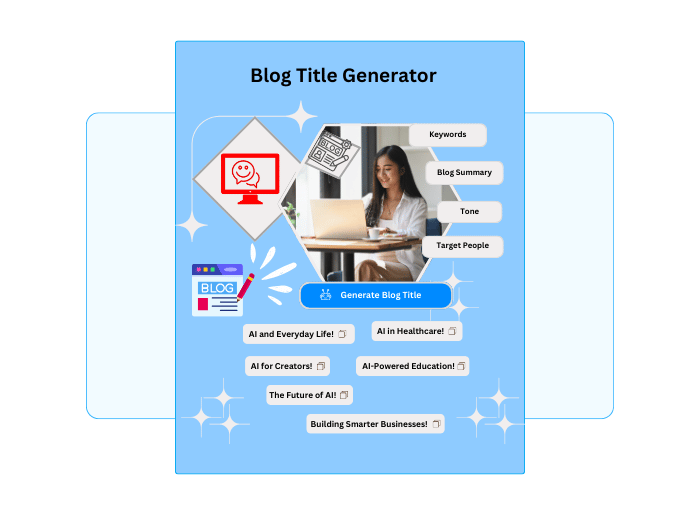
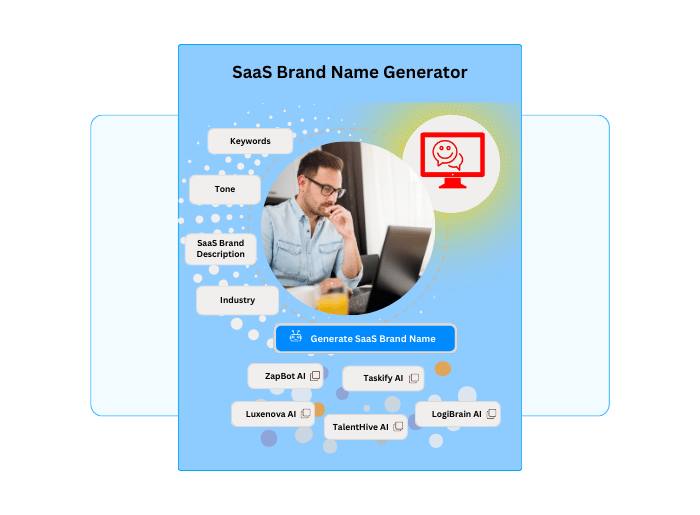
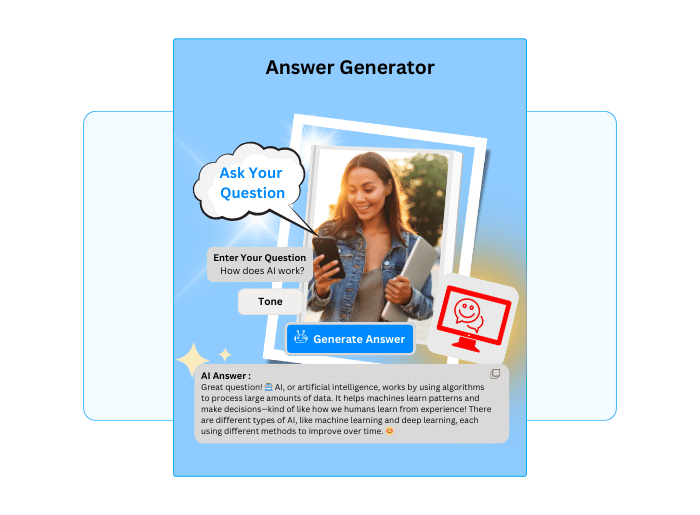
Discover Other Free Tools Available in ChatMaxima
Enhance your digital strategies with a suite of free tools designed to boost creativity, efficiency, and customer engagement. Leverage these tools to streamline your processes and focus on achieving your business goals with ChatMaxima.
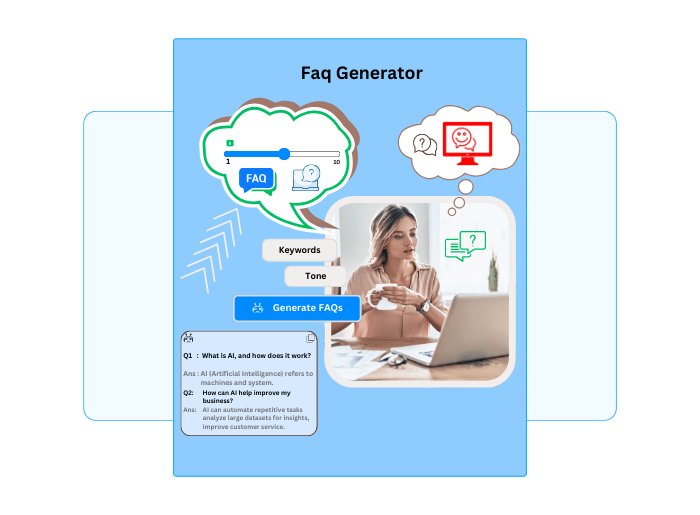
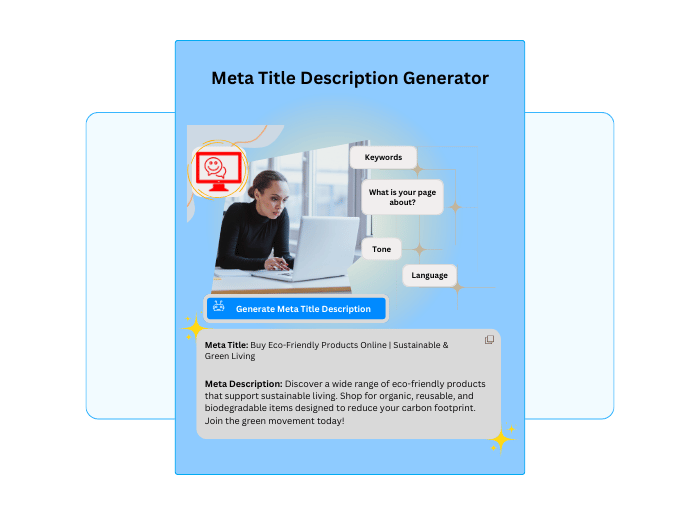
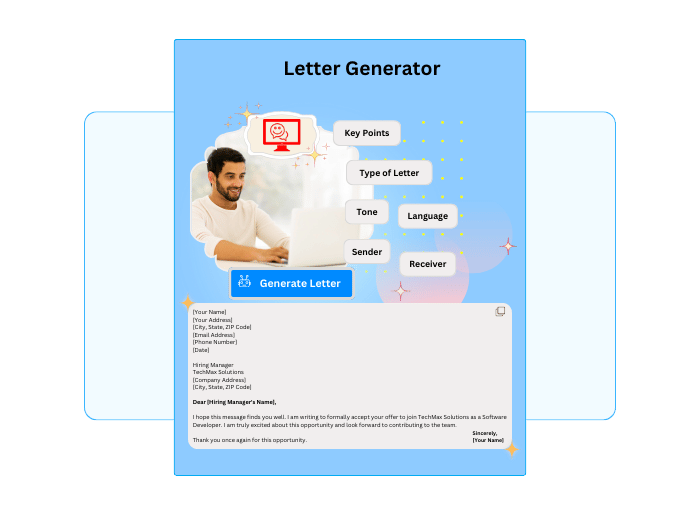
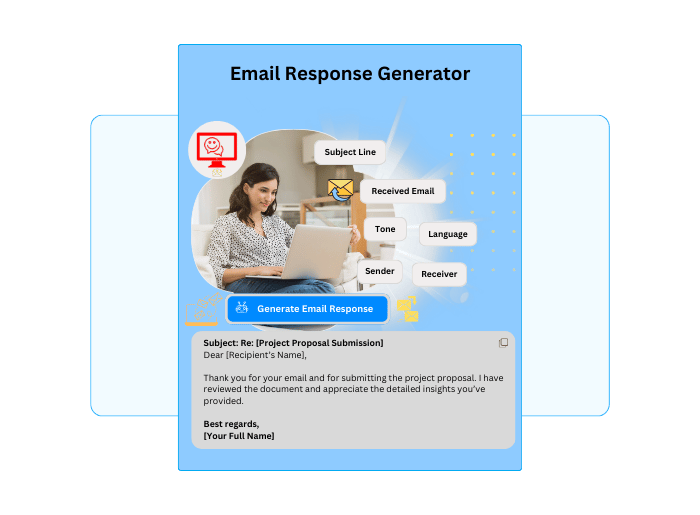
What Our Users Are Saying
Check out the experiences of businesses that have transformed their communication with ChatMaxima.
What Our Users Are Saying
"The template creator has saved us hours of work each week!"

Jasmine R
Small Business Owner
“ChatMaxima's tool is incredibly easy to use and produces fantastic results.”
Alex P
Startup Founder
“We've improved our customer engagement significantly since using these templates.”
Mark T
Startup Founder

Take Your Whatsapp Communication to the Next Level!
Ready to revolutionize your WhatsApp communication? Experience the power of ChatMaxima’s AI-Powered WhatsApp Template Creator Tool today!
Start Creating Templates NowFrequently Asked Questions
Get answers to your queries regarding our WhatsApp Template Creator Tool.
Our WhatsApp message template generator uses AI to create personalized, professional message templates for any business scenario — from marketing campaigns and abandoned cart recovery to order confirmations and customer support. Simply describe your message, choose a tone and campaign type, and the AI generates a ready-to-use WhatsApp template in seconds that you can copy and use directly in WhatsApp Business.
Creating a WhatsApp template is simple with our AI message creator. Enter your business name, describe the message content and purpose, choose a tone (professional, friendly, casual, etc.), select the campaign type, and click "Generate My Template." The AI will create a polished, ready-to-use template that you can preview, edit, and copy to your clipboard in seconds.
Yes! ChatMaxima’s WhatsApp message template generator is completely free to use with no hidden charges. You can generate unlimited templates for any industry, campaign type, or language. Simply verify your mobile number with OTP and start creating professional WhatsApp templates instantly.
Absolutely! Our WhatsApp template builder offers full customization. You can choose from 15+ tones, 17+ campaign types, 18+ industries, and multiple languages. After generation, you can edit the template text directly before copying. You can also regenerate as many times as you like until you get the perfect message for your audience.
Yes, our AI WhatsApp message generator creates templates that follow WhatsApp Business API guidelines and commerce policies. The AI is trained to avoid common rejection triggers like vague content, misleading language, or policy violations. However, we recommend reviewing the generated template against your specific WhatsApp Business account requirements before submitting for approval.
No prior experience is needed. Our WhatsApp template creator is designed with a simple, intuitive interface that anyone can use. Just fill in the form fields, click generate, and get a professional template. Whether you're a small business owner, marketing manager, or first-time WhatsApp Business user, the tool guides you through the entire process.
Yes, our WhatsApp message template generator is fully responsive and works on desktops, tablets, and smartphones. You can create and copy templates on any device with a web browser. The WhatsApp-style preview lets you see exactly how your message will look on a phone screen before you send it.
We offer comprehensive support via email and live chat for all our users. If you have questions about creating templates, WhatsApp Business API integration, or need help customizing messages for your industry, our support team is ready to assist. You can also explore our WhatsApp integration solutions for automated messaging at scale.
Yes! Each template is uniquely generated based on your specific inputs — business name, message description, tone, campaign type, and industry. The AI creates original content every time, so no two templates are exactly alike. You can generate multiple variations for the same campaign and choose the one that best fits your communication style.
You can start creating WhatsApp message templates within minutes. Simply verify your mobile number with a one-time OTP, fill in the template form, and click generate. The entire process from verification to having a ready-to-use template takes less than 2 minutes. No signup, no credit card, and no software installation required.