
Standalone Website
Launch MaxAgent as a dedicated AI assistant portal. Give customers a full-page ChatGPT-style experience at your own domain. Perfect for support centers, knowledge bases, or AI-powered service desks.
Get StartedDeploy a fully branded, ChatGPT-style AI assistant for your business. Launch it as a standalone website, embed it in your existing site, or integrate it into your application - all with your brand colors, logo, and custom configurations.
MaxAgent gives you a polished, professional AI assistant interface that looks and feels like ChatGPT - but with your branding and trained on your business knowledge.
Imagine giving your customers access to a sleek, modern AI chat experience - complete with your logo, brand colors, and custom welcome messages. MaxAgent delivers exactly that: a beautiful ChatGPT-style interface that represents your brand.
Whether you want to launch it as a standalone support portal, embed it within your existing website, or integrate it into your application via a simple JavaScript snippet - the deployment options are endless. Build autonomous agents using ChatMaxima's visual builder, then deploy them through MaxAgent.
MaxAgent adapts to your needs. Launch as a full website, embed as a widget, or integrate into your app - all with a simple script tag.
Launch MaxAgent as a dedicated AI assistant portal. Give customers a full-page ChatGPT-style experience at your own domain. Perfect for support centers, knowledge bases, or AI-powered service desks.
Get Started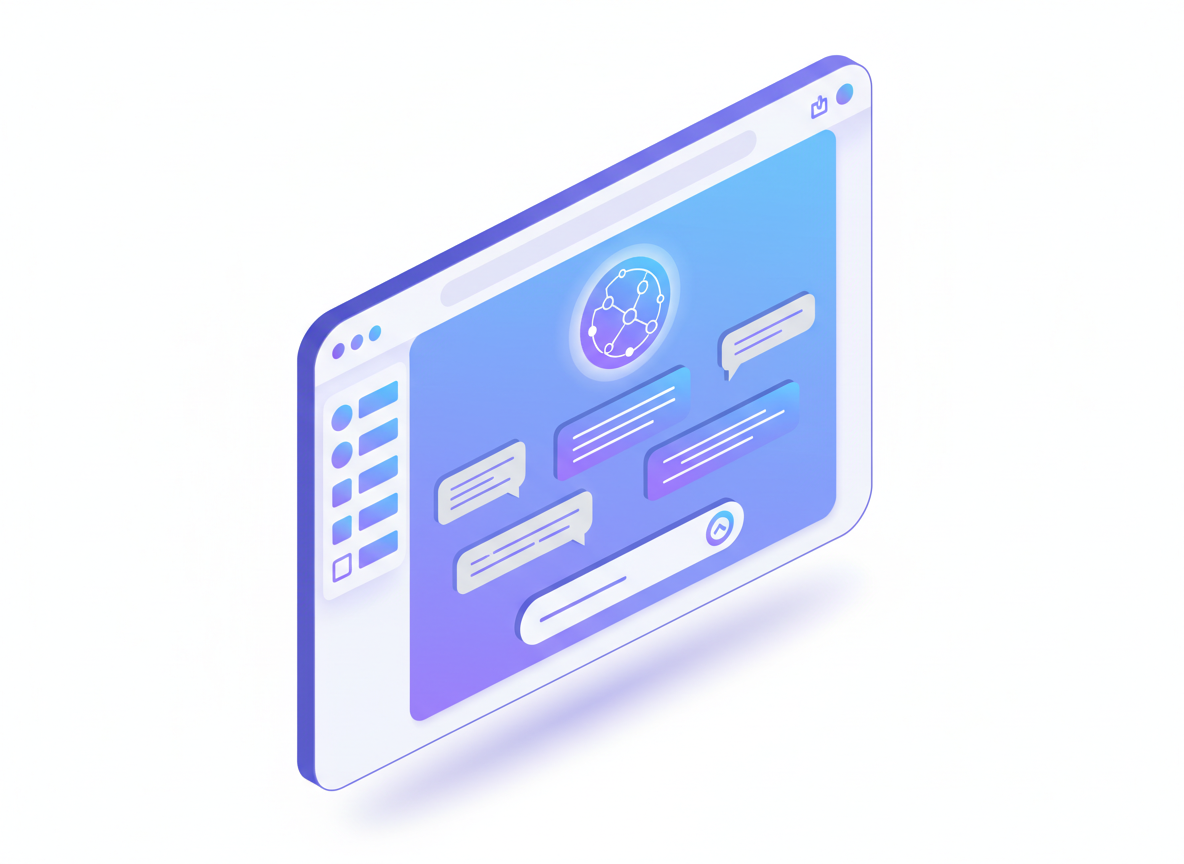
Embed MaxAgent directly into any page of your website with a custom container. Define the exact size and placement. Seamlessly integrate AI assistance without disrupting your existing design.
Get Started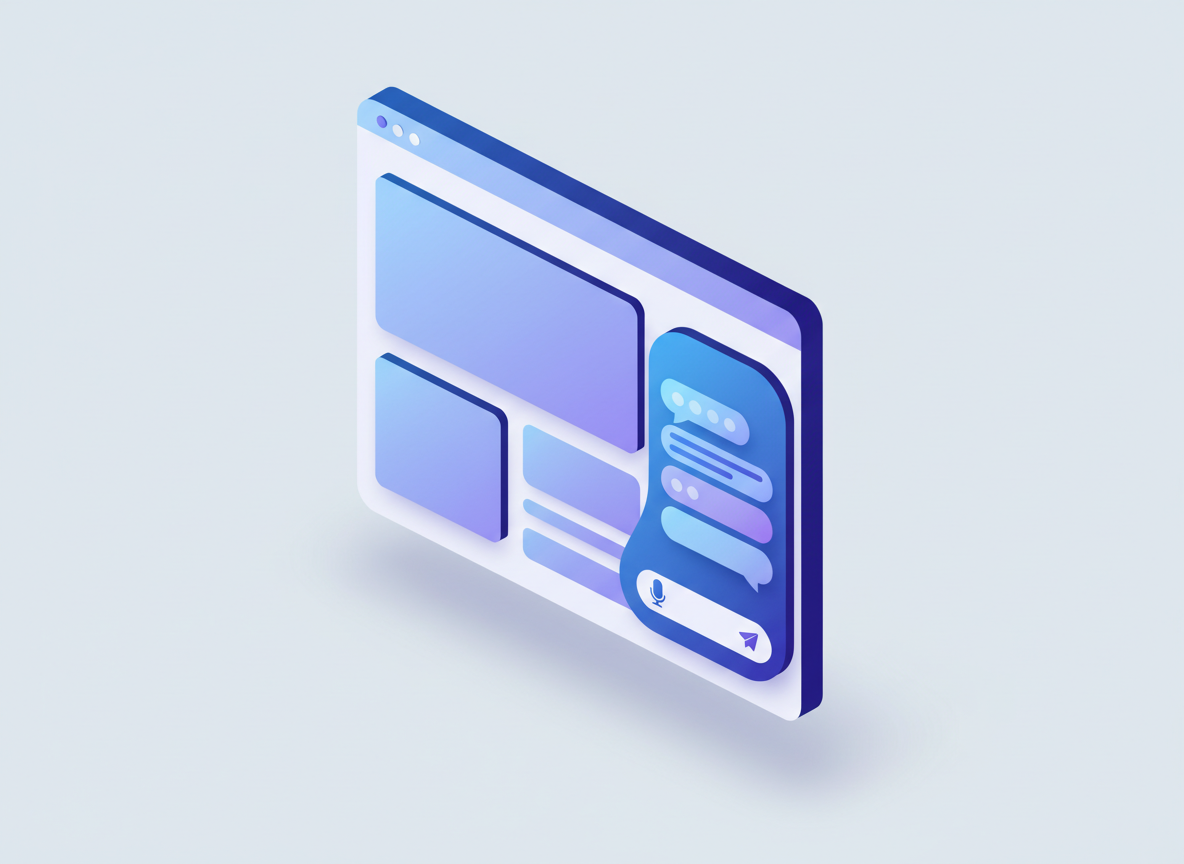
Integrate MaxAgent into your SaaS product, mobile app, or internal tools. Use our JavaScript API for programmatic control - send messages, set user info, start new conversations, and more.
Get Started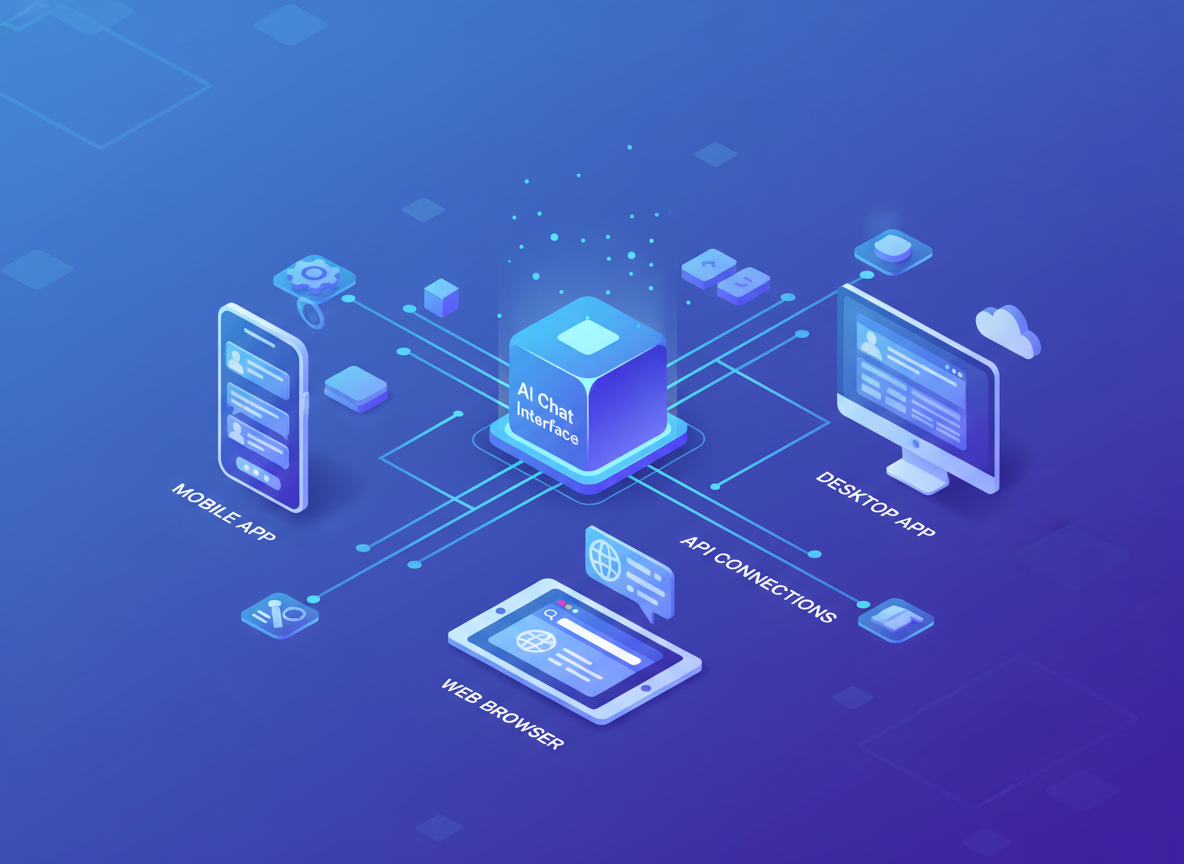
Every aspect of MaxAgent can be customized to match your brand and business needs.
Upload your logo, set your primary brand color, customize the welcome title, and configure the bot name. Your MaxAgent looks like it was built in-house, not a third-party tool.
Get Started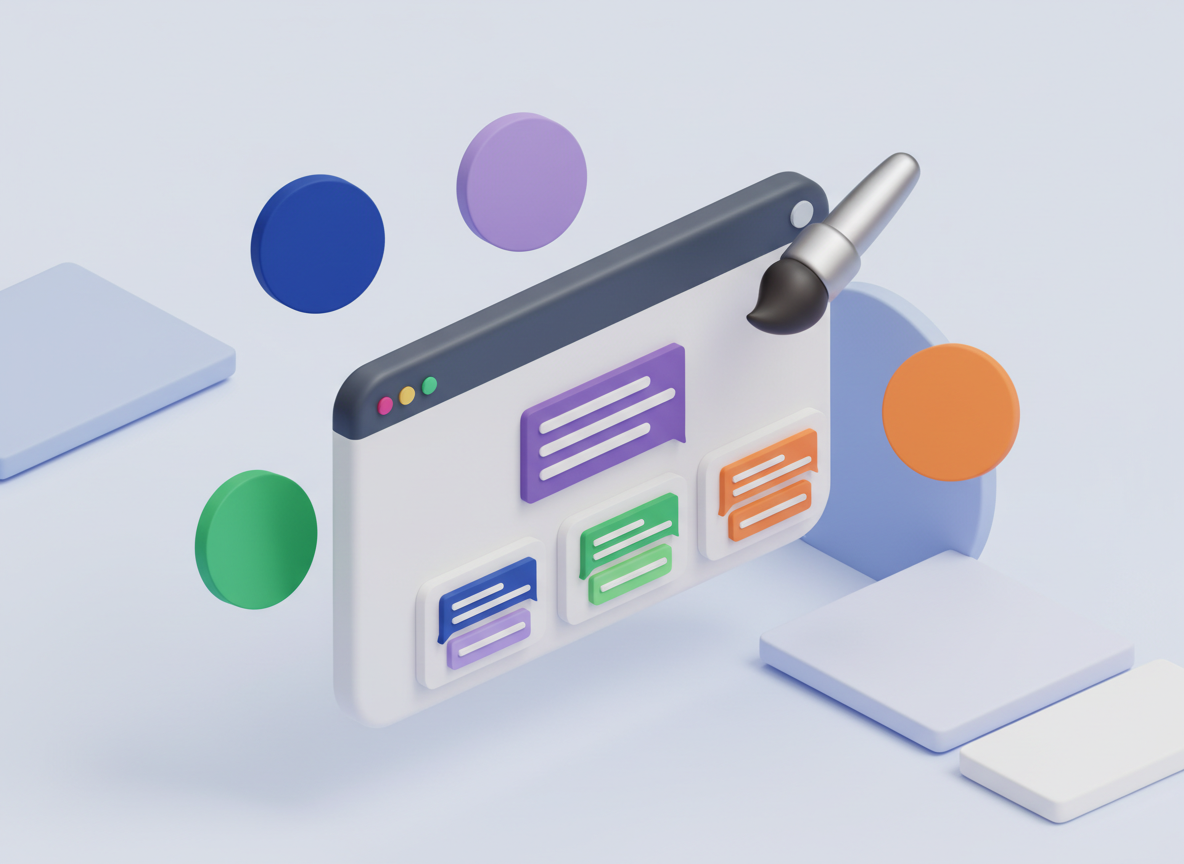
Configure quick action buttons like "Billing", "Book a Call", or "Talk to Human". Add featured action cards that link to external resources, documentation, or booking pages.
Get Started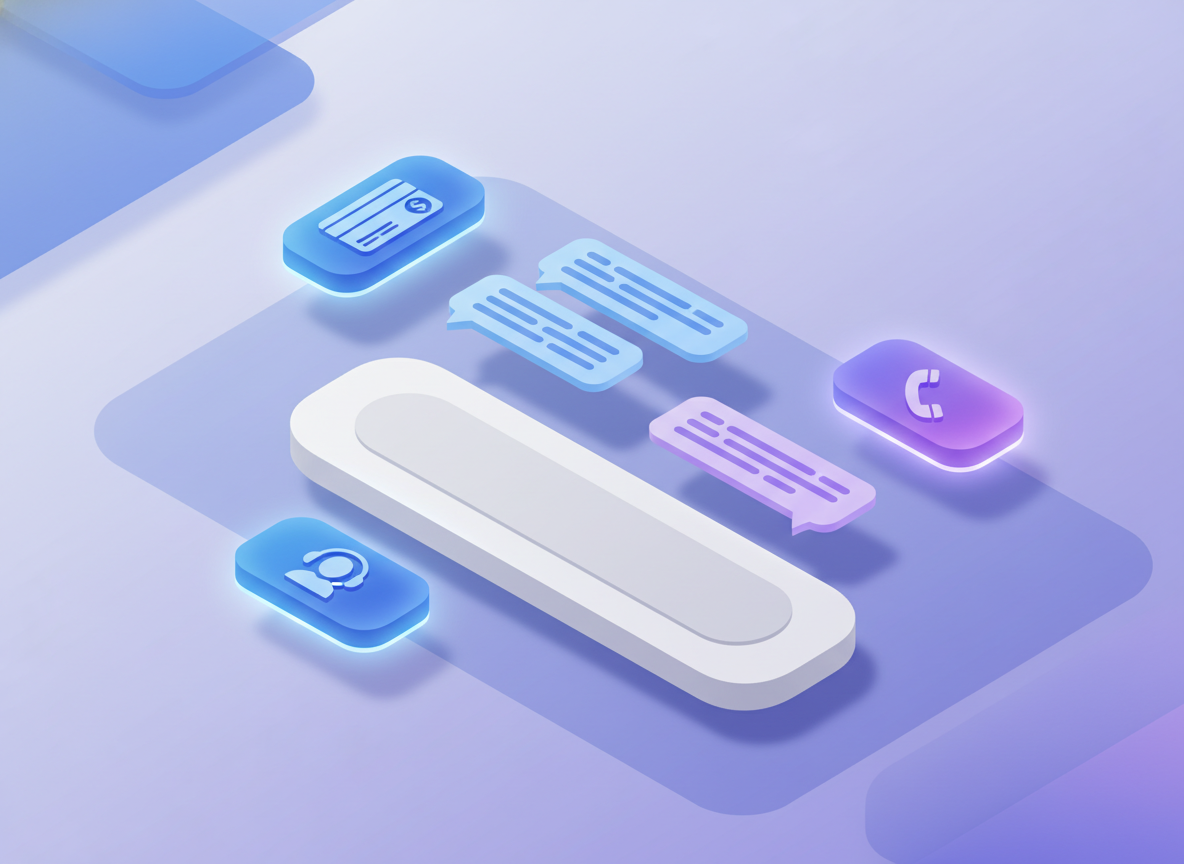
Enable or disable the conversation history sidebar. Let users browse past conversations, search history, and pick up where they left off. Perfect for returning customers.
Get Started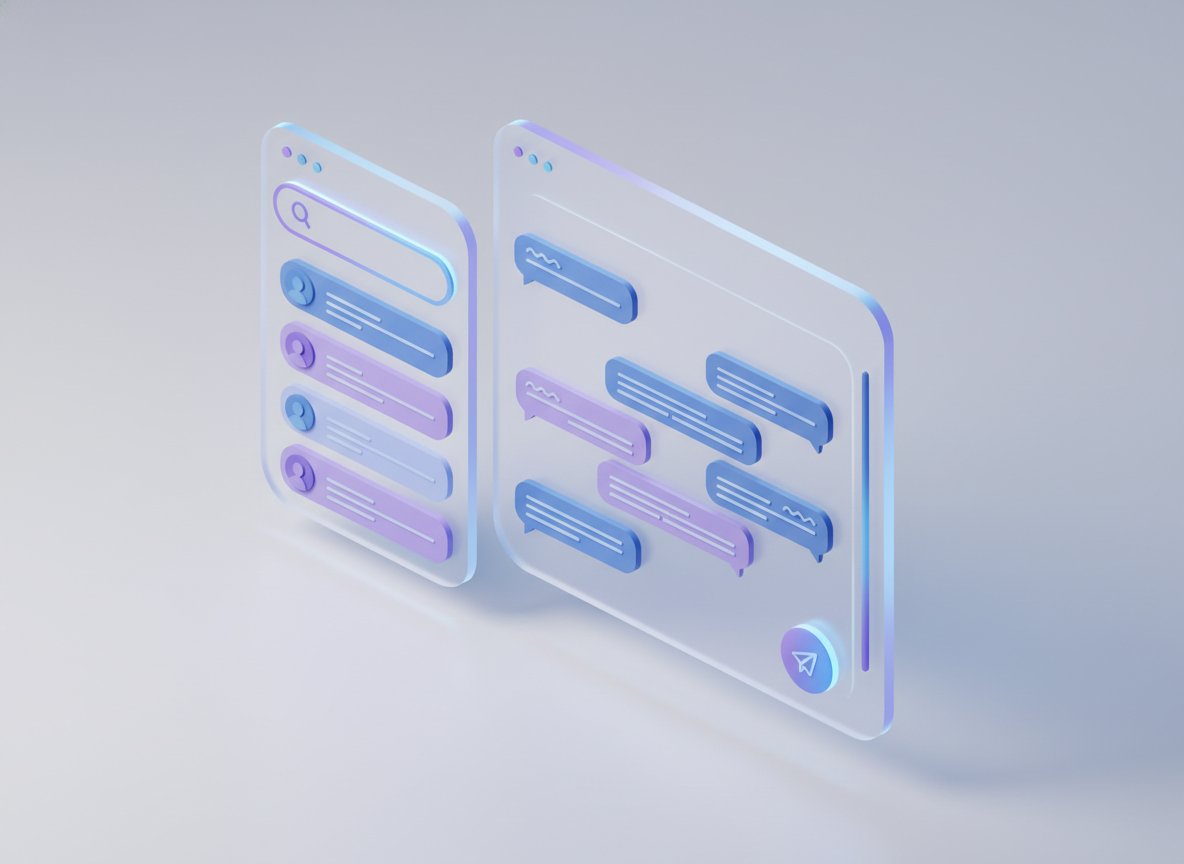
Create your AI agent using ChatMaxima's powerful visual builder with knowledge base training, custom flows, and advanced AI models. Then deploy it through MaxAgent as a branded, ChatGPT-style experience. One bot, unlimited possibilities.
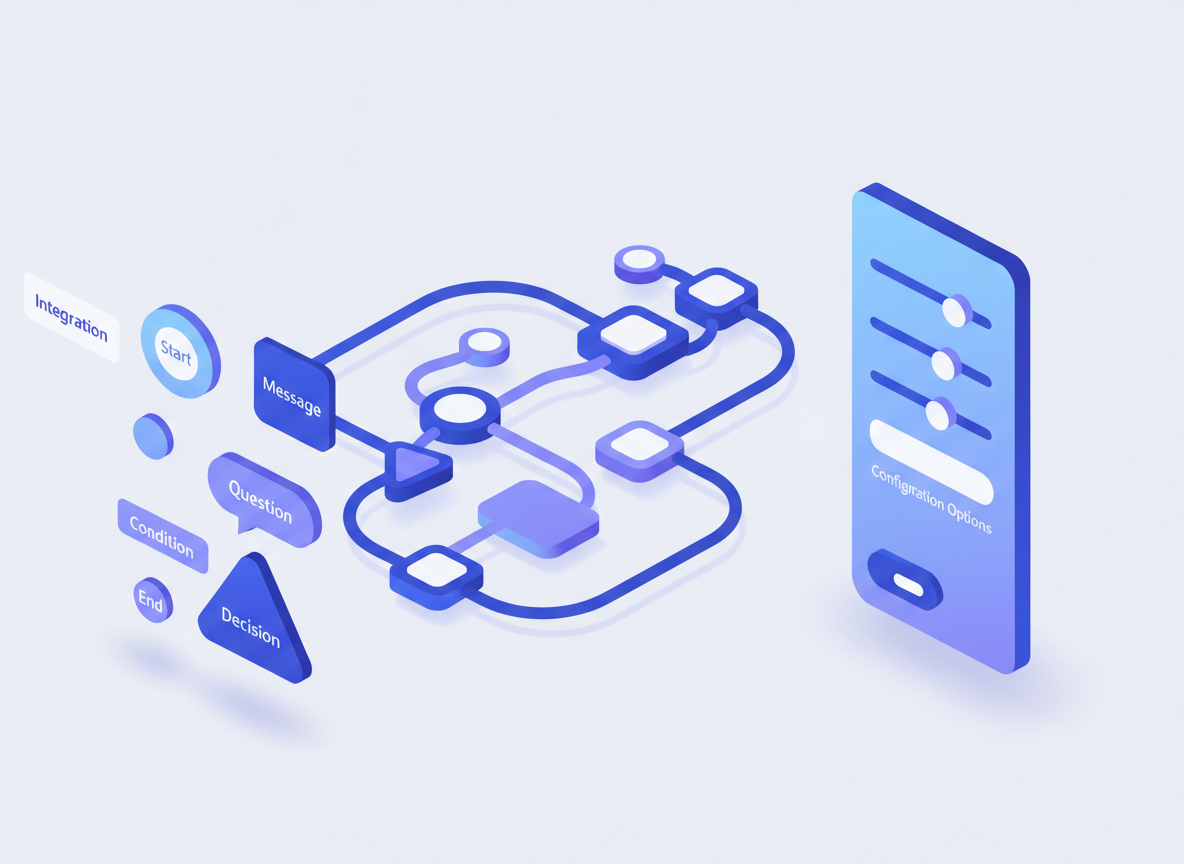
Just add a single script tag to your website. Configure with data attributes. Done.
Use ChatMaxima's visual builder to create your AI agent. Train it on your knowledge base, configure responses, and set up flows.
Copy your unique bot token from the ChatMaxima dashboard. This identifies your specific agent configuration.
Add the MaxAgent embed script to your website with your token. Configure options like theme, colors, and container.
Set your brand colors, configure quick actions, enable/disable sidebar, and go live with your branded AI assistant.
Transform how your customers interact with your business through a modern, AI-powered interface.
100% White-Label: Your brand, your colors, your logo. Customers see your company - not a third-party tool.
No-Code Deployment: Add a single script tag to your site. No developers needed. Live in minutes.
Flexible Deployment: Standalone site, embedded widget, or app integration. Deploy wherever your customers are.
Real-Time AI: Streaming responses, typing indicators, and instant answers powered by ChatMaxima's AI engine.
Configure MaxAgent behavior directly through simple HTML data attributes.
| Attribute | Description | Example |
|---|---|---|
data-token |
Your ChatMaxima bot token (required) | data-token="abc123xyz" |
data-container |
CSS selector for custom container | data-container="#my-chat" |
data-fullpage |
Enable full viewport mode | data-fullpage="true" |
data-theme |
Light or dark mode | data-theme="dark" |
data-primary-color |
Brand primary color (hex) | data-primary-color="#10a37f" |
data-sidebar |
Show/hide conversation sidebar | data-sidebar="false" |
data-language |
Interface language code | data-language="es" |
Get answers to common questions about deploying your branded AI assistant.
MaxAgent is a ChatGPT-style AI assistant interface that you can deploy with your own branding. Build your AI agent using ChatMaxima's visual builder, then launch it as a standalone website, embed it in your site, or integrate it into your application - all with your brand colors, logo, and custom configurations.
While the chat widget appears as a bubble in the corner of your site, MaxAgent provides a full ChatGPT-style experience. It features a welcome screen, quick actions, conversation sidebar, and can be deployed as a standalone page or full-screen application - ideal for support portals and AI-powered service desks.
Yes! You can embed MaxAgent on any page of your website using the script tag. For a completely standalone experience, create a dedicated page on your domain and use the fullpage mode to take over the entire viewport.
No coding required! Just copy the script tag from your ChatMaxima dashboard and paste it into your website. All configuration is done through simple data attributes - no JavaScript knowledge needed.
Yes! MaxAgent exposes a JavaScript API through window.ChatMaximaMaxAgent. You can programmatically send messages, set user information, start new conversations, and even destroy the widget - perfect for deep application integrations.
MaxAgent is available on all ChatMaxima plans. The basic plan includes "Powered by ChatMaxima" branding, while paid plans offer full white-label capability with your own branding only.