










AI-Powered LINE

Automate and Manage Your LINE Official Account Conversations with ChatMaxima's AI

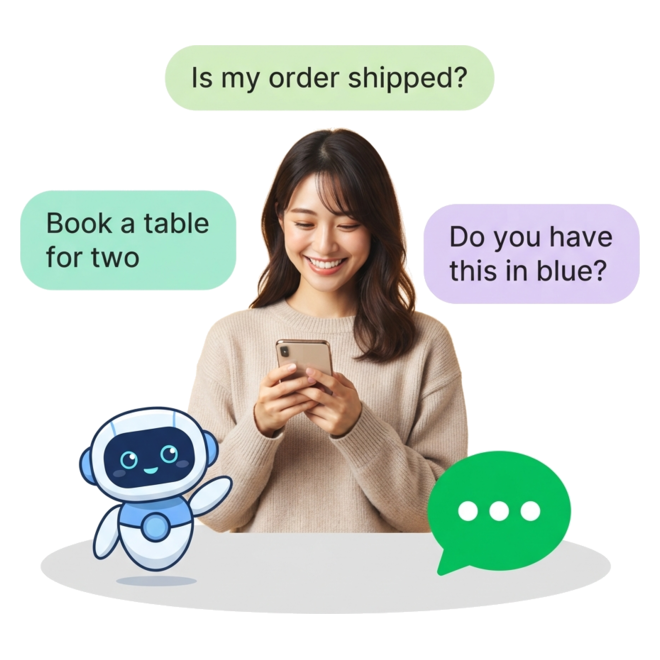
Connect your LINE Official Account to ChatMaxima and answer every customer from one place. Build a no-code chatbot, let an AI agent reply from your knowledge base, and hand the chat to your team in a shared inbox when a person is needed.

AI chatbot and shared team inbox for LINE
Broadcasts, rich menus and Flex Messages
7-day free trial, no credit card
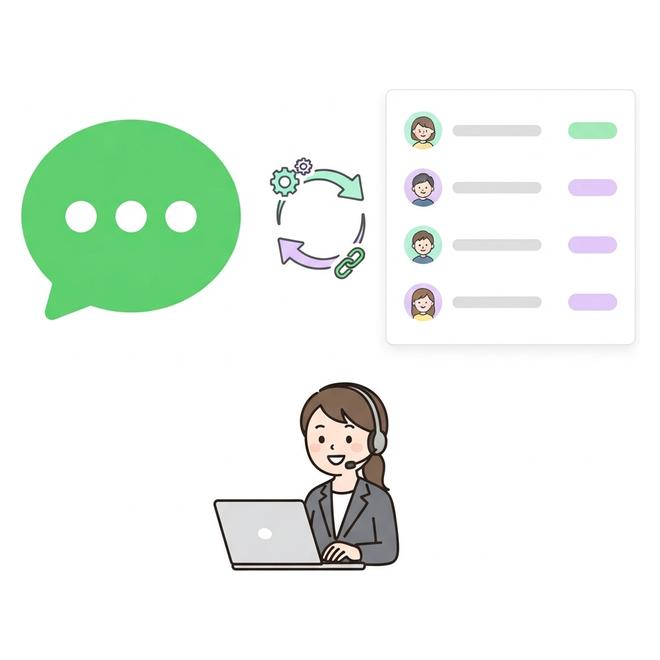
ChatMaxima shared inbox and AI chatbot for a LINE Official Account
End-to-End Automation

From First Message to Follow-Up: Run Your LINE Official Account in One Place

Connect your LINE Official Account in minutes with the channel access token and channel secret from the LINE Developers Console. ChatMaxima sets the webhook for you. From there, a chatbot and an AI agent answer routine questions, your team picks up the rest in a shared inbox, and every contact stays linked to your CRM and business tools.

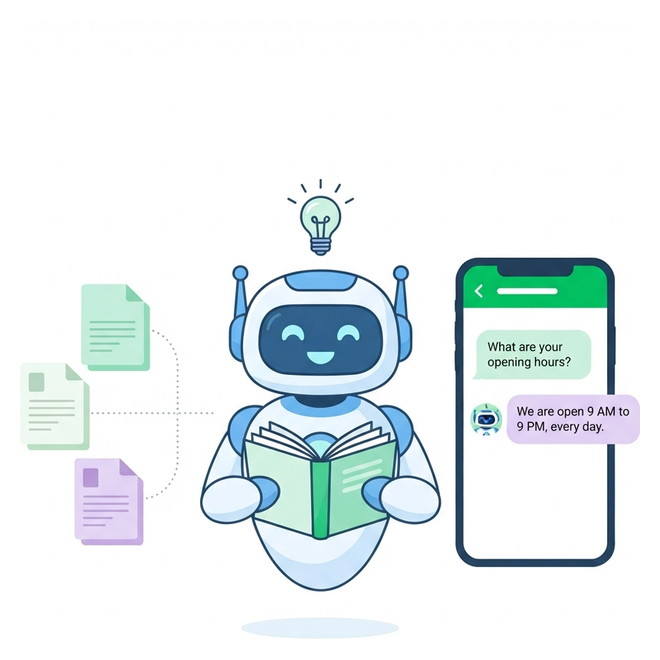
AI agent answering a customer question in a LINE chat
AUTOMATE WITH AI
Let an AI agent answer your LINE customers from your own knowledge base

MaxIA, the ChatMaxima AI agent, replies to LINE messages using the documents, pages and answers you train it on. When a question needs a person, it hands the conversation to your team.

Answers common questions from your knowledge base
Replies at any hour, including outside business hours
Hands over to a human agent when needed
CAPTURE & QUALIFY LEADS
Turn LINE chats into qualified leads

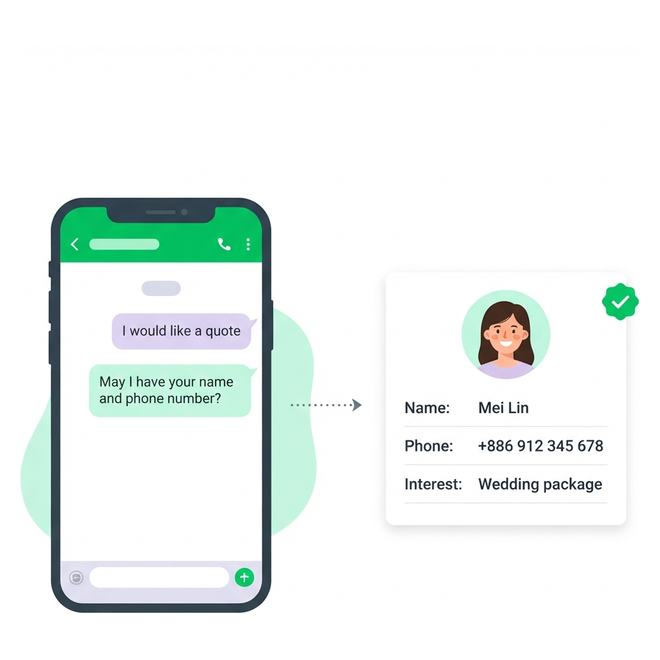
Ask the right questions inside the LINE chat, save the answers on the contact, and pass the lead to the right person. Follow up later with a broadcast to a contact list.

Collect customer details inside the LINE chat
Qualify leads with quick replies and AI chat flows
Follow up with scheduled broadcasts to contact lists
Lead details captured from a LINE conversation
TAILOR-MADE CHAT FLOWS
Design LINE chat flows without code

Build flows in ChatMaxima Studio with drag and drop. Buttons appear on LINE as quick replies, link buttons arrive as a rich card, and a LINE Flex Message block sends your own cards and carousels.

Quick replies and rich link cards on LINE
Flex Message cards and carousels from LINE's simulator
Flows started by a schedule or a webhook
No-code chat flow for a LINE Official Account in ChatMaxima Studio
INTEGRATE WITH CRM
Keep your LINE contacts and conversations in sync

Every LINE contact is saved in ChatMaxima with its conversation history. Send lead details on to your CRM and other business tools from inside a flow.

Pass LINE lead data to your CRM from a flow
One contact record with the full chat history
Connect other tools with webhooks
LINE contact synced to a CRM record
COLLABORATE EFFECTIVELY
Hand over from the bot to your team in a shared LINE inbox

Agents see the whole LINE conversation: text, photos, videos, voice messages, files, locations, stickers and LINE emojis. They can assign the chat, add private notes, and reply to a specific customer message as a LINE quote.

Assign chats, add labels and private notes
Bot to human handover inside the same conversation
Canned responses and departments for faster replies
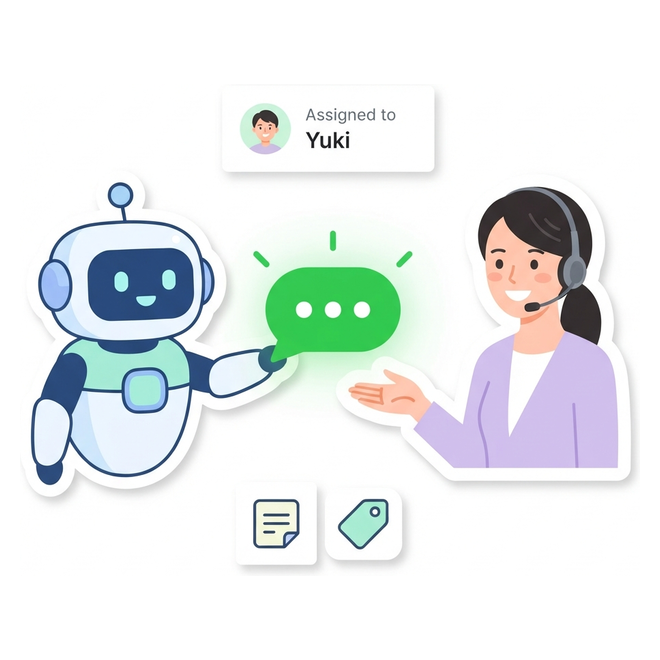
AI agent handing a LINE conversation over to a human agent
Business Messaging Suite

Everything Your Team Needs to Run a LINE Official Account

ChatMaxima adds a chatbot, an AI agent, a team inbox, broadcasts and rich menu management to your LINE Official Account. Here is what you get once the account is connected.

Chatbot for LINE
Chatbot for LINE

Build a LINE chatbot in ChatMaxima Studio without code. Buttons show up as quick replies, link buttons arrive as a rich card, and the MaxIA AI agent answers from your knowledge base.

Shared inbox for LINE
Shared Inbox for LINE

LINE conversations sit next to WhatsApp, Instagram, Facebook Messenger, web chat and email. Assign chats, add labels and private notes, and use canned responses and departments.

LINE broadcasts
LINE Broadcasts

Send a message to your LINE contacts or to a contact list. Schedule it, pause or stop it, and read the report afterwards. These messages count against the monthly quota LINE sets for your account.

LINE rich menu manager
LINE Rich Menus

Create and manage the menu at the bottom of your LINE chat. Pick a grid layout, upload the image, set tap areas that send text to the bot or open a link, and choose the default menu.

LINE Flex Message cards
LINE Flex Messages

Design a card or carousel in LINE's Flex Message Simulator, paste it into the LINE Flex Message block, and send it from any flow. Use it for menus, product cards and booking summaries.

CRM for LINE contacts
CRM for LINE

Each LINE contact gets a record with its conversation history, labels and the details your bot collected. Group contacts into lists and use those lists for broadcasts.

Live chat with LINE customers
Live Chat on LINE

Agents reply with text, images, playable videos and files, and can quote the exact customer message they are answering. The iOS and Android apps send push notifications for new chats.

Integrations for LINE
LINE Integration Tools

Connect LINE conversations to the tools you already use, such as HubSpot, Shopify and WooCommerce, or call your own systems with webhooks from inside a flow.

Reports for LINE broadcasts and conversations
LINE Reports

Every broadcast has a report that shows which sends went out and which ones LINE refused. LINE does not provide delivered or read receipts, so reports cover sends, not opens.

LINE by the Numbers: Where Your Customers Already Chat

LINE is the leading messaging app in Japan, Thailand and Taiwan. If you sell in these markets, a LINE Official Account is where customers expect to reach you.

~190M
Monthly Active Users
About 190 million people use LINE every month, most of them in Japan, Thailand and Taiwan.
100M
Users in Japan
Japan is LINE's largest market, with about 100 million monthly users.
No. 1
Leading Messaging App
LINE is the leading messaging app in Japan, Thailand and Taiwan.
1 Inbox
All Your Channels
Answer LINE next to WhatsApp, Instagram, Facebook Messenger, web chat and email.
Who Uses ChatMaxima?

ChatMaxima for LINE Official Account suits businesses that already talk to customers on LINE and want faster answers with less manual work. Shops, clinics, salons, restaurants, hotels, schools and property agencies use it to answer questions, take bookings and send updates to customers who have messaged them.

Retail & E-commerce

Answer product, stock and delivery questions on LINE

Show products as Flex Message cards and carousels

Broadcast new arrivals and offers to contact lists

"Hi [Name], your order [Order ID] has shipped. Reply here on LINE if you have any questions about delivery."

Clinics & Beauty

Take appointment requests in the LINE chat

Answer questions about treatments, prices and opening hours

Put booking and contact shortcuts in the rich menu

"Hi [Name], your appointment at [Clinic Name] is on [Date] at [Time]. Reply here on LINE if you need to change it."

Restaurants & Food Delivery

Share the menu as a Flex Message carousel

Take table reservations and order questions on LINE

Broadcast daily specials to customers who follow you

"Your table for [Guests] at [Restaurant Name] is booked for [Date] at [Time]. See you soon!"

Travel & Hospitality

Answer booking and check-in questions on LINE

Send locations, directions and itinerary details

Let an AI agent answer guests outside front desk hours

"Your stay at [Hotel Name] starts on [Date]. Check-in opens at [Time]. Message us here on LINE for anything you need."

Education

Answer course and admission questions on LINE

Collect enquiry details with a no-code flow

Broadcast class schedules and announcements

"Reminder: your trial class for [Course] starts on [Date] at [Time]. Reply here on LINE if you have questions."

Real Estate

Qualify property enquiries with quick replies

Share listings as Flex Message cards with photos

Assign each enquiry to the right agent

"Your viewing at [Address] is set for [Date] at [Time]. Reply here on LINE if you would like another time."

Answer LINE Customers from Your Phone

The ChatMaxima app for iOS and Android brings your LINE Official Account conversations to your phone. Get a push notification for each new chat and reply wherever you are.

What ChatMaxima Adds

LINE Official Account Manager Alone vs LINE with ChatMaxima

LINE Official Account Manager is a good place to start: you can chat with customers, send broadcasts and set up a rich menu there. ChatMaxima connects to the same account through the Messaging API and adds an AI agent, a flow builder, your other channels and your business tools.

Features
LINE with ChatMaxima
LINE Official Account Manager Alone
One-to-One Chat with Customers
Yes, in a shared team inbox Yes
Broadcasts and Rich Menus
Yes Yes
AI Agent Trained on Your Knowledge Base
Yes, with handover to a human Basic auto replies
No-Code Flow Builder
Yes, drag and drop in ChatMaxima Studio Not included
Custom Flex Message Cards in a Flow
Yes, with the LINE Flex Message block Needs your own Messaging API development
Other Channels in the Same Inbox
WhatsApp, Instagram, Facebook Messenger, web chat and email LINE only
CRM & E-commerce Integrations
HubSpot, Shopify, WooCommerce & more, plus webhooks Needs your own Messaging API development
Flows Started by a Schedule or Webhook
Yes, for contacts who have messaged you Not included
Delivered and Read Receipts
Not provided by LINE Not provided by LINE

If one person answers a few LINE chats a day, LINE Official Account Manager may be all you need. When you want automation, a team inbox or more channels, connect the account to ChatMaxima.

Start Your Free Trial
Use Cases

How Businesses Use a LINE Official Account with ChatMaxima

Answer Product Questions and Show Your Catalog on LINE

Challenge: Shoppers ask the same questions about stock, sizes and delivery on LINE, and replies wait until someone is free.

Solution: An AI agent answers from your product and policy pages, a Flex Message carousel shows the products, and staff take over for anything unusual.

What you get:

Routine questions answered without waiting for staff

Product cards with photos and links inside the chat

Offers sent as broadcasts to the contact lists you choose

Example reply: "Yes, [Product] is in stock in size M. Tap the card below to see colors and order."

Marketing team using ChatMaxima
Take Appointment Requests in the LINE Chat

Challenge: Clinics and salons get booking requests on LINE all day, and the front desk has to stop work to answer each one.

Solution: A flow collects the service, preferred day and contact details with quick replies, then assigns the chat to the front desk to confirm.

What you get:

Booking details collected before a person steps in

A rich menu with shortcuts for booking, prices and location

Scheduled flows that message patients who have chatted with you

Example reply: "Thanks, [Name]. We have your request for [Service] on [Date]. Our front desk will confirm the time shortly."

Sales team using ChatMaxima
Share the Menu and Take Reservations on LINE

Challenge: During service hours nobody has time to answer LINE messages about the menu, opening hours or a table for tonight.

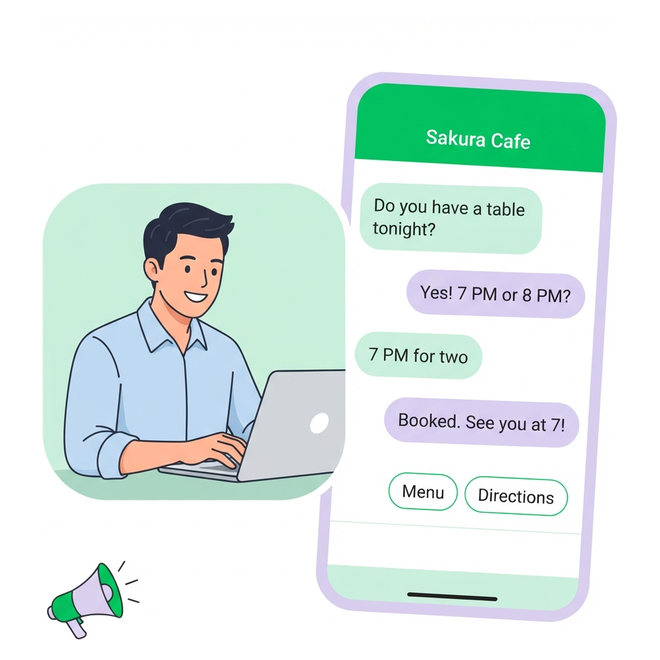
Solution: The rich menu opens the food menu and the reservation flow, and the bot collects party size, date and time before staff confirm.

What you get:

The menu shown as a Flex Message carousel with photos

Reservation requests collected by the bot

Daily specials sent as a scheduled broadcast

Example reply: "Got it: a table for [Guests] on [Date] at [Time]. We will confirm in a moment."

Finance team using ChatMaxima
Answer Guests on LINE Before and During Their Stay

Challenge: Guests message at all hours about check-in, directions and facilities, often when the front desk is busy or closed.

Solution: An AI agent answers from your guest information, and requests that need staff are assigned to the right department.

What you get:

Answers for guests outside front desk hours

Photos, files and locations visible to agents in the inbox

Departments so each request reaches the right team

Example reply: "Check-in opens at [Time]. Here is how to reach us from the station. Would you like to talk to our front desk?"

HR team using ChatMaxima
Handle Course Enquiries and Announcements on LINE

Challenge: Schools and coaching centers answer the same questions about courses, fees and schedules for every new enquiry.

Solution: A flow answers course questions, collects the student's details, and passes serious enquiries to a counselor.

What you get:

Enquiry details saved on the contact

Counselors see the full conversation before they reply

Schedule changes and announcements sent as broadcasts

Example reply: "The next [Course] batch starts on [Date]. Would you like a counselor to call you about fees and timings?"

Sales team using ChatMaxima
Sign up for ChatMaxima

See ChatMaxima Working on Your LINE Official Account

Book a short demo and we will show you the chatbot, the AI agent, the shared inbox, broadcasts and rich menus on a LINE Official Account, and answer your questions about setup.

Prefer to try it yourself? Start the 7-day free trial, no credit card needed.

Book a demo
FAQs Answered

Have Questions? We've Got All the Answers

Straight answers about connecting a LINE Official Account to ChatMaxima, what works, and what LINE itself does not allow.

ChatMaxima connects to your LINE Official Account through the LINE Messaging API. It gives you a no-code chatbot builder, an AI agent that answers from your knowledge base, a shared team inbox, broadcasts and rich menu management, all for the same LINE account your customers already message.

Yes. A free LINE Official Account works. Keep in mind that messages your business starts, such as broadcasts, count against the monthly message quota that LINE sets for your account.

Yes. MaxIA, the ChatMaxima AI agent, answers LINE messages from the knowledge base you give it. When a customer asks for a person, or the question is outside what it knows, it hands the conversation to a human agent in the shared inbox.

Yes. You can send a message to your LINE contacts or to a contact list, schedule it, pause or stop it, and read a report afterwards. A contact must have messaged your LINE Official Account before you can message them, and broadcast messages count against your LINE monthly message quota.

Flex Messages are custom cards and carousels with your own layout, images and buttons. Design one in LINE's Flex Message Simulator, paste it into the LINE Flex Message block in ChatMaxima Studio, and send it from any flow.

No. LINE does not provide delivered or read receipts for LINE Official Account messages, so ChatMaxima cannot show them. Reports show which messages were sent and which ones LINE refused.

Yes. LINE conversations appear in the same shared inbox as WhatsApp, Instagram, Facebook Messenger, web chat and email, so your team works from one screen and uses the same labels, notes and canned responses.

Open the LINE Developers Console, enable the Messaging API for your LINE Official Account, and copy the channel access token and the channel secret. Paste both into ChatMaxima. ChatMaxima sets the webhook automatically, so setup takes a few minutes and needs no coding.

You build flows in ChatMaxima Studio with drag and drop. Buttons appear on LINE as quick replies, link buttons arrive as a rich card, and the LINE Flex Message block sends custom cards and carousels. A flow can also be started by a schedule or a webhook and message a known LINE contact first.

Agents see text, photos, videos, voice messages, files, locations, stickers and LINE emojis, and which message a customer replied to. They can reply with text, images, playable videos and files, and can answer a specific customer message as a LINE quote. Documents and audio are delivered to the customer as a link.

Yes. You can create and manage the menu shown at the bottom of your LINE chat: choose a grid layout, upload the image, set tap areas that send text to the bot or open a link, and pick which menu is the default.

No. ChatMaxima handles one-to-one chats between a customer and your LINE Official Account. Group chats are not handled, and LINE Login and LIFF apps are not part of this integration.

Yes. The ChatMaxima mobile app for iOS and Android shows your LINE conversations with the rest of your inbox and sends a push notification when a new message arrives.

ChatMaxima has a 7-day free trial with no credit card required. Plans are listed on the pricing page. LINE may charge separately for messages beyond the monthly quota of your LINE Official Account plan.

Call us
Chat with us
Schedule Call