
IT & Software Chatbot Templates
IT teams are overwhelmed with repetitive tickets. Browse 8+ templates that resolve 60-70% of common IT issues automatically, from password resets to software troubleshooting and new employee onboarding.
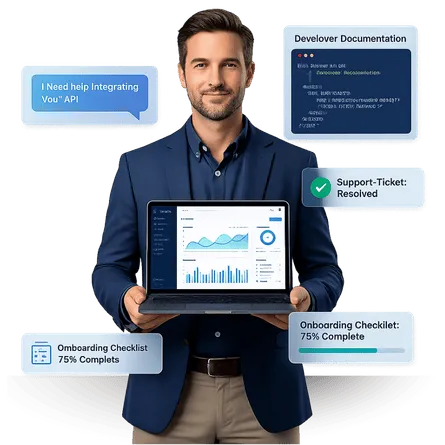
Most IT Tickets Are Repetitive and Should Not Require a Human
60-70% of support tickets are password resets, access requests, and VPN setup. These templates handle Tier-1 automatically, plus onboard new employees and serve as conversational knowledge base interfaces. IT staff get freed up for complex infrastructure work while employees get instant resolutions instead of waiting in a ticket queue. Clone a template, customize it with your systems and policies, and start reducing ticket volume from day one.
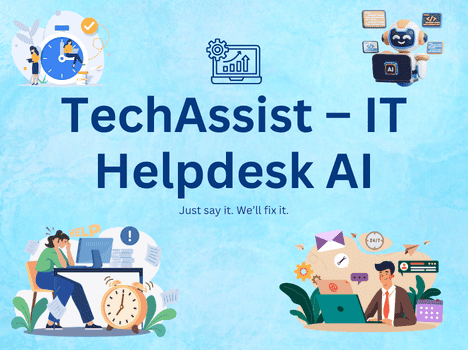
TechAssist – IT Helpdesk Specialist
Create support tickets, troubleshoot issues, and resolve tech problems
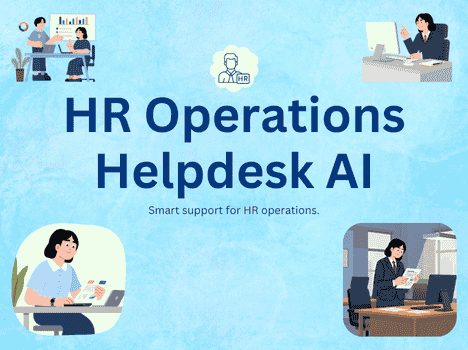
WorkWise – HR Operations Guide
Submit leave requests, check payroll, and navigate HR policies by voice
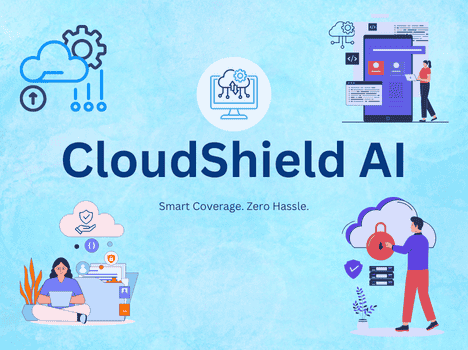
CloudShield – SaaS Insurance Advisor
Navigate cyber liability, E&O coverage, and data breach response
OptiBot – TechOps & QA Automation Assistant
Triage incidents, support deployments, and resolve QA queries fast
RecruitPro – Hiring & Recruitment Assistant
Screen candidates, schedule interviews, and streamline hiring by voice
SyncAssist – Multi-Calendar Booking Assistant
Sync calendars, coordinate meetings, and manage all bookings in one place
WhatsApp OTP Template - ChatMaxima API
Send WhatsApp OTP authentication codes, utility alerts, and marketing messages to users worldwide vi...
WorkEase - Remote Work Companion
AI-powered productivity assistant that helps remote workers stay focused, organized, and efficient t...
SSL Expiry Notification System using Email and Google Sheets
Never miss an SSL certificate expiry—track, monitor, and get instant email alerts directly from Go...

HRMate – Employee Support Assistant
Handle leave requests, onboarding, and policy questions automatically
What IT and Software Bots Can Do
These templates cover every aspect of IT support operations, from helpdesk ticket automation and password resets to new employee onboarding, bug reporting, and knowledge base search. Each template is ready to deploy on your internal channels and website.
Helpdesk Ticket Automation
Automatically categorize, prioritize, and resolve common IT tickets. The bot handles Tier-1 issues instantly while routing complex problems to the right specialist with full context.
Password Reset and Account Recovery
Verify user identity through security questions or multi-factor authentication, then guide them through secure password reset or account recovery without IT staff involvement.
New Employee IT Onboarding
Walk new hires through account setup, software installation, VPN configuration, security policies, and tool access requests with step-by-step guided conversations.
Bug Reporting and Tracking
Collect structured bug reports with environment details, reproduction steps, severity classification, and screenshots through a guided conversational flow that ensures complete information.
Knowledge Base Lookup
Turn your documentation into a conversational interface. Employees ask questions in natural language and receive relevant articles, guides, and troubleshooting steps instantly.
Asset and License Management
Track hardware assignments, software license allocation, renewal dates, and equipment requests through automated workflows that keep your IT asset inventory accurate.
Deploy an IT Support Bot in 3 Steps
Go from browsing to a live IT helpdesk chatbot in minutes. Pick a template, customize it with your systems and policies, and publish across every channel your employees use. No coding, no expensive consultants, just results from day one.
Browse and Preview
Explore IT chatbot templates above. Preview any template to see helpdesk automation, password reset flows, and onboarding workflows before you clone it.
Clone and Customize
Clone any template into your workspace with one click. Add your company's systems, software list, security policies, and support procedures using the no-code AI Studio builder.
Deploy to Any Channel
Publish your IT bot to your website, Slack, Microsoft Teams, WhatsApp, and more simultaneously. One bot, every channel, all interactions in one inbox.
Templates for Every IT and Software Function
Whether your team manages an internal helpdesk, cybersecurity operations, cloud infrastructure, software development, network administration, or HR-IT collaboration, there is a template built for your specific function. Each one comes pre-configured with the workflows your team needs.
IT Helpdesk
Ticket automation, password resets, access requests, troubleshooting guides, escalation routing
Cybersecurity
Incident reporting, phishing alerts, security policy guidance, compliance checks
Cloud and DevOps
Deployment status, environment provisioning, monitoring alerts, resource scaling requests
Software Development
Bug reporting, feature requests, release notes, API documentation, code review tracking
Network and Infrastructure
Connectivity issues, VPN setup, network access requests, outage notifications
HR-IT Collaboration
New hire provisioning, offboarding checklists, role-based access, equipment requests
Built for IT and Software Operations
ChatMaxima gives IT teams the tools to automate helpdesk operations, onboard employees, manage knowledge bases, and track assets through a single platform. Everything works across web, Slack, Teams, and WhatsApp with no coding required.
Identity-Verified Password Reset
The bot verifies user identity through security questions or multi-factor authentication before initiating a secure password reset. Employees regain access in minutes instead of waiting for IT staff availability.
Structured Bug Reports
The bot collects environment details, browser version, reproduction steps, expected vs actual behavior, and severity through a guided flow, ensuring developers receive complete, actionable reports every time.
AI Knowledge Base Search
Employees ask questions in natural language and receive relevant articles, troubleshooting guides, and how-to documentation from your knowledge base instantly, without navigating complex wiki structures.
New Hire IT Onboarding
Walk new employees through account creation, software installation, VPN setup, security training, and tool access requests with a step-by-step conversational guide that replaces manual onboarding checklists.
Explore More Industry Templates
IT chatbots share many capabilities with templates built for other industries. Browse related industry pages to find additional templates for SaaS support, manufacturing, healthcare IT, and education technology.
Cut IT Ticket Volume by 60 Percent
Clone an IT template and automate helpdesk operations, password resets, and employee onboarding. Free to start.
No credit card required · Free forever plan · Live in under 15 minutes
Frequently Asked Questions About IT Chatbots
Get answers to common questions about using chatbots for helpdesk automation, password resets, employee onboarding, and knowledge base management in IT departments.
Yes. The bot verifies user identity through security questions or multi-factor authentication before initiating a password reset. The entire process is secure and employees regain access in minutes.
The bot asks targeted questions to identify the issue category, severity, and affected systems. It resolves Tier-1 issues automatically and routes complex tickets to the right specialist with full context attached.
Yes. The onboarding bot walks new hires through account setup, software installation, VPN configuration, security policy acknowledgment, and tool access requests step by step.
Yes. The bug reporting bot guides users through providing environment details, reproduction steps, expected vs actual behavior, severity level, and screenshots to ensure complete and actionable reports.
Yes. Employees ask questions in natural language and the bot returns relevant articles, troubleshooting guides, and documentation from your knowledge base without navigating complex wiki structures.
Yes. The asset management bot tracks hardware assignments, software license allocations, renewal dates, and handles equipment requests and returns through automated workflows.
Yes. ChatMaxima integrates with popular IT tools and can connect to your ticketing system, directory services, and monitoring platforms through webhooks and API integrations.
Yes. ChatMaxima offers a 7-day free trial. Clone any IT template and test helpdesk automation, password resets, and knowledge base search with full access.