
Running a Shopify store in 2026 means competing with thousands of other merchants for the same customer attention. The stores that win are the ones that respond instantly, recover abandoned carts before buyers forget, and provide around-the-clock support without burning through their payroll.
A shopify chatbot does all of this without requiring a single line of code. This guide walks you through the full setup process, from choosing the right tool to launching a working bot on your store in under 30 minutes.
Why Your Shopify Store Needs a Chatbot in 2026
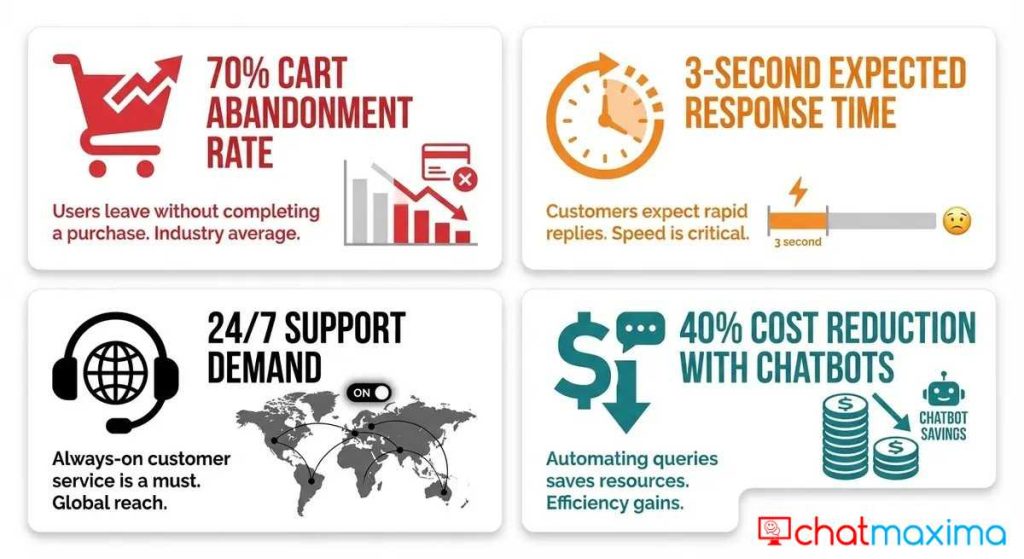
Online shoppers in 2026 expect immediate answers. Research from Baymard Institute shows that the average cart abandonment rate still hovers around 70%, and slow or missing customer support is one of the top reasons people leave without buying.
A chatbot addresses this directly. When a visitor lands on your product page at 2 AM with a question about sizing, the bot answers immediately. When someone adds items to their cart and starts to navigate away, the bot triggers a recovery message with a discount code or a helpful nudge.
Here is what a well-configured ecommerce chatbot handles for your Shopify store:
-
- Instant product answers – Sizing, shipping times, return policies, and stock availability
- Cart recovery – Automated messages when a shopper abandons checkout
- Order tracking – Customers check their order status without emailing your support team
- Lead capture – Collect emails and phone numbers from browsing visitors
- Upselling and cross-selling – Suggest complementary products based on what is in the cart
The math is straightforward. If you recover even 10% of abandoned carts on a store doing $50,000 per month in sales, that is an extra $5,000 in revenue from a tool that costs less than $20 per month.
How to Choose the Best Chatbot for Shopify
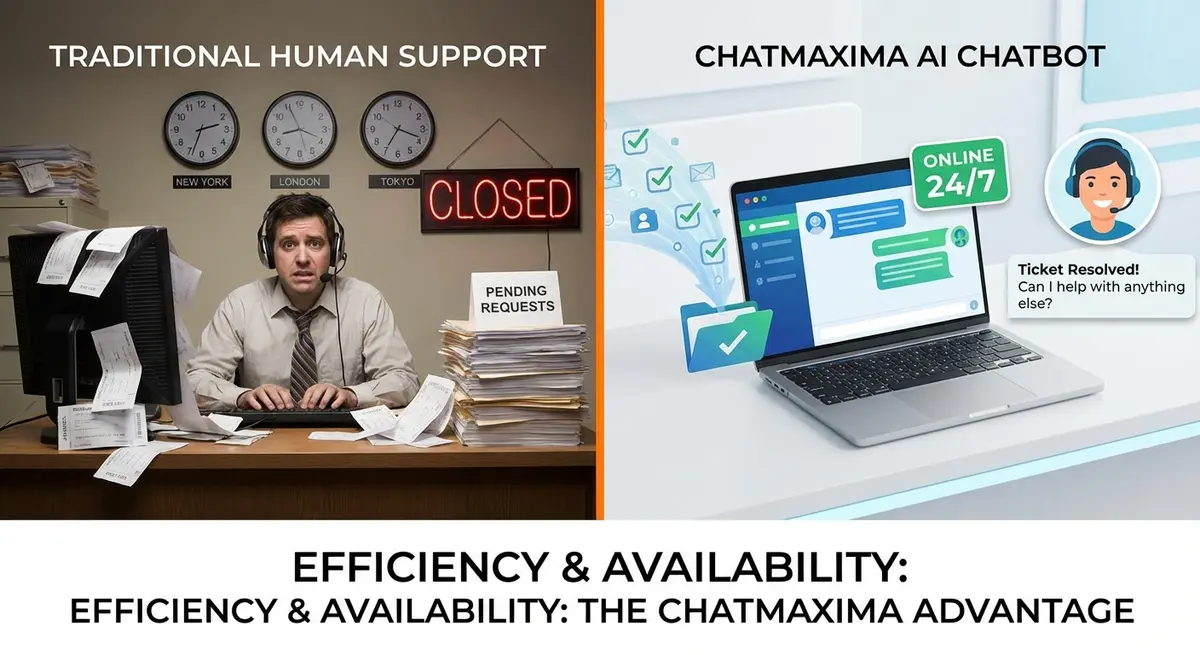
Not every chatbot platform works well with Shopify. Some are built for enterprise teams with dedicated developers. Others lack the e-commerce integrations you need for cart recovery and order tracking.
When evaluating the best chatbot for shopify, focus on these five criteria:
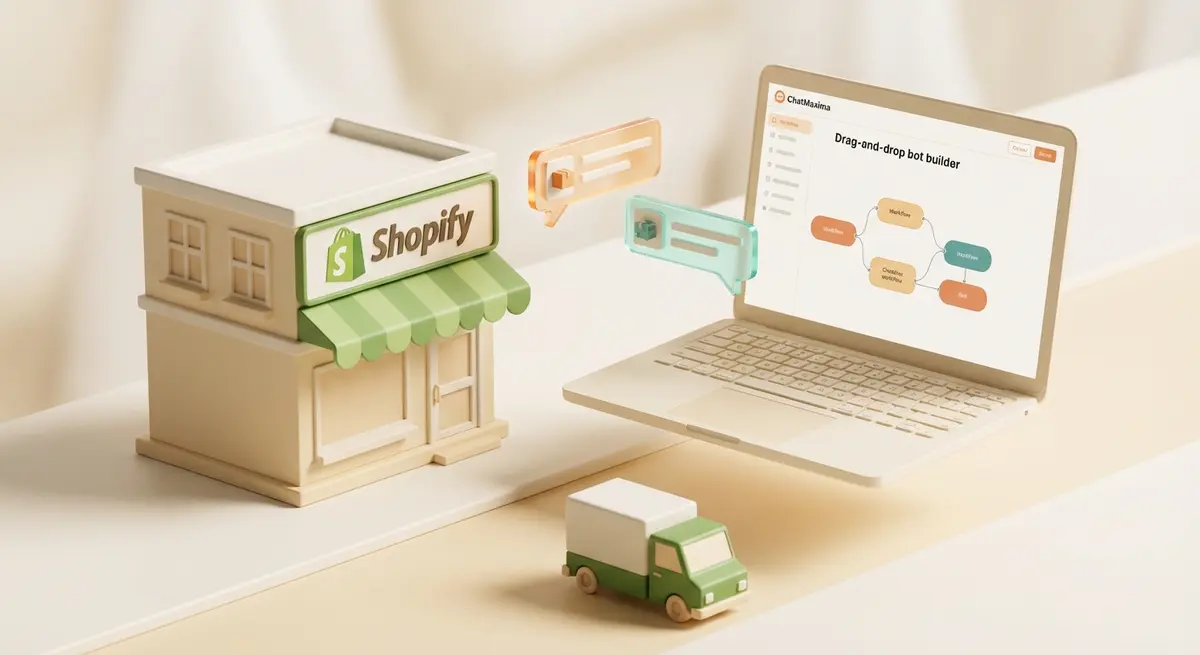
No-code builder – You should be able to create conversation flows by dragging and dropping elements, not writing JavaScript. ChatMaxima’s visual bot builder lets you design complete chatbot workflows without touching code.
Shopify integration depth – The chatbot needs access to your product catalog, order data, and customer information. Surface-level integrations that only embed a chat widget are not enough. Look for platforms with deep e-commerce and CRM integrations that sync your Shopify data in real time.
AI-powered conversations – Rule-based bots that follow rigid scripts feel robotic and frustrate customers. In 2026, your chatbot should understand natural language, handle follow-up questions, and provide contextual answers drawn from your product data and knowledge base.
Multi-channel support – Your customers are not only on your website. They message you on WhatsApp, Instagram, and Facebook Messenger. The best platforms let you deploy a single bot across all these channels from one dashboard.
Affordable pricing – Many chatbot platforms charge per conversation or per contact, which gets expensive fast for high-traffic Shopify stores. ChatMaxima offers unlimited AI conversations starting at $19 per month, which makes it one of the most cost-effective options for growing e-commerce businesses.
Step-by-Step: Setting Up a Shopify Chatbot with ChatMaxima
This walkthrough takes you from zero to a working chatbot on your live Shopify store. The entire process takes about 20 to 30 minutes.
Step 1: Create Your ChatMaxima Account
Go to ChatMaxima and sign up for a free trial. No credit card is required. Once inside the dashboard, you will see options for creating chatbots, managing conversations, and connecting channels.
Step 2: Connect Your Shopify Store
Navigate to the Integrations section. ChatMaxima connects with over 200 popular tools and platforms, including Shopify. Enter your Shopify store URL and authorize the connection. This gives the chatbot access to your product catalog, order data, and customer information.
Step 3: Train the Bot on Your Store Data
Upload your product documentation, FAQs, return policy, and shipping information. ChatMaxima’s AI ingests this data and uses it to answer customer questions accurately. You can also point the bot at your website URL, and it will automatically crawl and learn from your existing content.
This is where the real power of shopify ai customer service comes in. Instead of building rigid question-and-answer pairs, the AI understands the intent behind customer questions and pulls the right information from your knowledge base.
Step 4: Build Your Conversation Flows
Open the visual flow builder and create your primary chatbot workflows:
-
- Welcome flow – Greets visitors and asks how it can help
- Product inquiry flow – Answers questions about specific products by pulling catalog data
- Cart recovery flow – Triggers when a shopper has items in their cart but stops interacting
- Order status flow – Lets customers enter their order number and get tracking updates
- Human handoff flow – Escalates complex issues to a live agent
Each flow uses drag-and-drop blocks. You connect triggers, conditions, messages, and actions without writing any code.
Step 5: Customize the Chat Widget
Match the chatbot widget to your store’s branding. Set your brand colors, upload your logo, write a welcome message, and choose where the widget appears on your site. You can configure it to show on all pages or only on specific ones like product pages and the checkout page.
Step 6: Install on Your Shopify Store
ChatMaxima provides a small JavaScript snippet. In your Shopify admin, go to Online Store, then Themes, then Edit Code. Paste the snippet into your theme.liquid file just before the closing body tag. Save the file, and your chatbot is live.
Alternatively, you can use the ChatMaxima Shopify app from the Shopify App Store for a one-click installation that skips the code snippet entirely.
Step 7: Test and Go Live
Open your store in a private browser window and test each conversation flow. Ask product questions, trigger the cart recovery message, and try the order tracking flow. Make adjustments to any responses that need fine-tuning, then publish your changes.
Five Chatbot Strategies That Drive Shopify Revenue
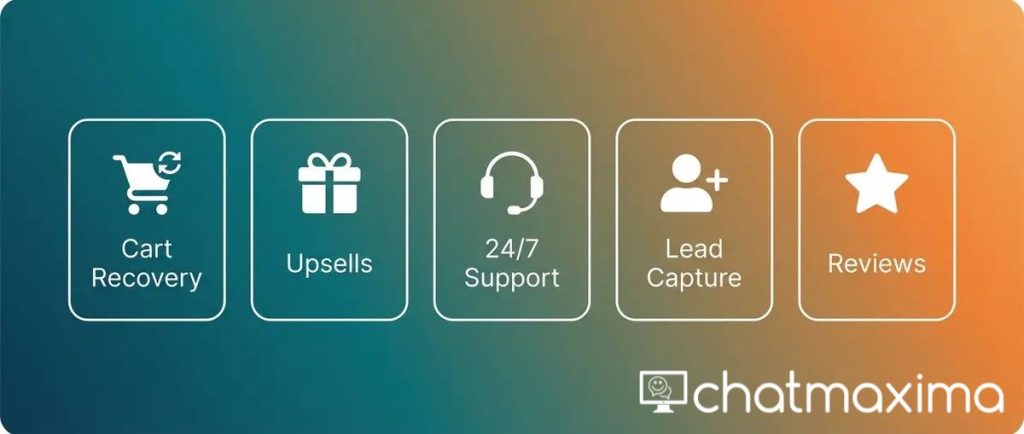
Installing a chatbot is only the first step. The stores that see the biggest revenue impact use specific strategies to turn their bot into a sales engine.
Strategy 1: Abandoned Cart Recovery with Personalized Messages
Configure your chatbot to detect when a visitor has items in their cart and has been inactive for more than 60 seconds. The bot sends a personalized message that references the specific products in the cart, addresses common objections like shipping costs or return policies, and optionally offers a small discount to close the sale.
This single strategy can recover 10 to 15% of abandoned carts. On a store processing 500 checkouts per month with an average order value of $80, that is an additional $4,000 to $6,000 in monthly revenue.
Strategy 2: Product Recommendation Engine
Train your chatbot to suggest complementary products based on what the customer is viewing or has added to their cart. If someone is buying a phone case, the bot recommends a screen protector. If they are purchasing running shoes, it suggests performance socks.
This works because the recommendations feel conversational rather than like a popup ad. The customer is already engaged in a chat, and the suggestion flows naturally.
Strategy 3: Post-Purchase Follow-Up
After a customer completes an order, the chatbot sends a follow-up message through WhatsApp or email. It confirms the order, provides tracking information, and asks for a product review after delivery. This builds customer loyalty and generates social proof for your store.
ChatMaxima’s chatbot customer service tools make it simple to build these post-purchase workflows that keep customers engaged long after the initial sale.
Strategy 4: VIP Customer Segmentation
Use the chatbot to identify and tag high-value customers based on their purchase history and engagement patterns. When a VIP customer visits your store, the bot greets them by name, offers exclusive deals, and provides priority support routing to your best agents.
Strategy 5: Seasonal Campaign Automation
Before major shopping events like Black Friday, holiday sales, or product launches, pre-build chatbot flows that handle the expected surge in customer inquiries. The bot manages common questions about sale pricing, shipping deadlines, and inventory availability while your team focuses on complex orders and escalations.
Connecting Your Chatbot to the Rest of Your Stack
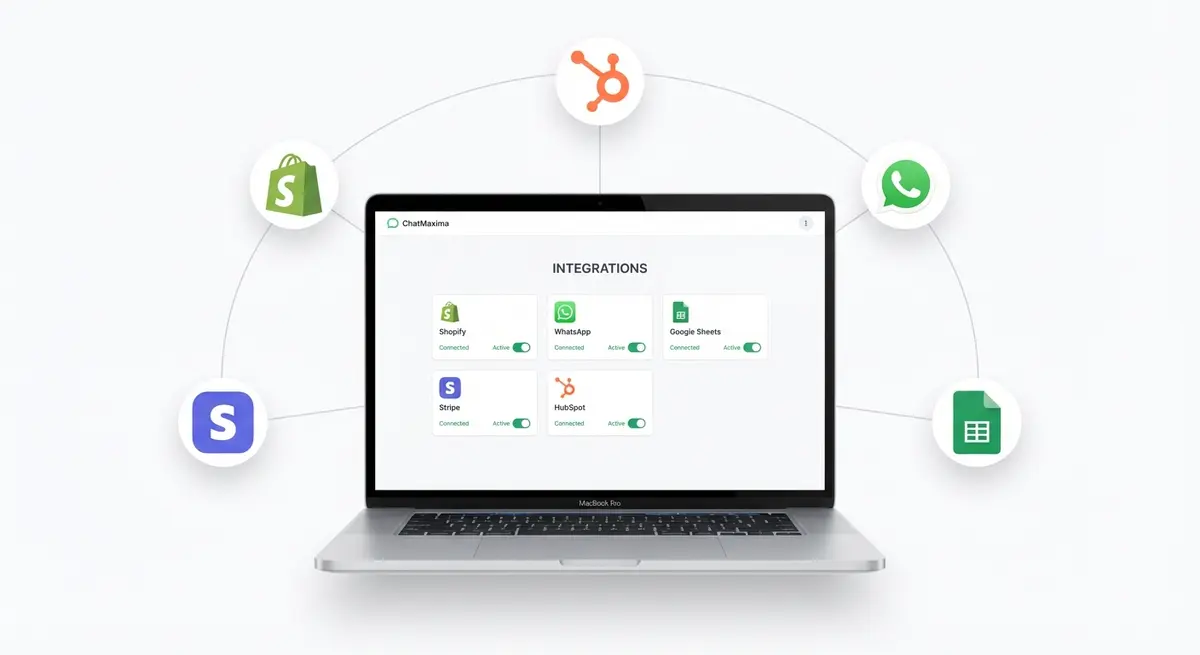
A chatbot that operates in isolation misses most of its potential. The real value comes from connecting it to your existing tools so data flows automatically between systems.
CRM sync – When your chatbot captures a lead or completes a conversation, that contact and conversation history should flow into your CRM automatically. ChatMaxima integrates with HubSpot, Zoho, Salesforce, and dozens of other platforms.
Payment processing – Connect Stripe or PayPal so the bot can send payment links directly in the conversation. This is especially useful for custom orders or invoice payments.
Helpdesk integration – When the chatbot escalates to a human agent, the full conversation context transfers to your helpdesk tool. No one has to repeat themselves.
Analytics and reporting – Track chatbot performance with metrics like response time, resolution rate, customer satisfaction scores, and revenue attributed to bot conversations. Use these numbers to continuously optimize your flows.
Browse the full list of available connections in the ChatMaxima marketplace to find pre-built templates and integration options for your specific stack.
Measuring Your Chatbot’s Impact on Store Performance
After your chatbot has been running for two to four weeks, analyze its performance against these key metrics:
Conversion rate change – Compare your store’s conversion rate before and after the chatbot launch. Most stores see a 15 to 25% improvement within the first month.
Average response time – Your chatbot should respond in under 3 seconds. Compare this to your previous average response time when using email or manual live chat.
Cart recovery rate – Track how many abandoned carts the bot successfully recovers. Anything above 8% is a strong result.
Support ticket volume – Measure the reduction in support tickets handled by your human team. A well-trained chatbot deflects 40 to 60% of common inquiries.
Customer satisfaction score – Survey customers after chatbot interactions. AI-powered bots that provide accurate, helpful answers typically score 4.2 or higher out of 5.
Revenue per conversation – Calculate the total revenue from bot-assisted purchases divided by the number of conversations. This gives you a clear picture of each interaction’s value.
Common Mistakes to Avoid with Your Shopify Chatbot
Even the best chatbot platform produces poor results if the setup is flawed. Here are the most common mistakes and how to avoid them:
Over-automating everything – Not every customer interaction should be handled by a bot. Build clear escalation paths so customers can reach a human agent when they need one. The goal is to automate the repetitive stuff and free up humans for complex, high-value conversations.
Ignoring the knowledge base – A chatbot is only as good as the information it has access to. Keep your product data, FAQs, and policies up to date. Outdated information leads to wrong answers, which leads to lost trust and lost sales.
Setting it and forgetting it – Review your chatbot’s conversation logs weekly. Look for questions the bot could not answer, flows that customers drop out of, and opportunities to add new automations. Continuous improvement is what separates mediocre bots from great ones.
Using generic responses – “Thank you for your message, we will get back to you soon” is not good enough. Customize your bot’s personality to match your brand voice, and make sure every response provides specific, actionable information.
Skipping multi-channel deployment – Your Shopify website is one touchpoint. Customers also reach out through WhatsApp, Instagram DM, and Facebook Messenger. Deploy your chatbot across all the channels where your customers are active.
Getting Started Today
Adding a chatbot to your Shopify store is one of the highest-ROI investments you can make in 2026. The setup takes less than 30 minutes, requires zero coding knowledge, and starts delivering results from day one.
The combination of instant customer support, automated cart recovery, and intelligent product recommendations creates a shopping experience that converts browsers into buyers and one-time customers into repeat purchasers.
ChatMaxima makes this accessible to every Shopify merchant, whether you are running a small side business or managing a store with thousands of SKUs. Start with a free trial, connect your store, train the bot on your data, and watch your support costs drop while your revenue climbs.
Your competitors are already automating their customer experience. The question is not whether to add a chatbot to your Shopify store – it is how quickly you can get one running.
![Understanding Facebook Pay and How It Works [2024]](https://chatmaxima.com/blog/wp-content/uploads/2024/03/facebook_pay_chatmaxima-1-1024x576.png)