
After 17 years without it, WhatsApp is finally building native message scheduling into its app. The feature, spotted in beta builds for both Android and iOS in February 2026, lets users compose a message and choose a specific date and time for it to send automatically. No third-party apps. No workarounds. Just pick a time, confirm, and move on.
For the 2 billion people who use WhatsApp daily, this is one of the most requested features in the app’s history. For businesses that rely on WhatsApp for customer communication, it opens up new possibilities for follow-ups, reminders, and time-sensitive outreach without needing to be online at the moment of delivery.
This post breaks down exactly how WhatsApp scheduled messages work, how they compare to scheduling on Telegram and Signal, and what businesses should know about using this feature alongside the WhatsApp Business API.
WhatsApp Is Finally Getting Scheduled Messages
The feature was first reported by WABetaInfo in February 2026, appearing in WhatsApp beta for Android version 2.26.8.11 and iOS version 26.7.10.72. It is currently under development and not yet rolled out to all users, but the interface and functionality are already visible in these beta builds.
Message scheduling has been one of the most consistently requested features across WhatsApp user forums, social media discussions, and product feedback channels. Competitors like Telegram introduced scheduling years ago, and Signal has offered its own version as well. WhatsApp’s decision to finally build it natively signals a shift toward giving users more control over when their messages land.
According to PCMag, the feature is being developed for both individual and group conversations. Indian Express and Gulf News have also covered the development, noting that WhatsApp has been testing the feature on iOS as well as Android.
The timing makes sense. WhatsApp has been on an aggressive feature rollout throughout 2025 and into 2026, adding capabilities like group message history sharing and status ads with promoted channels. Scheduled messages fit naturally into this expansion.
How WhatsApp Scheduled Messages Work
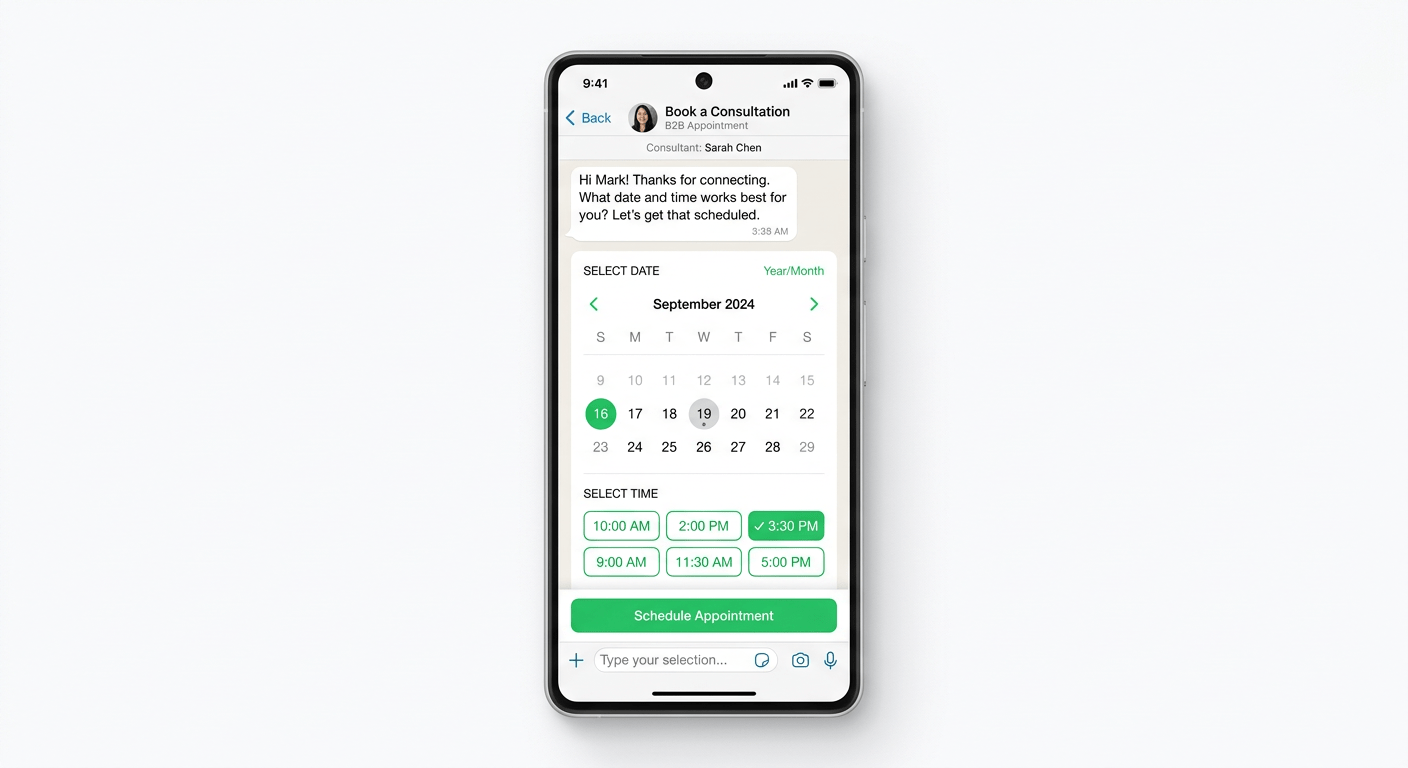
Based on the beta builds analyzed by WABetaInfo, here is how the scheduling flow works step by step.
Step 1: Compose your message. You type your message in the chat bar exactly as you normally would. There is no separate scheduling screen or special mode to activate.
Step 2: Choose to schedule. Instead of tapping the send button, you get an option to either send immediately or schedule for later. This choice appears as part of the send action itself.
Step 3: Pick a date and time. A date and time selector lets you choose the exact day, hour, and minute for delivery. You are not limited to preset intervals. You choose precisely when the message goes out.
Step 4: Confirm and queue. Once confirmed, WhatsApp displays a toast notification letting you know the message has been successfully scheduled. The message sits in a queue within the chat.
Step 5: Automatic delivery. At the scheduled time, WhatsApp sends the message automatically. You do not need to be online or have the app open. The message is delivered as if you sent it manually at that moment.
Managing scheduled messages is straightforward. WhatsApp adds a dedicated section within the chat info screen where you can view all pending scheduled messages. From there, you can edit the message content, change the delivery time, or delete it entirely before it sends.
Two details worth highlighting. First, the recipient will not know the message was scheduled. It arrives looking like any other message with no scheduling indicator. Second, if you delete a scheduled message before its delivery time, the recipient receives no notification that anything was ever queued.
This works in both individual and group conversations, making it useful across personal and professional contexts.
WhatsApp vs Telegram vs Signal: Scheduling Compared
WhatsApp is not the first messaging app to offer scheduled messages. Telegram has had this feature for years, and Signal offers its own take on timed messaging. Here is how they compare.
Telegram introduced message scheduling as part of its broader power-user feature set. Users can schedule messages in any chat, group, or channel. Telegram also supports silent messages (delivered without notification sound) and slow mode for groups. Scheduling on Telegram works across all platforms including desktop and web clients.
Signal approaches timed messaging differently, focusing more on disappearing messages than scheduling. While Signal lets users set messages to auto-delete after a specified period, it does not offer the same “send at a specific future time” functionality that Telegram and now WhatsApp provide.
WhatsApp arrives late to the scheduling conversation but brings its massive user base along. With over 2 billion active users worldwide, even a basic scheduling feature has outsized impact simply because of reach. The implementation appears clean and well-integrated into the existing chat flow.
Here is a quick comparison:
FeatureWhatsApp (Beta)TelegramSignalSchedule messagesYes (coming soon)Yes (available)NoDate and time precisionDay, hour, minuteDay, hour, minuteN/AWorks in groupsYesYesN/AWorks in channelsNot yetYesN/ADesktop/web supportNot confirmedYesN/ARecipient knows it was scheduledNoNoN/AEdit before sendingYesYesN/ARecurring messagesNoNo (via bots)N/A
The key takeaway: Telegram still has a more mature scheduling feature with broader platform support. But WhatsApp’s version, even in beta, covers the core use case that most people need. Send a message later, at a time you choose, without the other person knowing it was planned.
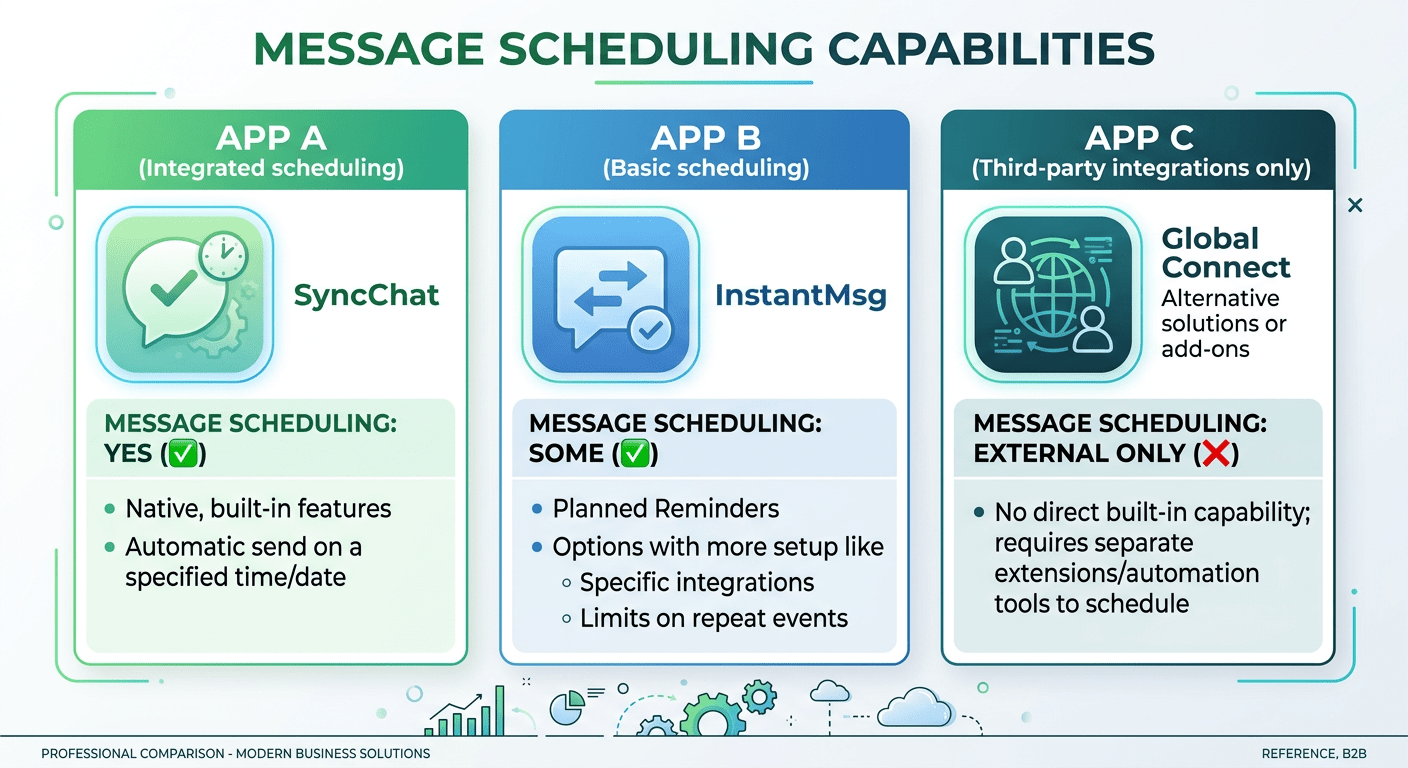
5 Ways Businesses Can Use WhatsApp Scheduled Messages
Scheduled messages on WhatsApp open up practical use cases for businesses of all sizes. Here are five ways teams can put this feature to work.
1. Appointment Reminders
Clinics, salons, repair services, and any business that books appointments can schedule reminder messages a day or a few hours before the appointment. Instead of relying on memory or manual sends, you set it once when the appointment is booked and let WhatsApp handle delivery. This reduces no-shows and keeps your calendar running smoothly.
For businesses already using AI-powered chatbots to handle appointment booking, scheduled messages add another layer of automation to the customer journey.
2. Follow-Up Messages After Sales Calls
Sales teams can schedule follow-up messages immediately after a call ends. While the conversation context is fresh, draft a thank-you message or next-steps summary and schedule it for the following morning. This ensures consistent follow-up without the risk of forgetting.
3. Birthday and Anniversary Greetings for VIP Customers
Personal touches matter in customer relationships. Schedule birthday or anniversary greetings for your most important customers weeks in advance. The message arrives on time, feels personal, and strengthens the relationship without requiring anyone to remember the date.
4. Time Zone Management for Global Teams
If your business communicates with customers or partners across multiple time zones, scheduling lets you send messages at appropriate local times. No more accidentally messaging a client at 3 AM their time. Compose during your work hours, schedule for theirs.
5. Deadline and Payment Reminders
Send gentle reminders about upcoming payment deadlines, project milestones, or document submissions. Schedule these when you create the invoice or set the deadline, and the reminder goes out automatically at the right time.
These use cases work well for solo operators and small teams using the WhatsApp app directly. For businesses that need to scale these interactions across hundreds or thousands of customers, the WhatsApp Business API through a platform like ChatMaxima offers significantly more power.

Scheduled Messages in the App vs WhatsApp Business API
The new scheduling feature in the WhatsApp app and the scheduling capabilities available through the WhatsApp Business API serve different audiences and different scales of operation. Understanding the distinction helps businesses choose the right approach.
WhatsApp app scheduling is designed for individual use. You compose one message, pick a time, and it sends. It is manual, one-to-one, and requires someone to create each scheduled message individually. This is perfectly fine for a small business owner who wants to send a reminder to a handful of clients or schedule a follow-up after a meeting.
WhatsApp Business API scheduling, available through Business Solution Providers like ChatMaxima, operates at an entirely different scale. With the API, you can:
-
- Schedule template messages in bulk to hundreds or thousands of recipients at once
- Trigger automated messages based on CRM events, purchase actions, or customer behavior
- Set up drip campaigns that send a sequence of messages over days or weeks
- Route conversations to the right team member through a shared team inbox
- Combine scheduling with AI chatbots that handle responses automatically using tools like ChatMaxima’s AI Studio
The difference is manual versus automated, individual versus scalable.
A solo consultant scheduling a follow-up message to one client? The app feature is great. A growing e-commerce business sending automated order updates and cart recovery messages to thousands of customers? That requires the Business API.
ChatMaxima bridges this gap by offering an omnichannel platform where businesses can manage WhatsApp conversations alongside Instagram, Facebook Messenger, Telegram, and email. The platform includes no-code chatbot building, AI-powered template creation, CRM integrations, and multi-agent support, all of which go far beyond what the native app scheduling feature can offer.
For a detailed breakdown of the differences between the WhatsApp app, WhatsApp Web, and the Business API, check out our guide on WhatsApp Business App vs Web vs API.
What Is Still Missing from WhatsApp Scheduled Messages
While the scheduling feature is a welcome addition, there are several limitations based on what has been revealed in the beta builds so far.
No Channel scheduling. WhatsApp Channels, the broadcast feature for one-to-many updates, does not appear to support scheduling yet. Content creators and businesses that use Channels for announcements will still need to post manually or use third-party tools. This seems likely to come in a future update.
No recurring or repeat scheduling. You can schedule a single message for a specific date and time, but there is no option to set up recurring messages. Weekly team check-in reminders, monthly invoice notifications, or daily standup prompts are not possible with the native feature alone.
No confirmed media scheduling. The beta builds show text message scheduling, but it is not yet clear whether photos, videos, documents, and voice messages can also be scheduled. This is a significant limitation for businesses that rely on rich media in their communications.
No desktop or web client support. So far, scheduling has only appeared in the mobile app beta. WhatsApp Web and the desktop apps do not yet show the feature. For businesses and professionals who primarily use WhatsApp from their computers, this means scheduling will initially require picking up the phone.
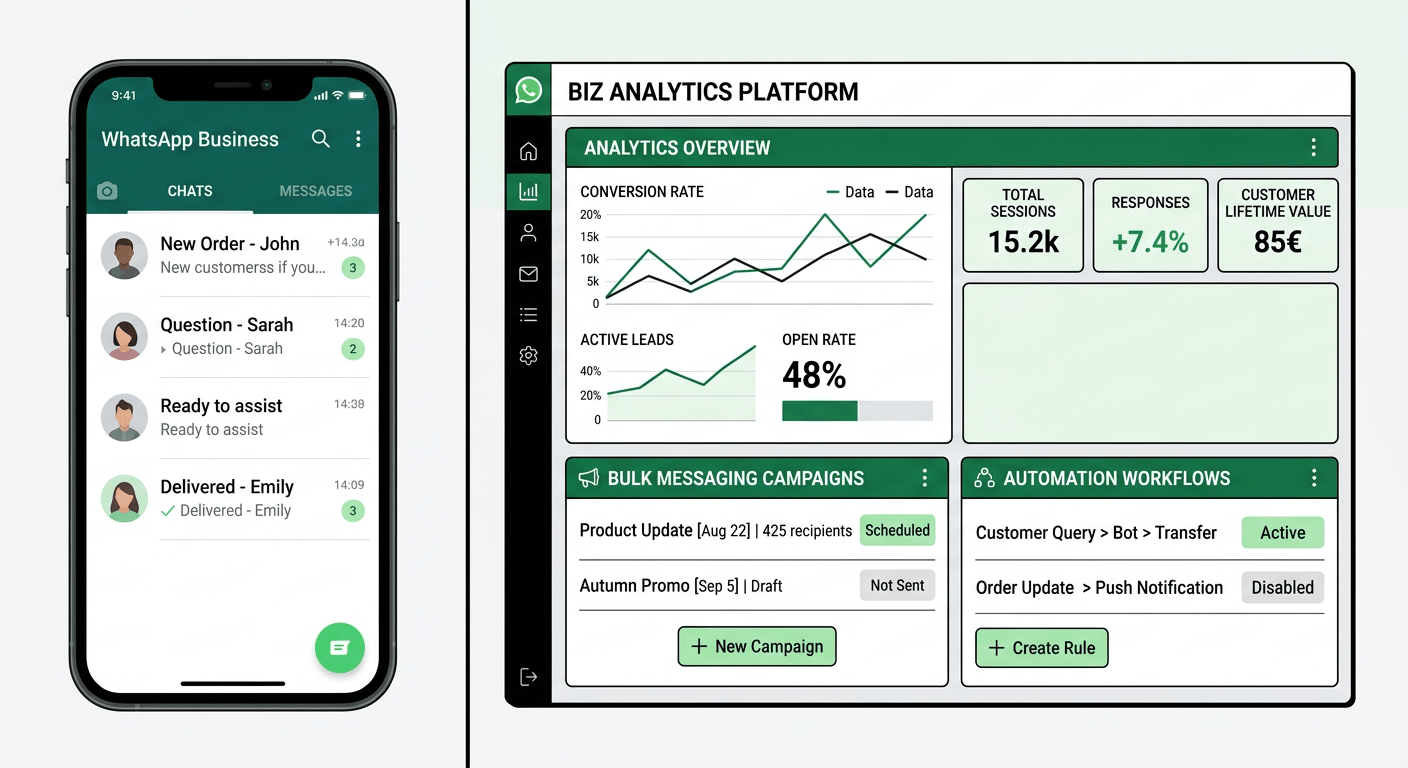
The Business API remains more powerful. For any business that needs automation, bulk messaging, CRM triggers, or multi-agent collaboration, the native scheduling feature does not replace what platforms like ChatMaxima offer through the WhatsApp Business API. The app feature is a convenience tool. The API is an infrastructure layer.
These gaps are not dealbreakers. The feature is still in beta, and WhatsApp has a track record of expanding features after initial release. Media scheduling, desktop support, and recurring messages all seem like logical next steps that could arrive in later updates throughout 2026.
But for now, businesses with complex scheduling needs will continue to benefit from API-based solutions. The native feature handles simple, one-off scheduling well. Everything beyond that, bulk sends, automation triggers, CRM-connected workflows, and analytics, still lives in the Business API ecosystem.
For businesses already using workarounds like the Apple Shortcuts app on iOS to automate WhatsApp sends, or relying on third-party scheduling apps with questionable privacy practices, the native feature is a significant upgrade. It eliminates the need for external tools for basic scheduling while keeping everything within WhatsApp’s end-to-end encrypted environment.
What This Means for the Future of WhatsApp Business
WhatsApp scheduled messages represent more than just a convenience feature. They signal WhatsApp’s continued push toward becoming a complete business communication platform, not just a personal messaging app.
Consider the trajectory. In the past year alone, WhatsApp has added group message history controls, channel monetization through status ads, enhanced business profiles, and now message scheduling. Each feature narrows the gap between what users can do in the app and what previously required the Business API or third-party tools.
For businesses evaluating their messaging strategy in 2026, the question is not whether to use WhatsApp, but how deeply to integrate it. Small businesses and solo operators can now handle basic scheduling directly in the app. Growing teams that need automation, analytics, and multi-channel support should look at platforms like ChatMaxima that connect the WhatsApp Business API with AI chatbots, team inboxes, and CRM integrations under one roof.
If your team is exploring WhatsApp automation beyond basic scheduling, ChatMaxima’s platform offers a free trial with unlimited AI conversations, no-code chatbot building, and support for WhatsApp, Instagram, Messenger, Telegram, and more. You can also compare how ChatMaxima stacks up against other platforms like Wati to find the right fit for your business.
Scheduled messages are just the beginning. The real opportunity lies in building a complete, automated communication system that meets customers where they already are, on WhatsApp, at the right time, with the right message.