
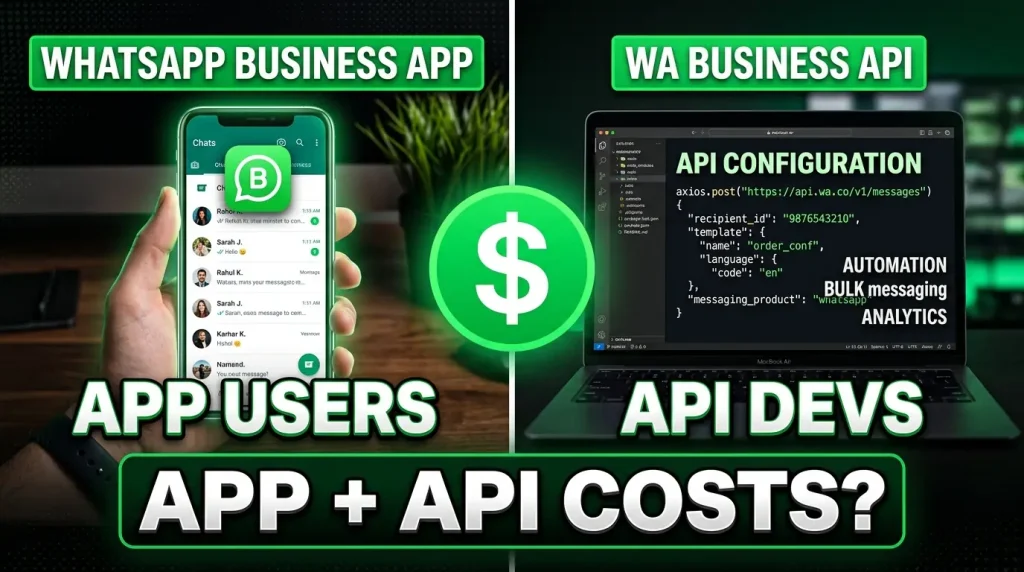
Meta now lets businesses use the WhatsApp Business App and the WhatsApp Cloud API on the same phone number at the same time. No migration, no giving up the app. You keep your familiar WhatsApp Business App for quick replies and casual chats, and you add API-powered automation through a partner platform like ChatMaxima for templates, broadcasts, and chatbots.
The obvious question: what exactly gets charged? If you send a message from the app AND from the API in the same conversation, do you pay twice? Does an app message open a billing window? What happens when a customer replies?
This guide walks through seven real-world scenarios that show exactly how pricing works in coexistence mode. No ambiguity, no guesswork. By the end, you will know precisely what is free and what costs money.
The Golden Rule: App Messages Are Always Free
Before diving into scenarios, there is one principle that governs everything:
Messages sent from the WhatsApp Business App are always free. They do not create conversation windows, they do not trigger billing, and they do not affect your API pricing in any way. This is identical to how the app worked before coexistence. Nothing changes on the app side.
Messages sent from the API (through your partner platform) follow standard Cloud API conversation-based pricing. You need a template to initiate conversations, conversation windows apply, and charges are based on the category (marketing, utility, authentication, or service).
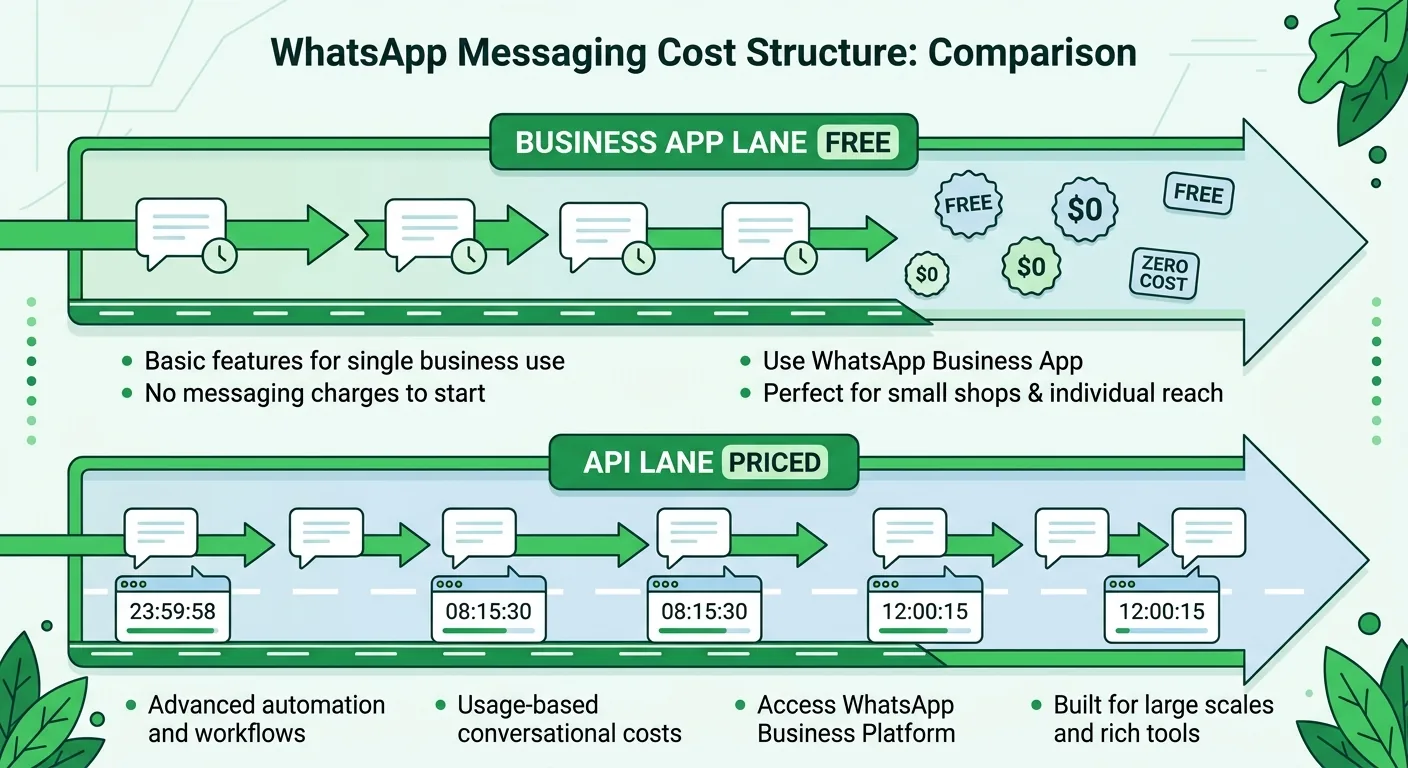
These two systems run in parallel on the same number but their billing is completely independent. Think of it as two separate lanes on the same highway: the app lane is a free road and the API lane has tolls.
How Conversation Windows Work in Coexistence
If you are already familiar with WhatsApp Business API pricing, the window system stays the same for API messages:
- Marketing conversation (24 hours): Opened when you send a marketing template via API
- Utility conversation (24 hours): Opened when you send a utility template via API
- Authentication conversation (24 hours): Opened when you send an authentication template via API
- Service conversation (24 hours): Opened when you reply to a customer message via API (free of charge)
The critical difference in coexistence: app messages never open, extend, or affect any conversation window. They exist outside the billing system entirely.
Your partner platform receives copies of app-sent messages via webhooks so your team inbox stays in sync, but those copies do not trigger any charges.
Scenario 1: You Only Use the App (API Is Idle)
Setup: You activate coexistence but decide to only message customers from the WhatsApp Business App. The API sits unused.
What happens:
- All your messages are sent from the app as usual
- Zero charges, zero conversation windows created
- You can still use the app for groups, calling, and status updates
Cost: Nothing. Completely free.
This is useful for businesses that want to set up the API connection now and start using it later. There is no penalty for having coexistence active if you are not sending API messages.
Scenario 2: You Only Use the API (App Is Idle)
Setup: You activate coexistence but handle all customer messaging through your partner platform (like ChatMaxima). You do not send any 1-to-1 messages from the app.
What happens:
- Pricing works exactly like a standard Cloud API account
- Templates are required to initiate conversations
- Conversation windows and charges apply based on category
- You can still use the app for groups, calling, and status, which remain free
Cost: Standard API pricing. Same as if you did not have coexistence at all.
Scenario 3: You Start the Chat From the App, Customer Replies, You Follow Up Via API
Setup: Your salesperson sends an initial message from the WhatsApp Business App. The customer replies. Four hours later, your automated system sends a follow-up from the API.
Step-by-step breakdown:
| Time | Action | Who Pays? |
|---|---|---|
| —— | ——– | ———– |
| Hour 0 | You send a free-form message from the app | Free. No conversation window created. Partner gets a webhook copy. |
| Hour 0 | Customer replies | A customer support window opens (expires Hour 24). You can now send free-form messages via API. |
| Hour 4 | You send a free-form message from the API | A service conversation window is created (expires Hour 28). Service conversations are not charged. |
Total cost: Zero. The app message was free. The customer opened a support window. Your API reply created a service conversation, which is free under current Cloud API pricing.
Key takeaway: Starting conversations from the app and then handing off to the API for automated follow-ups is the most cost-efficient workflow in coexistence mode.
Scenario 4: You Start From the API With a Template
Setup: You send a marketing template from the API to a customer who has never messaged you. Later, you also message them from the app.
Step-by-step breakdown:
| Time | Action | Who Pays? |
|---|---|---|
| —— | ——– | ———– |
| Hour 0 | You send an authentication template from the API | An authentication conversation window is created and charged. Expires Hour 24. |
| Hour 25 | You send a free-form message from the API | Rejected. No active conversation window exists. You need a new template. |
| Hour 26 | You send a free-form message from the app | Delivered for free. No template enforcement on app messages. No conversation window created. |
Total cost: One authentication conversation charge.
Key takeaway: When an API conversation window expires, the API requires a new template to re-initiate. But the app is never restricted. You can always message a customer from the app regardless of conversation window status.
Scenario 5: Mixed App and API Messages in the Same Conversation
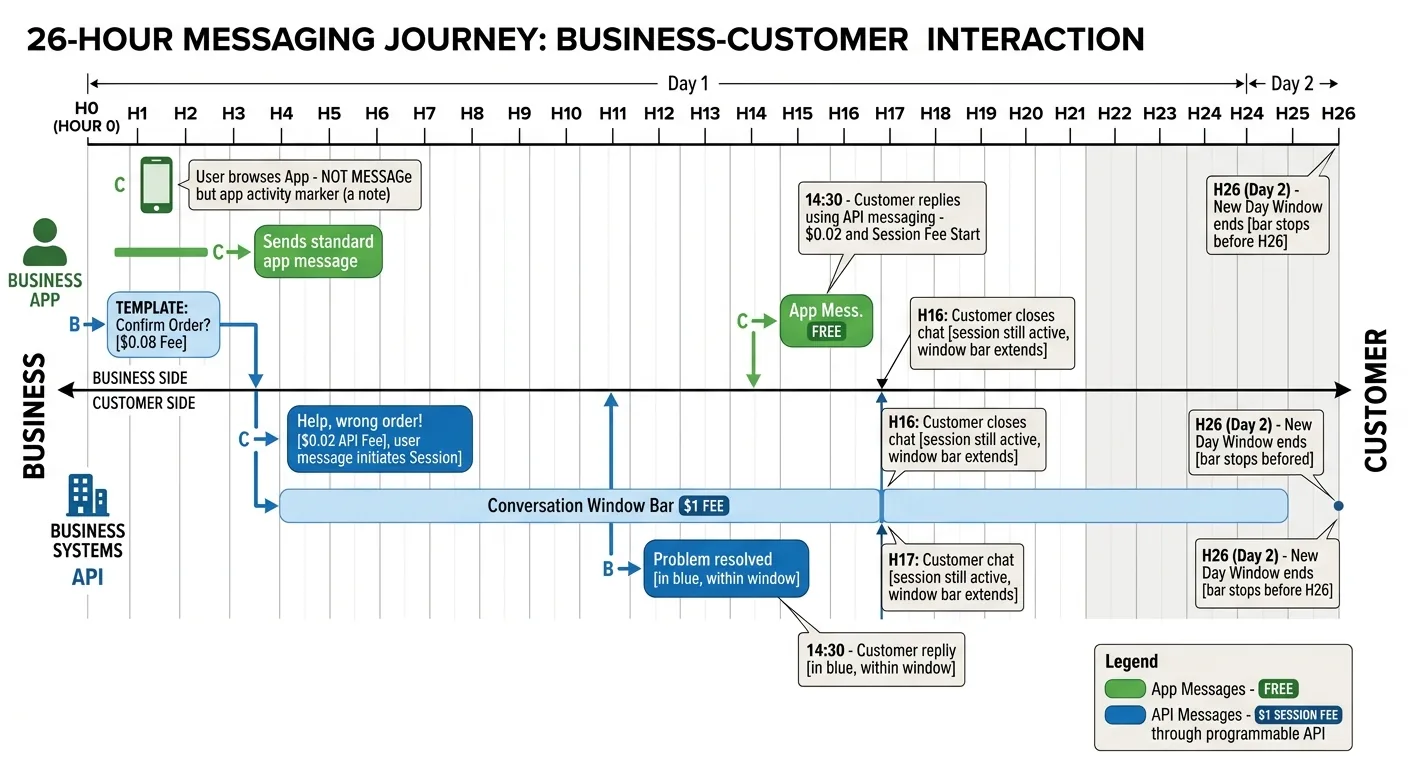
Setup: A real-world scenario where your team uses both the app and API throughout a conversation with the same customer.
Step-by-step breakdown:
| Time | Action | Who Pays? |
|---|---|---|
| —— | ——– | ———– |
| Hour 0 | You send a free-form message from the app | Free. Partner gets webhook copy. No conversation window. |
| Hour 0 | Customer replies | Customer support window opens (expires Hour 24). |
| Hour 4 | You send a free-form message from the API | Service conversation created (expires Hour 28). Not charged. |
| Hour 27 | You send a free-form message from the app | Free. No effect on any conversation window. Partner gets webhook copy. |
| Hour 29 | You send a free-form message from the app | Free. No template enforcement since it is from the app. |
Total cost: Zero. Every app message was free. The one API message fell within a service conversation window (free). Even after the service window expired at Hour 28, the app messages at Hour 27 and 29 went through without charges because app messages are never subject to conversation window rules.
Key takeaway: App messages are a safety net. Even when your API conversation windows expire, you can always reach the customer through the app at no cost.
Scenario 6: Multiple API Conversation Windows With App Messages
Setup: You are running a campaign that involves different template types alongside regular app conversations.
Step-by-step breakdown:
| Time | Action | Who Pays? |
|---|---|---|
| —— | ——– | ———– |
| Hour 0 | You send a free-form message from the app | Free. No conversation window. |
| Hour 0 | Customer replies | Customer support window opens (expires Hour 24). |
| Hour 4 | You send a free-form message from the API | Service conversation created (expires Hour 28). Not charged. |
| Hour 5 | You send a marketing template from the API | Marketing conversation created and charged (expires Hour 29). |
| Hour 6 | You send a free-form message from the API | Attributed to the marketing window. No additional charge. |
| Hour 27 | You send a free-form message from the app | Free. No effect on conversation windows. Partner gets copy. |
| Hour 30 | You send a free-form message from the app | Free. No template enforcement. |
Total cost: One marketing conversation charge. The service conversation was free. All app messages were free. The free-form API message at Hour 6 rode on the existing marketing window.
Key takeaway: Multiple conversation windows can coexist on the API side (service + marketing + utility, etc.) following standard API rules. App messages float independently above all of them, always free.
Scenario 7: Heavy API Usage With All Template Types
Setup: A business running authentication, utility, and marketing campaigns all on the same customer, with app messages mixed in.
Step-by-step breakdown:
| Time | Action | Who Pays? |
|---|---|---|
| —— | ——– | ———– |
| Hour 0 | You send an authentication template from the API | Auth conversation created and charged. Expires Hour 24. |
| Hour 4 | You send a utility template from the API | Utility conversation created and charged. Expires Hour 28. |
| Hour 5 | You send a marketing template from the API | Marketing conversation created and charged. Expires Hour 29. |
| Hour 8 | Customer replies | Customer support window opens (expires Hour 32). |
| Hour 10 | You send a free-form message from the app | Free. No effect on any conversation window. |
| Hour 30 | You send a free-form message from the API | Service conversation created (expires Hour 54). Not charged, since customer support window from Hour 8 is still active. |
| Hour 55 | You send a free-form message from the API | Rejected. No active window. New template needed. |
| Hour 56 | You send a free-form message from the app | Free. Delivered without restrictions. |
Total cost: Three conversation charges (authentication + utility + marketing). Service conversation was free. All app messages were free.
Key takeaway: Even in the heaviest API usage scenario, app messages remain completely free and unrestricted. The API billing follows the exact same rules as a standard Cloud API account.
The Cost-Saving Strategies That Emerge
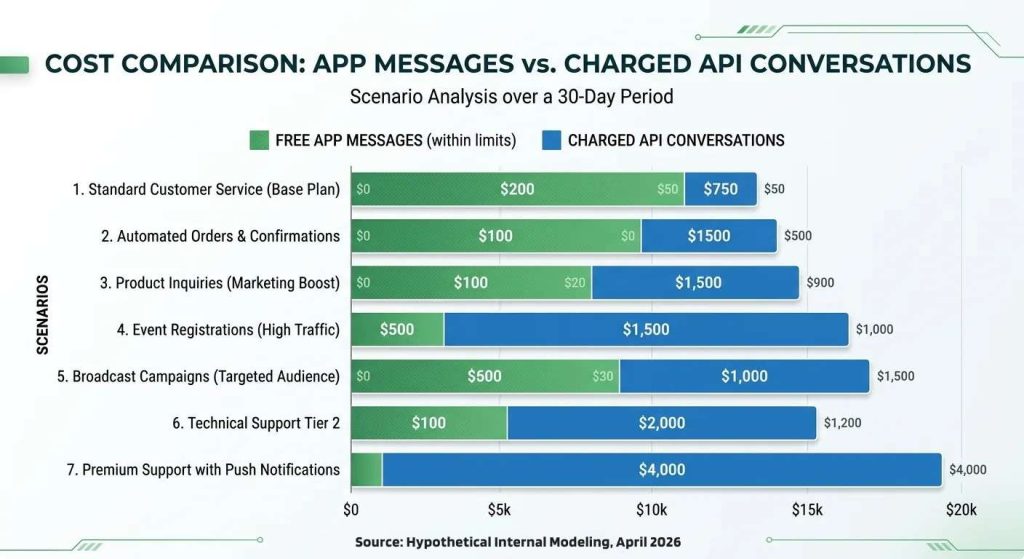
Looking across all seven scenarios, clear patterns emerge for minimizing costs in coexistence mode:
Use the app to initiate, the API to automate. When your team starts conversations from the app (free), customers reply and open support windows. Your API can then send free-form messages within that window without needing a template. This means zero conversation charges for reactive customer support.
Reserve templates for scale. Templates through the API are for broadcasts, campaigns, and automated sequences where you need to reach hundreds or thousands of customers. For individual conversations, the app is your free alternative.
Let the app handle post-window follow-ups. When an API conversation window expires and you just need to send a quick follow-up to one customer, use the app instead of burning another template. The app does not care about windows.
Service conversations are free. When customers message you first and you reply via API, the service conversation costs nothing. Combine this with a ChatMaxima AI chatbot that auto-replies to incoming messages, and you get automated customer support at zero conversation cost.
What This Means for Businesses Considering the API
Coexistence removes the biggest barrier to adopting the WhatsApp Business API: you do not have to give up your app.
Previously, businesses faced a binary choice. Either stay on the free app with limited automation or migrate to the API and lose the familiar app interface entirely. Many small businesses chose to stay on the app because migration felt risky.
Now you can run both. Your team keeps their comfortable app workflow for quick replies and casual conversations. Meanwhile, your API partner platform handles the heavy lifting: automated chatbots, broadcast campaigns, template messages, CRM integrations, and analytics.
The pricing is clean and predictable:
- App messages: Always free
- API service conversations (customer-initiated): Free
- API template conversations: Charged per category per Meta’s standard rates
- No double billing: App and API billing are completely independent
If you are currently on the WhatsApp Business App and wondering whether to add the API, coexistence makes it a risk-free decision. You pay only for what you use on the API side, and your app usage remains untouched.
Getting Started With Coexistence on ChatMaxima
Setting up coexistence is straightforward. You connect your existing WhatsApp Business App number to ChatMaxima’s platform through Meta’s Cloud API. Your app keeps working as before while ChatMaxima unlocks automation, templates, chatbot builders, and multi-agent inbox features on the same number.
ChatMaxima plans start at $19/month and include team members in every plan. You get a shared inbox where both app and API messages appear in one view, so your team never loses context regardless of which channel a message came from.
Ready to add API power to your WhatsApp Business App? Start your free trial and keep your app running while you unlock automation.