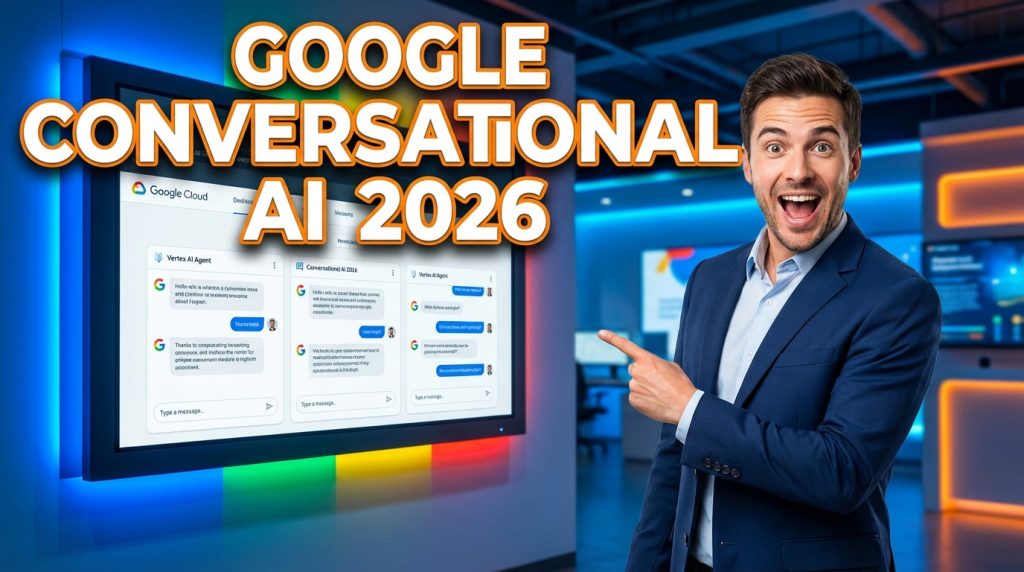
Google conversational AI has become the backbone of intelligent customer interactions for businesses of every size. From startups building their first chatbot to enterprises running contact centers with millions of monthly calls, Google’s suite of conversational AI tools offers something for everyone. But the ecosystem is vast, the naming conventions shift often, and choosing the right tool can feel overwhelming.
This guide cuts through the noise. You will learn exactly what Google conversational AI includes in 2026, how each product fits into your strategy, and how platforms like ChatMaxima can help you deploy Google-powered chatbots without the steep learning curve.
What Is Google Conversational AI?
Google conversational AI refers to the collection of products, APIs, and services that Google provides for building automated, natural-language interactions between humans and machines. At its core, it leverages Google’s deep investments in natural language processing (NLP), large language models (including Gemini), and cloud infrastructure.
The term covers several distinct products that work together or independently:
Dialogflow CX and Dialogflow ES for building structured conversational agents
Vertex AI Conversation (formerly Vertex AI Search and Conversation) for generative AI-powered chat
Google Cloud Contact Center AI (CCAI) for enterprise telephony and customer service
Gemini as the foundational large language model powering many of these services
Many businesses wonder whether Google conversational AI is the right fit compared to building on OpenAI, AWS Lex, or third-party platforms. The answer depends on your existing infrastructure, the complexity of your use case, and how deeply you want to integrate with Google Cloud. For businesses already running on Google Workspace or Google Cloud Platform, the synergy is hard to beat.
Dialogflow CX vs Dialogflow ES: Which One Should You Choose?
Dialogflow is the most widely recognized product in Google’s conversational AI lineup. It comes in two versions, and understanding the difference is critical before you start building.
Dialogflow ES (Essentials)
Dialogflow ES is the original version that many developers started with years ago. It uses a flat intent-based architecture where you define intents, training phrases, and responses. It works well for simple chatbots that handle straightforward Q&A flows, appointment booking, or basic FAQ automation.
Key characteristics of Dialogflow ES in 2026:
Flat intent structure with contexts for state management
Easier learning curve for small projects
Lower cost for low-volume use cases
Limited support for complex multi-turn conversations
Dialogflow CX (Customer Experience)
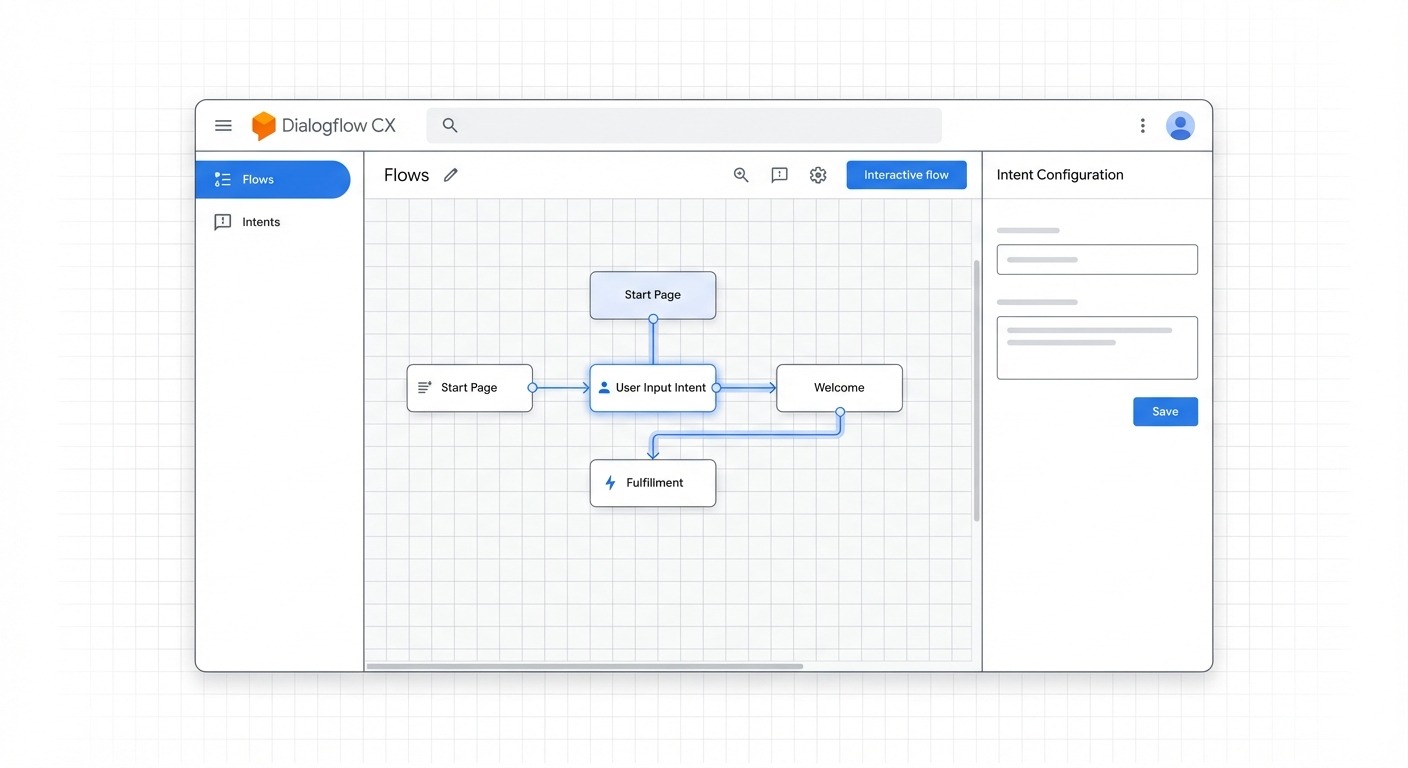
Dialogflow CX is Google’s enterprise-grade conversational AI platform. It introduces a visual flow builder, state machines, and advanced routing that makes it possible to design complex conversation trees without losing track of logic.
What sets Dialogflow CX apart:
Visual flow editor with drag-and-drop design
Page and flow-based architecture instead of flat intents
Built-in support for generative AI via Vertex AI integration
Advanced versioning and environment management for production deployments
Multi-language support with better localization tools
For businesses building customer-facing chatbots that handle complex workflows like insurance claims, order management, or technical support, Dialogflow CX is the clear choice. Smaller projects with simple FAQ needs can start with Dialogflow ES and migrate later.
If you want to skip the complexity of building directly on Dialogflow and still get the power of Google AI behind your chatbot, platforms like ChatMaxima’s AI Studio let you build visually without writing code, while connecting to Google’s AI models under the hood.
Vertex AI Conversation: The Generative AI Layer
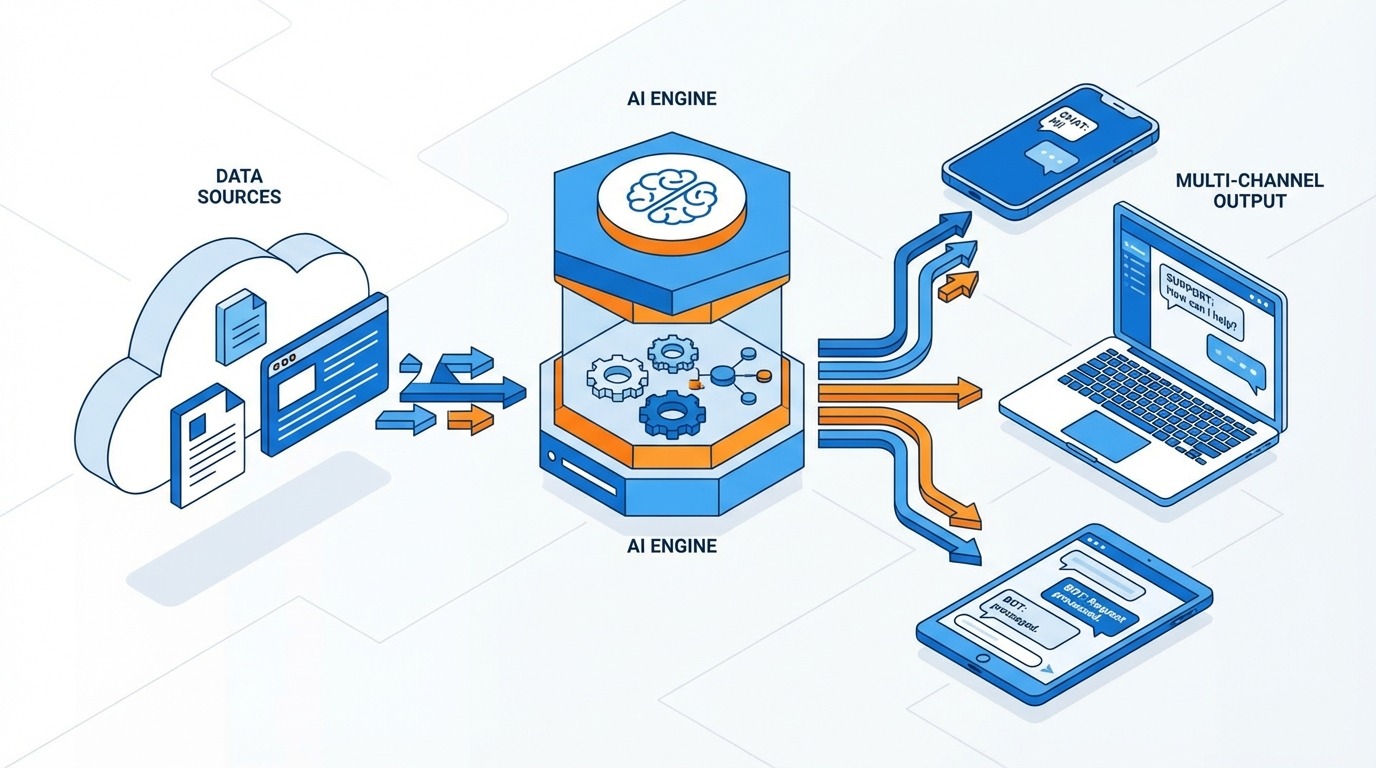
Vertex AI Conversation represents Google’s push to make generative AI accessible for conversational applications. Instead of manually crafting every response and intent, Vertex AI Conversation lets you connect data sources, and the AI generates contextually relevant answers.
How Vertex AI Conversation Works
The core idea is simple: you provide your business data (websites, documents, FAQs, knowledge bases), and Vertex AI Conversation creates a generative chatbot that can answer questions using that data. This approach is often called Retrieval-Augmented Generation (RAG), and it dramatically reduces the time needed to build useful chatbots.
In 2026, Vertex AI Conversation supports:
Website data stores that crawl and index your site content
Document uploads including PDFs, Word files, and structured data
Integration with Dialogflow CX for combining structured flows with generative responses
Grounding to ensure AI responses stay factual and cite sources
Custom model tuning for domain-specific vocabulary and tone
When to Use Vertex AI Conversation
This tool shines when you have a large knowledge base and want to deploy a chatbot quickly without mapping every possible user query to a specific intent. Common use cases include:
Internal knowledge assistants for employees
Customer self-service portals
Product documentation chatbots
Lead qualification agents that answer pre-sales questions
For businesses that want this same RAG-powered approach without managing Google Cloud infrastructure, ChatMaxima’s Website GPT offers a similar capability: upload your website or documents, and get an AI-powered chatbot ready in minutes.
Google Cloud Contact Center AI (CCAI)
Google Cloud CCAI is the enterprise solution designed specifically for contact centers. It goes beyond simple chatbot functionality to provide a complete AI layer over your existing telephony infrastructure.
Core Components of CCAI
Virtual Agent: Built on Dialogflow CX, the virtual agent handles customer calls and chats autonomously. It can process payments, look up order status, schedule appointments, and route complex issues to human agents.
Agent Assist: This real-time tool helps human agents during live conversations by suggesting responses, surfacing relevant knowledge articles, and providing conversation summaries. It reduces average handle time and improves first-call resolution rates.
Insights: CCAI Insights analyzes conversation data at scale to identify trends, customer sentiment, and operational bottlenecks. Businesses use these insights to improve agent training, refine chatbot flows, and spot emerging customer issues.
CCAI Pricing and Scale
Google Cloud CCAI is priced on a usage basis, with costs varying by feature and volume. For large contact centers processing thousands of daily interactions, the per-conversation cost can be significantly lower than maintaining equivalent human agent capacity. However, CCAI requires meaningful Google Cloud expertise to deploy and maintain, making it best suited for organizations with dedicated engineering teams or Google Cloud partners.
For mid-market businesses that need contact center capabilities without the enterprise complexity, combining ChatMaxima’s omnichannel platform with Google AI models provides a more accessible path. You get multi-channel support across WhatsApp, Facebook Messenger, Instagram, Telegram, and web chat, with AI-powered automation built in.
Real-World Use Cases for Google Conversational AI
Understanding the technology is one thing. Seeing how businesses actually use it makes the value concrete. Here are practical use cases across industries.
Retail and E-Commerce
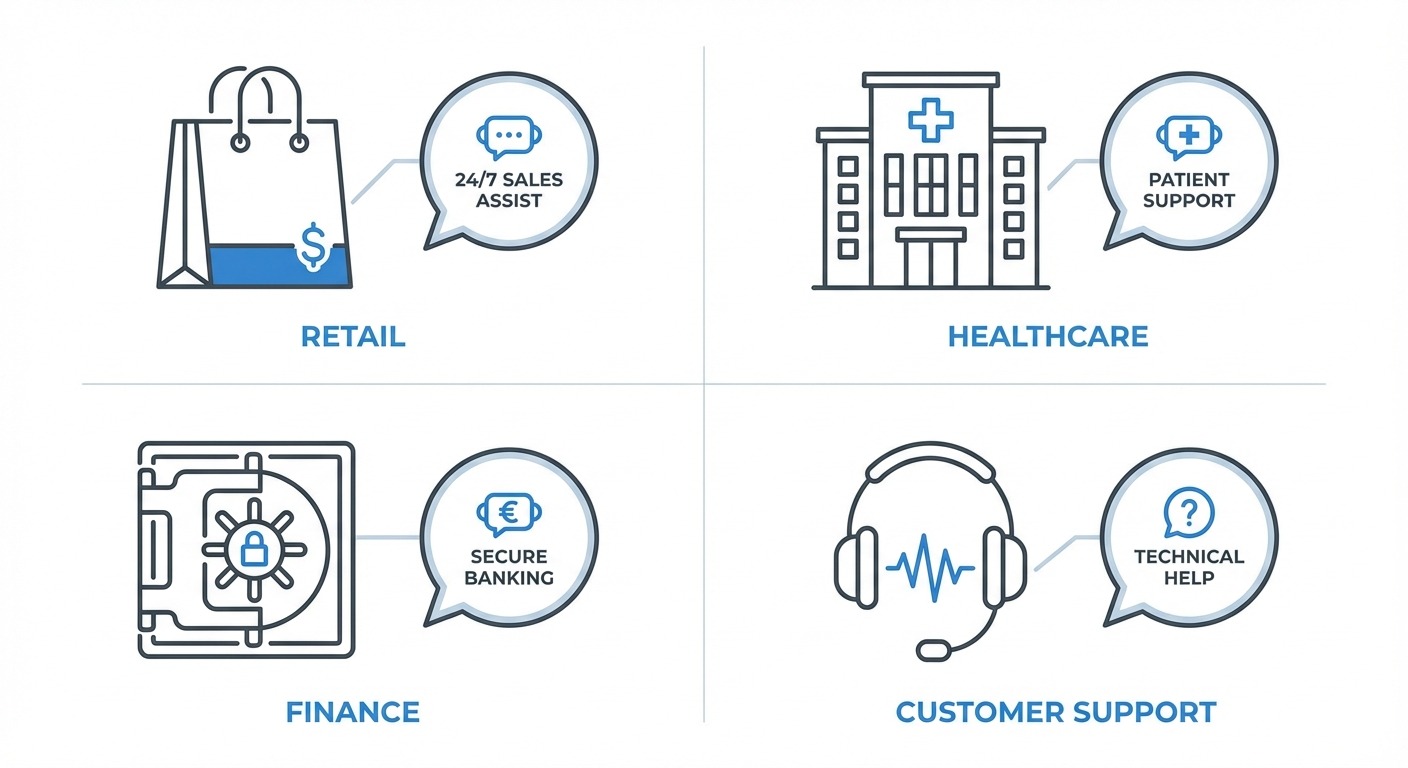
Online retailers use Dialogflow CX to build order tracking bots that integrate with their fulfillment systems. A customer texts “Where is my order?” on WhatsApp, and the bot pulls real-time shipping data from the backend. More advanced implementations handle returns, recommend products based on purchase history, and recover abandoned carts through proactive messaging.
If you run an e-commerce business and want to deploy chatbots across WhatsApp and your website simultaneously, ChatMaxima’s chatbot platform supports this natively, with integrations for Google Sheets and Google Calendar to keep your data synchronized.
Healthcare
Hospitals and clinics deploy Google conversational AI for appointment scheduling, symptom triage, and patient follow-up. Dialogflow CX’s ability to handle complex branching conversations makes it ideal for medical intake forms that need to ask different questions based on previous answers. CCAI’s voice capabilities allow patients to call in and interact with an AI agent that understands natural speech, including medical terminology.
Banking and Financial Services
Banks use CCAI virtual agents to handle routine inquiries like balance checks, transaction disputes, and card activation. Agent Assist helps human agents navigate compliance requirements during sensitive conversations. Vertex AI Conversation powers internal knowledge bases that help bank employees quickly find policy documents and procedures.
Customer Support Across Industries
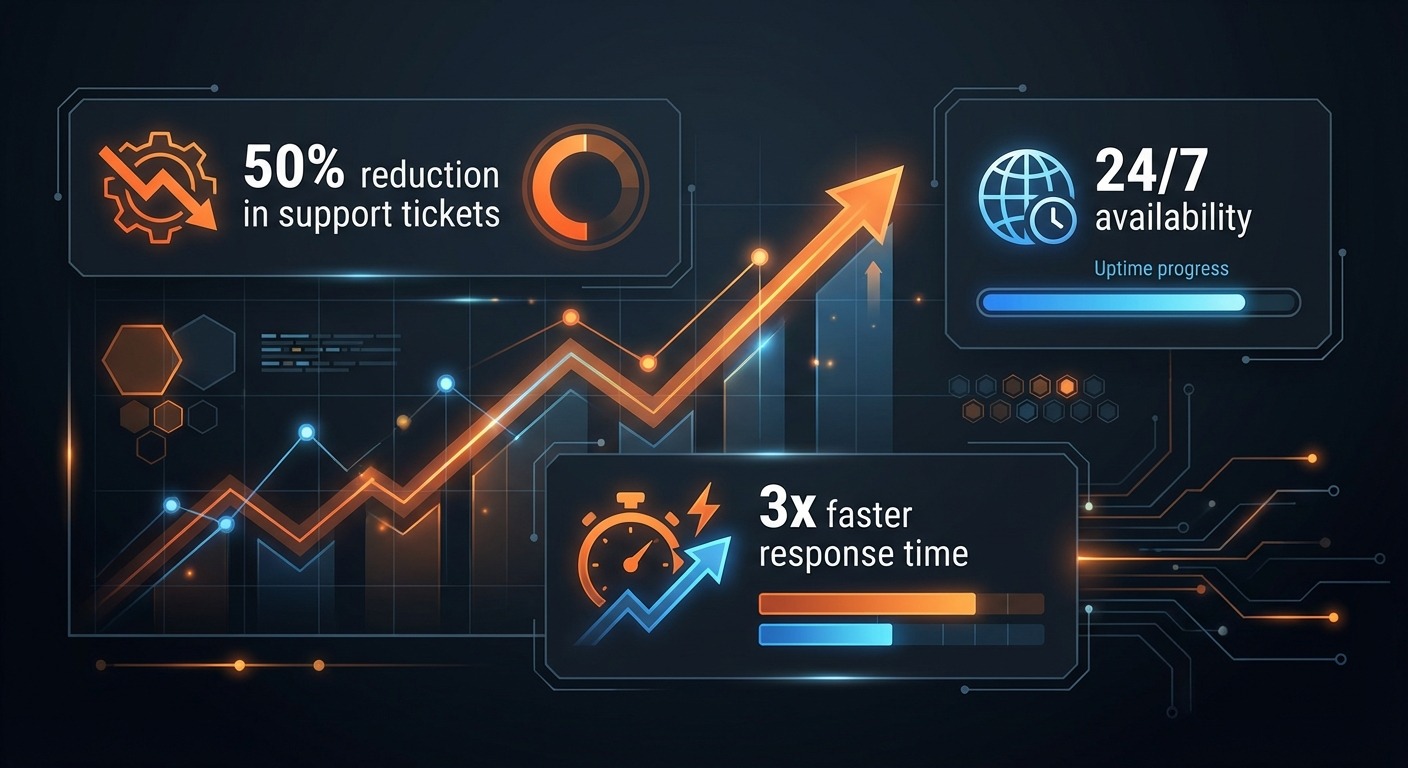
The most common use case remains customer support automation. Businesses of all sizes use Google conversational AI to deflect repetitive queries, reduce wait times, and provide 24/7 availability. The key to success is identifying which 20-30% of inquiries make up 80% of your support volume, then automating those first.
How Google Conversational AI Compares to Other Platforms
Choosing a conversational AI platform is a strategic decision. Here is how Google’s offering stacks up against the major alternatives in 2026.
Google vs Amazon Lex
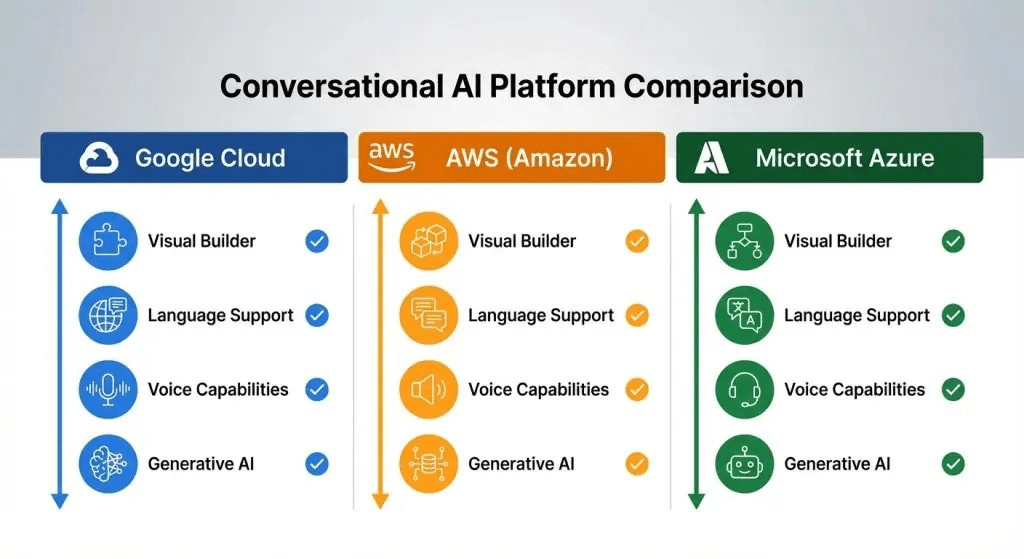
Amazon Lex is the conversational AI service within AWS. It integrates tightly with Amazon Connect for contact centers and the broader AWS ecosystem. If your infrastructure runs on AWS, Lex is the natural choice. However, Dialogflow CX offers a more intuitive visual builder and deeper generative AI integration through Gemini. Google’s NLP accuracy, particularly for multi-language support, is generally considered stronger.
Google vs Microsoft Azure Bot Service
Microsoft’s offering integrates with Azure Cognitive Services and has strong ties to Microsoft Teams and Dynamics 365. For Microsoft-centric organizations, this is compelling. Google’s advantage lies in its generative AI capabilities (Gemini models) and the maturity of Dialogflow CX’s flow-based architecture.
Google vs OpenAI Custom GPTs
OpenAI’s custom GPTs and Assistants API provide powerful generative AI with minimal setup. They excel at open-ended conversations and creative tasks. However, they lack the structured conversation management, telephony integration, and enterprise governance features that Dialogflow CX and CCAI provide. For production customer-facing deployments, Google’s tooling offers more control and reliability.
The Multi-Platform Approach
Many businesses in 2026 are adopting a multi-platform strategy: using Google’s Gemini or OpenAI’s models for the AI brain, while deploying through a customer engagement platform that handles channels, routing, and integrations. This is where tools like ChatMaxima become valuable, allowing you to leverage the best AI models from any provider while managing all your conversations in a unified inbox.
How ChatMaxima Integrates with Google Conversational AI
Building directly on Google Cloud’s conversational AI tools requires significant technical expertise, ongoing infrastructure management, and dedicated development resources. ChatMaxima bridges this gap by providing a no-code platform that connects to Google’s AI capabilities while adding the channels, integrations, and management tools businesses need.
Using Google AI Models in ChatMaxima
ChatMaxima supports multiple AI models including Google’s Gemini. When you build a chatbot in ChatMaxima’s AI Studio, you can select Gemini as your underlying model, giving your bot access to Google’s latest language understanding capabilities without needing a Google Cloud account or managing API keys directly.
Multi-Channel Deployment
One of the biggest limitations of building directly on Dialogflow is channel deployment. You need to build separate integrations for each messaging platform. ChatMaxima solves this by providing native connections to WhatsApp, Facebook Messenger, Instagram, Telegram, SMS, email, and web chat. Build once, deploy everywhere.
CRM and Business Tool Integrations
Google conversational AI focuses on the conversation layer. Connecting your chatbot to your CRM, helpdesk, or marketing tools requires additional development. ChatMaxima includes native integrations with over 200 tools, including HubSpot, Salesforce, Zapier, Google Sheets, and Shopify, making it possible to create end-to-end automated workflows without writing code.
Autonomous AI Agents
For businesses that want to go beyond rule-based chatbots, ChatMaxima’s MaxAgent provides autonomous AI agents that can handle complex conversations, learn from your knowledge base, and seamlessly hand off to human agents when needed. This combines the power of Google’s AI models with production-ready deployment and management tools.
Getting Started with Google Conversational AI in 2026
If you are ready to implement Google conversational AI for your business, here is a practical roadmap.
Step 1: Define Your Use Case
Start with a specific, measurable goal. “Automate 50% of our support inquiries” is better than “build a chatbot.” Identify your highest-volume customer interactions and map out the conversation flows needed to handle them.
Step 2: Choose Your Approach
You have two primary paths:
Build directly on Google Cloud: Best for organizations with dedicated engineering teams, complex telephony requirements, or deep Google Cloud investments. Use Dialogflow CX for structured flows, Vertex AI Conversation for generative capabilities, and CCAI for contact center deployments.
Use a platform like ChatMaxima: Best for businesses that want to move fast, deploy across multiple channels, and avoid infrastructure management. Start with a free trial and build your first AI-powered chatbot in minutes using Google’s Gemini model.
Step 3: Prepare Your Data
Whether you build directly or use a platform, your chatbot is only as good as the data behind it. Gather your FAQs, product documentation, support transcripts, and knowledge base articles. Clean and organize this content before feeding it to any AI system.
Step 4: Build, Test, and Iterate
Launch with a focused scope, measure performance, and expand. Track metrics like deflection rate, customer satisfaction, and resolution time. Use conversation analytics to identify where your chatbot struggles and refine those flows.
Step 5: Scale Across Channels
Once your chatbot works well on one channel, expand to others. Customers expect consistent experiences whether they reach you through your website, WhatsApp, or social media. An omnichannel approach ensures your AI investment multiplies in value.
Key Considerations Before Choosing Google Conversational AI
Before committing to any conversational AI platform, consider these factors carefully.
Cost structure: Google Cloud pricing can be complex. Dialogflow CX charges per request, with different rates for text and voice. CCAI has additional charges for Agent Assist and Insights. Model the costs based on your expected volume before committing.
Technical requirements: Building on Google Cloud requires familiarity with GCP, IAM policies, and cloud networking. If your team lacks this expertise, budget for training or choose a managed platform.
Data residency and compliance: If you operate in regulated industries, verify that Google’s data processing meets your compliance requirements. Google Cloud offers data residency options, but they need to be configured correctly.
Vendor lock-in: Building complex flows in Dialogflow CX creates some degree of lock-in. Using a platform layer like ChatMaxima reduces this risk, since you can swap underlying AI models without rebuilding your entire chatbot infrastructure.
Time to value: Direct Google Cloud implementations typically take weeks to months. Platform-based approaches can deliver working chatbots in days. Choose based on your urgency and available resources.
What Is Next for Google Conversational AI
Google continues to invest heavily in conversational AI. In 2026, the major trends shaping the roadmap include:
Gemini integration deepening: Expect tighter integration between Gemini models and Dialogflow CX, with more generative capabilities available directly in the flow builder without requiring separate Vertex AI configuration.
Multimodal conversations: Google is pushing toward agents that can process images, videos, and documents within conversations, not just text and voice.
Agent-to-agent communication: Future versions of CCAI will support AI agents that can communicate with other AI agents to resolve complex, multi-department issues without human intervention.
Simplified pricing: Google has been consolidating its conversational AI products, and pricing simplification is expected to continue, making it more accessible to mid-market businesses.
Conclusion: Making Google Conversational AI Work for Your Business
Google conversational AI offers one of the most comprehensive and powerful sets of tools for building intelligent customer interactions. From Dialogflow CX’s visual flow builder to CCAI’s enterprise contact center capabilities, the platform covers use cases from simple FAQ bots to complex multi-channel support operations.
The key to success is matching the tool to your needs. Not every business needs the full power of CCAI, and not every chatbot requires Dialogflow CX’s complexity. For many businesses, the fastest path to value is using a platform like ChatMaxima that abstracts away the infrastructure complexity while giving you access to Google’s AI models, multi-channel deployment, and the integrations you need to connect your chatbot to your business systems.
Start with a clear use case, choose the right level of abstraction for your team, and iterate based on real customer interactions. That is how you turn Google conversational AI from a technology investment into a business advantage.