If you run a business website on GoDaddy, you already know that visitors expect fast answers. A recent report found that 88% of customers had at least one conversation with a chatbot during the year, and over half said they preferred chatting with a bot over waiting for a human agent. In 2026, an AI chatbot is no longer a nice-to-have. It is a baseline expectation.
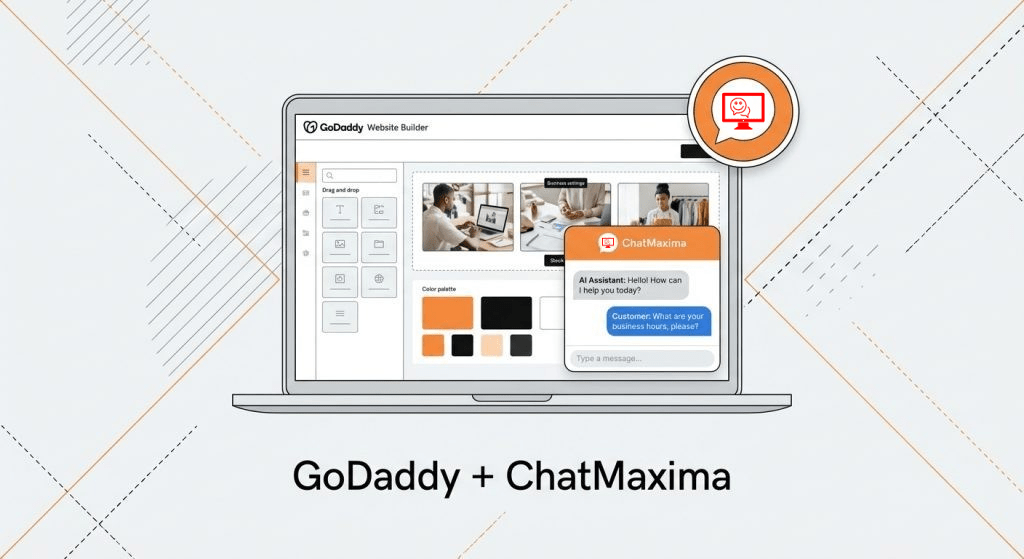
The good news: you do not need to be a developer to add one. This guide walks you through creating an AI-powered chatbot for your GoDaddy site using ChatMaxima, a platform built specifically for businesses that want intelligent automation without the complexity.
Why Every GoDaddy Website Needs a Chatbot in 2026
Your website works around the clock, but your team does not. Visitors land on your pages at all hours, from all time zones, with questions that determine whether they buy or bounce.
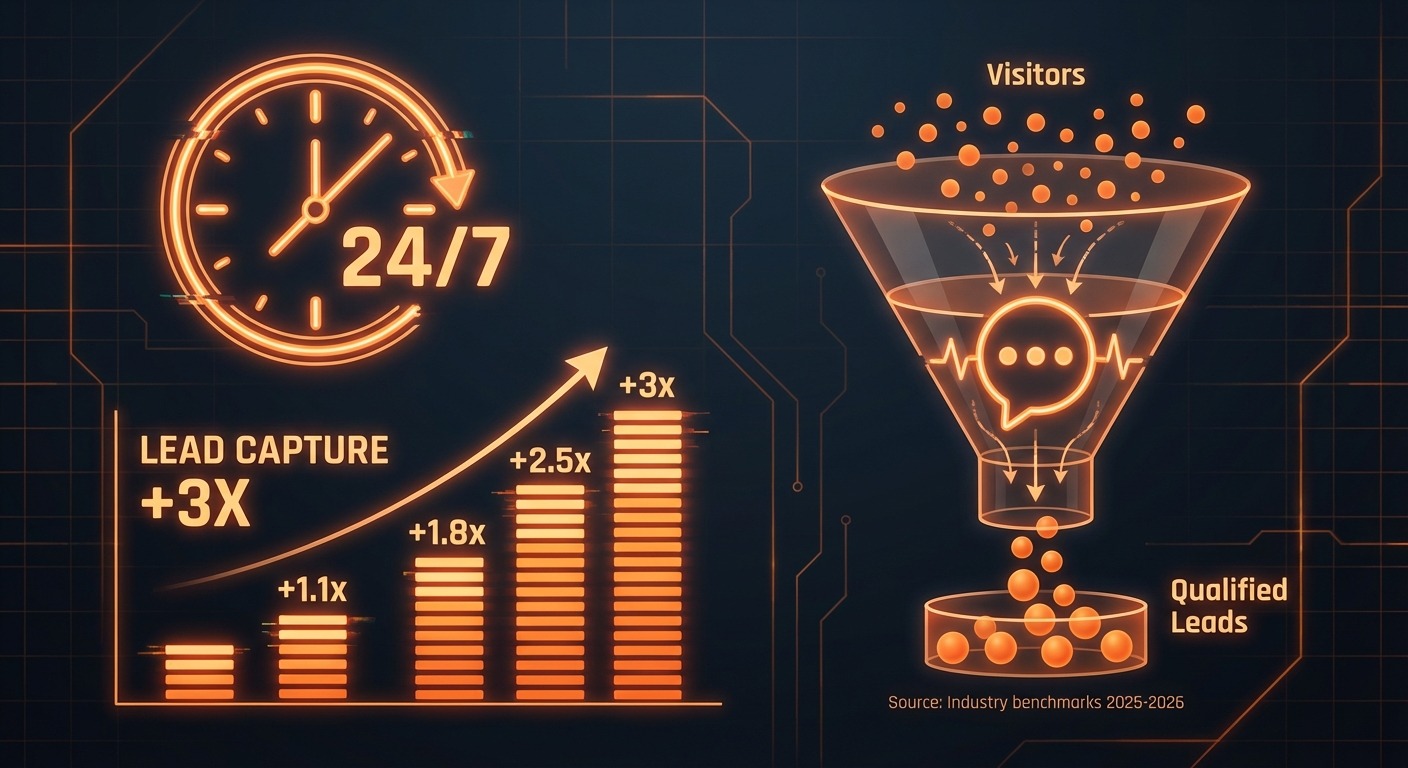
An AI chatbot solves this by providing instant, accurate responses 24/7. It can answer product questions, capture lead information, schedule appointments, and route complex queries to human agents when needed. For small businesses hosting on GoDaddy, this is especially valuable because it replaces the need for a full-time support staff during off-hours.
Beyond availability, chatbots directly impact revenue. Businesses using AI chat automation report up to 3x more qualified leads and measurably higher conversion rates. If your GoDaddy website gets traffic but struggles with conversions, a chatbot is one of the fastest improvements you can make.
What GoDaddy Already Offers (And Where It Falls Short)
GoDaddy provides a basic built-in chatbot through its Website Builder platform. If you are using GoDaddy’s Website Builder (not WordPress hosting), you can enable a simple chat feature from the editor. Here is what it includes:
- Pre-set automated responses for common questions like business hours and location
- Basic lead capture by collecting visitor name and email before starting a chat
- Live chat capability where you or your team can respond manually via the GoDaddy mobile app
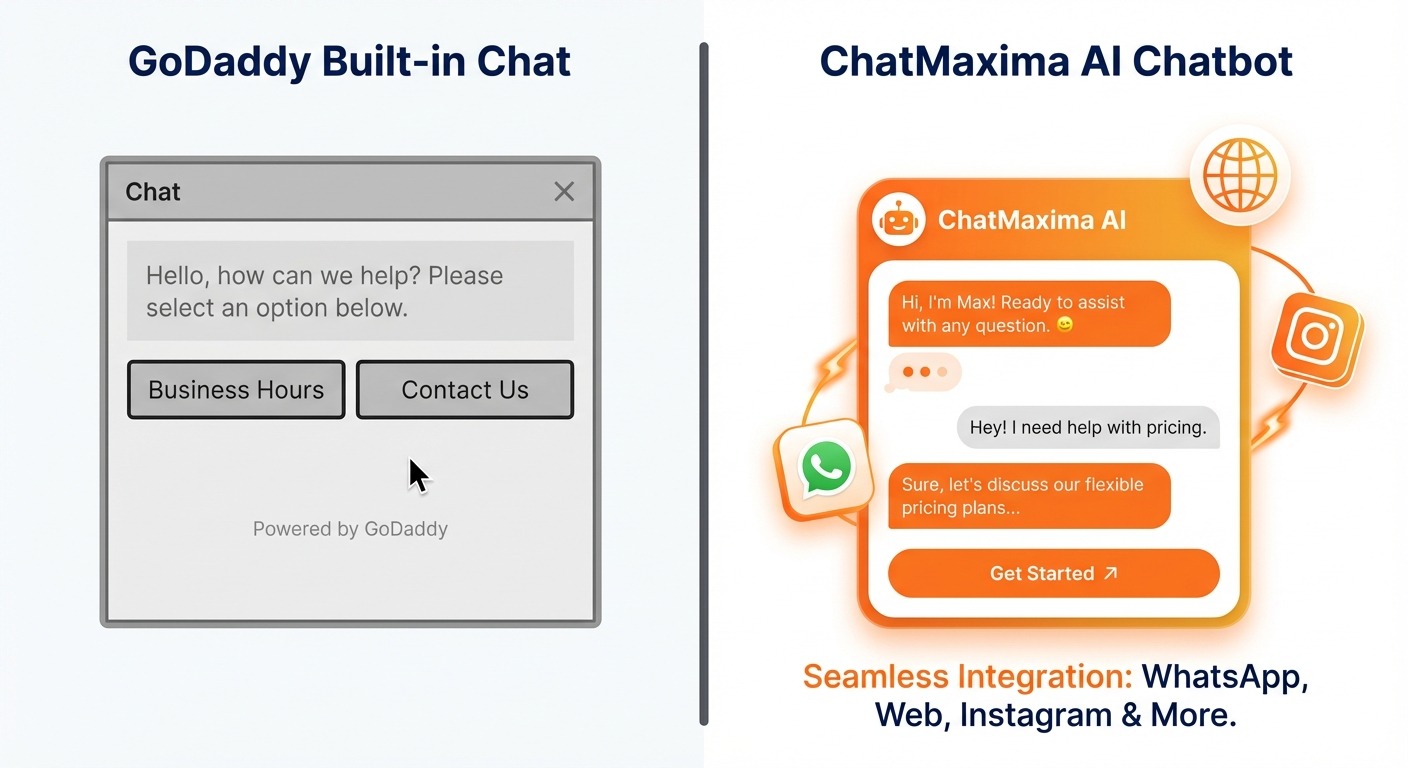
While functional for very simple needs, GoDaddy’s built-in chatbot has significant limitations:
- No AI intelligence. It relies on static, rule-based responses. It cannot understand natural language, interpret context, or learn from your content.
- Limited to GoDaddy Website Builder. If you use WordPress hosting on GoDaddy (which many businesses do), this chatbot is not available at all.
- Single channel only. The chatbot works on your website and nowhere else. No WhatsApp, no Instagram, no Facebook Messenger.
- No visual flow builder. You cannot design complex conversation paths or conditional logic.
- No team collaboration features. There is no shared inbox, conversation assignment, or internal notes for support teams.
- No CRM or third-party integrations. You cannot sync chat data with HubSpot, Salesforce, Google Sheets, or any external tool.
- No analytics beyond basics. You get minimal insight into chatbot performance, conversation quality, or customer behavior.
For a solo business owner who just needs a contact form replacement, it works. For anyone who wants their chatbot to actually understand questions and provide intelligent answers, it is not enough.
Why ChatMaxima Is a Better Fit for Your GoDaddy Website
ChatMaxima is an AI-first chatbot platform designed for businesses that want more than scripted replies. Here is what sets it apart:
True AI-Powered Conversations
ChatMaxima connects to leading AI models including GPT-4, Claude, and Gemini. Your chatbot does not just match keywords. It understands questions, maintains context across a conversation, and generates natural, helpful responses based on your business data. You can train it on your website content, PDFs, and knowledge base articles so it speaks with authority about your products and services.
One Chatbot, Multiple Channels
Build your chatbot once in ChatMaxima’s AI Studio and deploy it across your GoDaddy website, WhatsApp, Instagram, Facebook Messenger, Telegram, SMS, and email. Your customers get a consistent experience regardless of where they reach out.
Unified Team Inbox
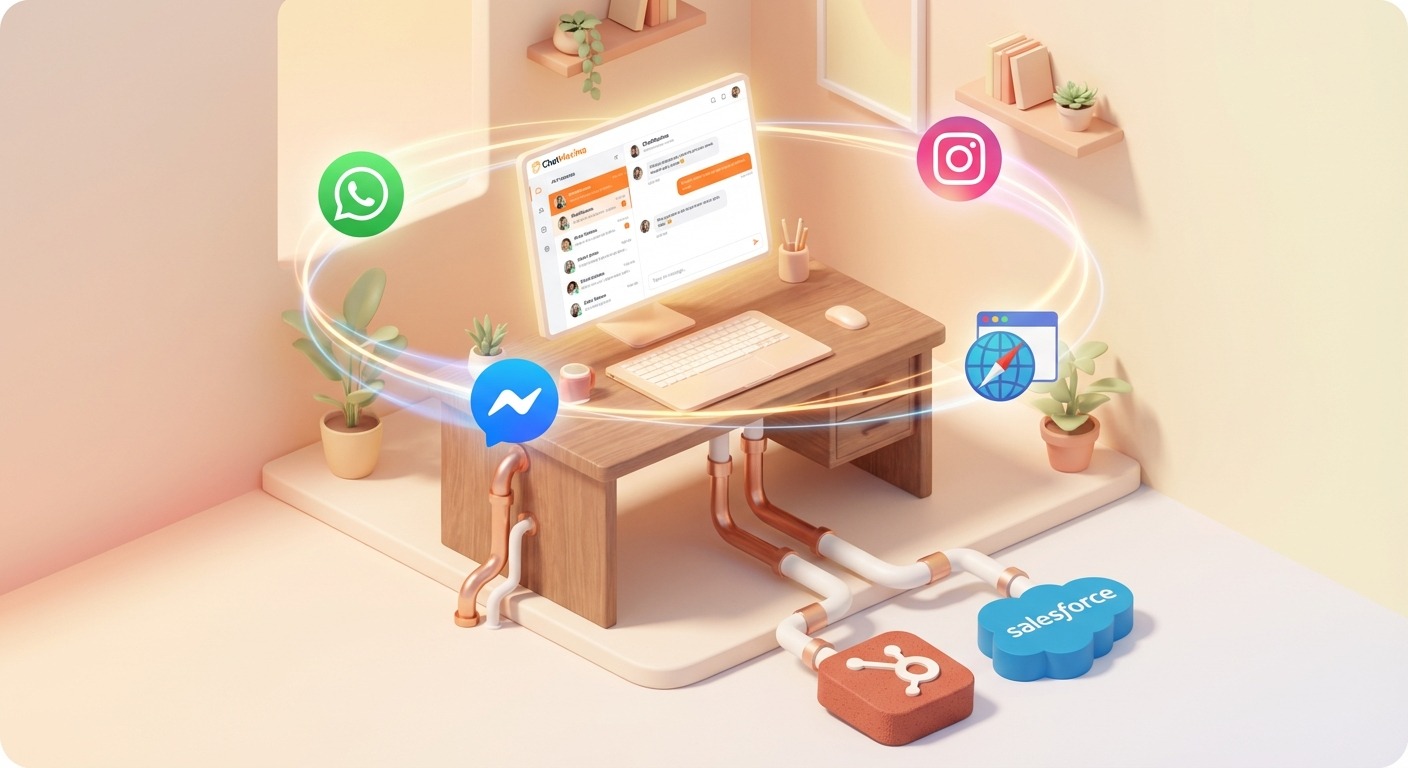
All conversations from every channel flow into a single team inbox. Your team can assign chats, add internal notes, tag conversations, and seamlessly hand off from AI to a human agent when needed. This is critical for businesses with more than one person handling customer communication.
Visual Chatbot Builder
ChatMaxima’s drag-and-drop studio lets you design conversation flows visually. Add conditions, collect form data, trigger integrations, and build complex automation without writing a single line of code.
Deep Integrations
Connect your chatbot to 200+ tools including HubSpot, Google Sheets, Salesforce, Zapier, Shopify, and Calendly. Every lead your chatbot captures can automatically flow into your CRM, spreadsheet, or email marketing tool.
Affordable and Transparent Pricing
ChatMaxima’s pricing is straightforward with no hidden fees. Plans include unlimited chatbots, a 7-day free trial, and free onboarding assistance. For most GoDaddy website owners, this is a fraction of the cost of hiring additional support staff.
Step-by-Step: Adding an AI Chatbot to Your GoDaddy Website
The entire process takes about 15 minutes. Here is how to do it.
Step 1: Create Your ChatMaxima Account
Go to ChatMaxima’s pricing page and sign up for a free trial. No credit card is required. Once inside the dashboard, you will see options to create chatbots, manage channels, and access the AI Studio.
Step 2: Create a Chat Widget
Your chat widget is the visible element that appears on your GoDaddy website. To create one:
- Log in to your ChatMaxima dashboard.
- Navigate to the Channels section and select Web Widget.
- Click Create New Widget.
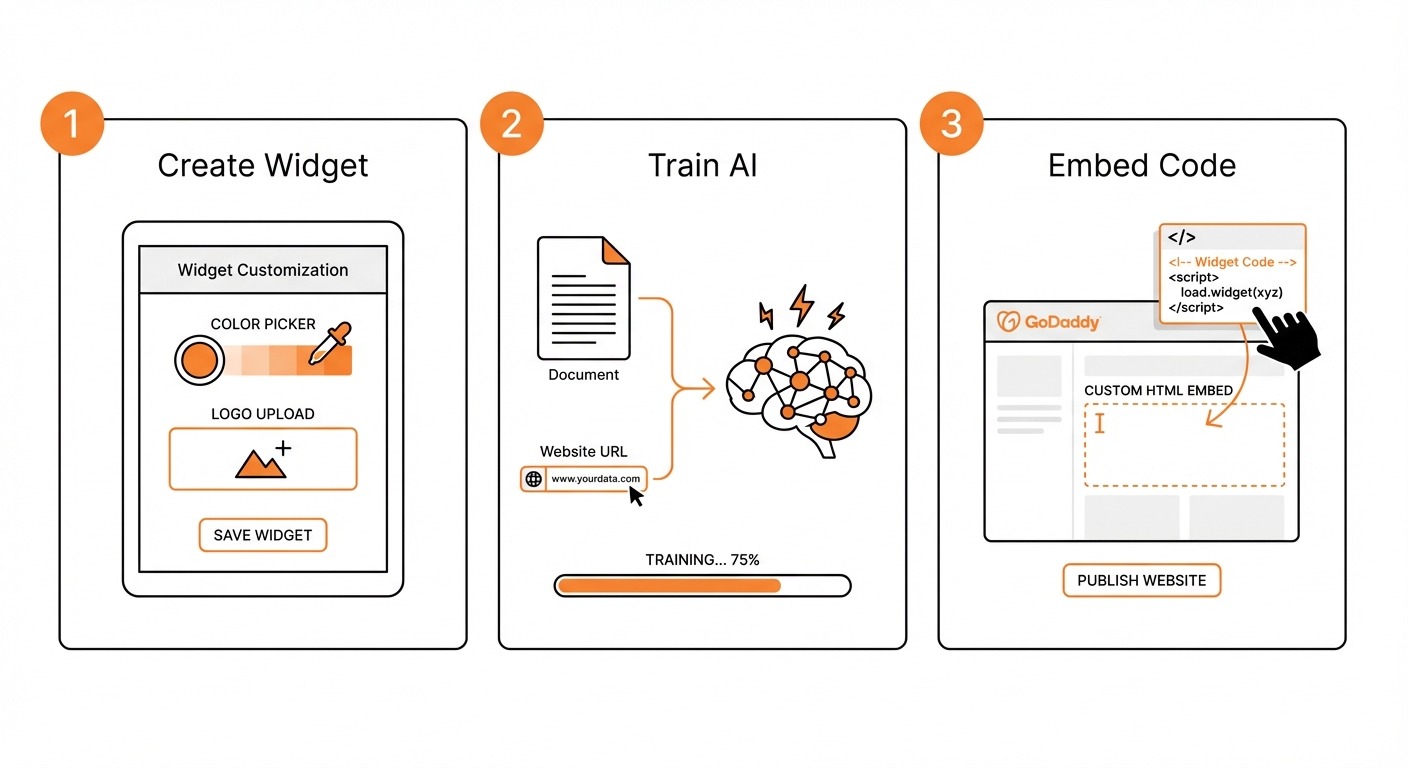
- Customize the widget appearance: choose your brand colors, set the welcome message, upload your logo, and configure the chat window position (bottom-right is standard).
- Set up pre-chat forms if you want to collect visitor name and email before starting a conversation.
- Save and publish the widget.
ChatMaxima provides a detailed walkthrough for this process in their widget creation guide. Follow it step by step for the most up-to-date instructions.
Once your widget is created, ChatMaxima generates an embed code (a small JavaScript snippet) that you will add to your GoDaddy site in Step 4.
Step 3: Build Your AI Chatbot in ChatMaxima Studio
This is where the intelligence comes in. ChatMaxima Studio is a visual builder where you create the brain behind your widget.
- Open ChatMaxima Studio from your dashboard.
- Click Create New Bot and choose a template or start from scratch.
- Train your bot on your content. Upload your website URL, PDF documents, or FAQ lists. ChatMaxima’s AI will process this content and use it to answer visitor questions accurately. You can use the Website GPT feature to automatically crawl your GoDaddy site and ingest its content.
- Design conversation flows. Use the drag-and-drop builder to create paths for common scenarios: greeting visitors, answering product questions, capturing leads, booking appointments, or escalating to a human.
- Choose your AI model. Select from OpenAI GPT-4, Claude by Anthropic, Google Gemini, or others depending on your needs.
- Set fallback behavior. Define what happens when the AI is unsure: it can ask a clarifying question, offer to connect with a human, or provide a contact form.
- Test your bot using the built-in preview. Ask it questions your real visitors would ask and refine the responses.
Step 4: Embed the Widget Code on Your GoDaddy Website
The final step is placing the ChatMaxima widget code on your GoDaddy site. The process differs slightly depending on whether you use GoDaddy Website Builder or WordPress.
For GoDaddy Website Builder:
- Copy the embed code from your ChatMaxima widget settings.
- Open the GoDaddy Website Builder editor.
- Navigate to Settings (or Site Settings depending on your version).
- Look for the Header/Footer Code Injection section (sometimes labeled “Custom Code” or found under Advanced).
- Paste the ChatMaxima snippet into the Footer code area.
- Click Save and Publish your site.
For WordPress on GoDaddy Hosting:
- Log in to your WordPress admin panel.
- Navigate to Appearance > Theme Editor (or use a plugin like “Insert Headers and Footers”).
- Paste the ChatMaxima embed code just before the closing
</body>tag in your theme’s footer template. - Alternatively, install the ChatMaxima WordPress integration plugin for an even simpler setup.
- Save your changes and visit your live site to confirm the widget appears.
After embedding, refresh your GoDaddy website. You should see the chat widget in the corner of your page, ready to engage visitors with AI-powered conversations.
Tips for Getting the Most Out of Your GoDaddy Chatbot
Once your chatbot is live, here are practical ways to maximize its impact:
Keep training data current. Whenever you update your GoDaddy website with new products, services, or pricing, re-train your ChatMaxima bot so it stays accurate. The Website GPT feature makes this easy by re-crawling your site on demand.
Use the unified inbox daily. Monitor conversations in the team inbox to spot patterns. If visitors frequently ask a question the bot struggles with, update your training content or add a dedicated flow for that topic.
Expand to other channels. Once your website chatbot is running smoothly, extend it to WhatsApp or Instagram. Customers increasingly prefer messaging apps over website chat, and ChatMaxima lets you reuse the same bot across all of them.
Track performance with analytics. Use ChatMaxima’s reporting tools to measure response times, resolution rates, and lead capture numbers. This data helps you continuously improve the chatbot’s effectiveness.
Set up integrations early. Connect your chatbot to Google Sheets or your CRM from day one. Automatically logging every lead ensures nothing falls through the cracks.
Moving Beyond Basic Chat on GoDaddy
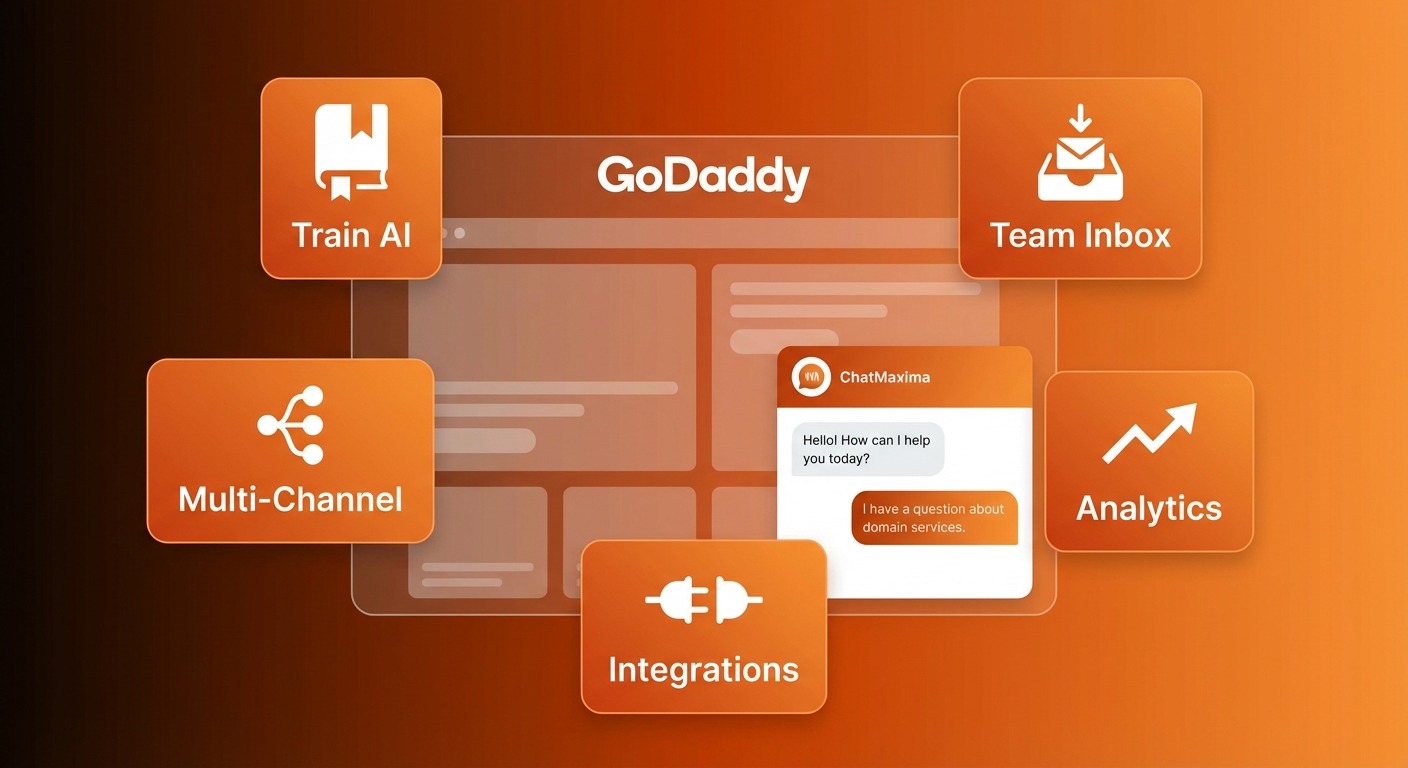
GoDaddy gives you a great foundation for building a web presence, but its built-in chatbot is not designed for the kind of intelligent, multi-channel customer engagement that modern businesses need. By adding ChatMaxima, you upgrade from static responses to genuine AI conversations that understand your visitors, capture leads automatically, and work across every channel your customers use.
The setup takes minutes, the free trial lets you test everything before committing, and the result is a website that actively works to convert visitors into customers rather than waiting for them to fill out a contact form.
Ready to add an AI chatbot to your GoDaddy website? Start your free trial with ChatMaxima and have your chatbot live today.