Typing is the slowest way humans communicate, and it is especially clumsy on a phone. Your customer is driving, cooking, holding a baby, or simply in a hurry, and you are asking them to thumb-type a support question into a tiny text box. No wonder so many give up and churn instead.
A voice AI chatbot removes that friction entirely. The user taps once, speaks naturally, and hears a spoken answer back, in real time, without leaving your app. It is the difference between filling out a form and simply asking a question out loud.
This post is the introduction to voice AI chatbots inside mobile apps. We will cover what a voice AI chatbot actually is, why voice belongs in your app specifically, how the ChatMaxima version works, and what you can build with it. It is part of our Mobile App SDK series, which opens with the full SDK overview.
What a Voice AI Chatbot Actually Is, and Isn’t
Let us clear up the term, because “voice” gets attached to a lot of different things.
A voice AI chatbot is not a recorded phone menu. It is not “press 1 for billing, press 2 for support.” Those systems are rigid decision trees that frustrate people before they ever reach an answer.
It is also not a generic device assistant like Siri or Google Assistant. Those are tied to the operating system, answer general queries, and know nothing about your business, your pricing, or your customer’s account.
A voice AI chatbot is a conversational agent that lives inside your app and is trained on your knowledge. The user speaks, the agent understands the intent, pulls the right answer from your content, and replies in a natural-sounding voice. It handles follow-up questions, remembers the context of the conversation, and behaves like a knowledgeable member of your team who happens to be available instantly, around the clock.
Mechanically, three things happen in sequence, fast enough to feel like a single moment: the agent converts speech to text, understands and generates a response from your knowledge base, and converts that response back to speech. The user just experiences a conversation.
If you want the deeper contrast between spoken and typed agents, our guide on AI voice agents vs text chatbots breaks down where each one wins.
Why Voice Belongs Inside Your Mobile App
Plenty of products bolt voice onto a website or a phone line. Putting it inside the mobile app is different, and better, for a few specific reasons.
The app already knows who the user is. When someone opens the voice agent inside your app, they are already logged in. The agent can speak to their actual account, their orders, their plan, without making them verify themselves first. That context is what turns a generic answer into a useful one.
Voice is the natural mobile input. On a phone, speaking is faster and easier than typing, and it works hands-free. For accessibility, for multitasking, and for sheer speed, voice fits the device better than a keyboard does.
It keeps the customer in your product. A spoken answer inside your app means no detour to a help center, no switching to the phone dialer, no waiting on hold. The customer stays exactly where they were, gets unblocked, and keeps using your product.
The market agrees. Real-time voice has become one of the fastest-moving areas in conversational AI, powered by mature streaming infrastructure built by ChatMaxima. What was experimental two years ago is now production-ready, and customers increasingly expect it.

How the ChatMaxima Voice AI Chatbot Works
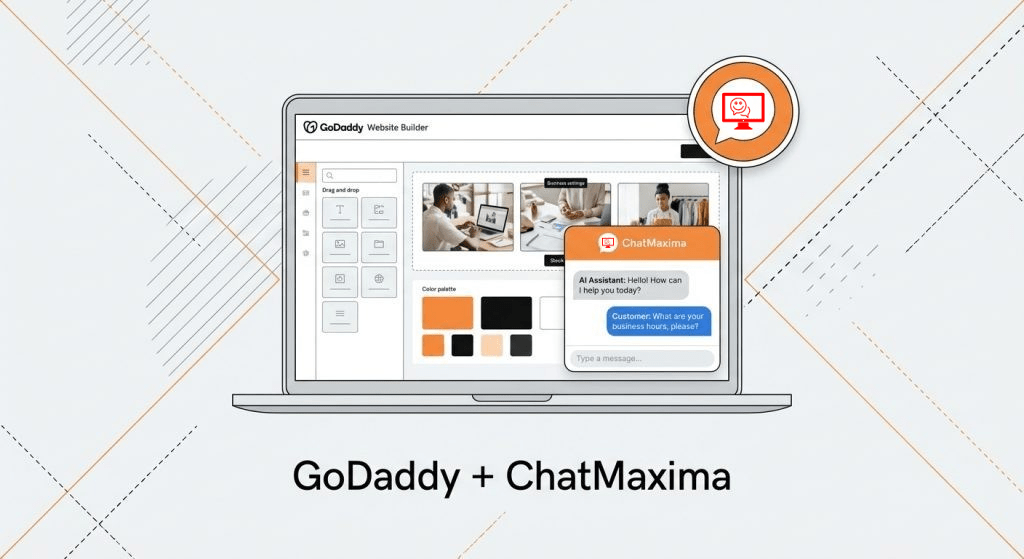
The voice AI chatbot in the Mobile App SDK uses the same real-time voice infrastructure that powers voice on the ChatMaxima web widget. That means you are not adopting an experimental side feature, you are using a path that is already live in production.
When a user taps the call button inside your app, the SDK requests a connection, joins a real-time audio room, and the conversation begins. The microphone streams the user’s speech to the voice agent, and the agent’s spoken reply plays back automatically through the device. Latency is low enough that it feels like talking to a person, not waiting on a machine.
A few practical points worth knowing:
-
The voice agent is the same agent brain as your text bot, configured for voice. It draws on the same knowledge, so answers stay consistent whether a customer types or talks.
-
You turn it on per app. Voice is an opt-in capability, so you can launch with text chat first and enable voice when you are ready.
-
Microphone permission is handled as part of setup, with the right native permissions documented for both Android and iOS.
-
The voice conversation is part of the same ChatMaxima pipeline as every other channel, so it is governed by the same routing, automation, and reporting you already use.
For your developers, this is a small addition rather than a large project. The heavy lifting, the audio streaming, the agent, the playback, is handled by the SDK and the ChatMaxima platform.
What You Can Build With It
A voice AI chatbot is not a novelty. It does real work across the customer journey. A few of the most valuable patterns:
Hands-free customer support. A user with a question gets an instant spoken answer at any hour, with no typing and no wait. The voice agent resolves the routine questions and escalates the rest to a human, keeping your support team focused on what actually needs them.
Booking and ordering by voice. “Book me a table for two on Friday at 8.” A voice agent can capture intent, confirm details, and complete a booking or reorder conversationally, which is far faster than navigating menus on a small screen.
Lead qualification on the spot. For apps that generate leads, a voice agent can greet a prospect, ask one or two qualifying questions, and route a warm, qualified lead to a human rep with the context already captured. We see this pattern work across industries, as covered in voice agents explained with business examples.
Accessibility-first interactions. For users who find typing difficult, voice is not a convenience, it is the difference between using your app and abandoning it. An in-app voice agent makes your product usable for far more people.
The common thread is speed and ease. Anywhere a customer would rather speak than type, the voice AI chatbot turns a chore into a quick conversation.
Getting Started
Adding a voice AI chatbot to your app follows a short path once the SDK is in place.
Step 1: Add the Mobile App SDK. If your app already uses the SDK for text chat, you are most of the way there. If not, start with the SDK setup in the overview post.
Step 2: Configure your voice agent. In the ChatMaxima dashboard, set up the agent with your knowledge and conversation style. Because it shares the same brain as your text bot, much of this may already exist.
Step 3: Enable voice and request microphone permission. Turn on the voice capability for your app and add the standard microphone permissions for Android and iOS, which the SDK documents.
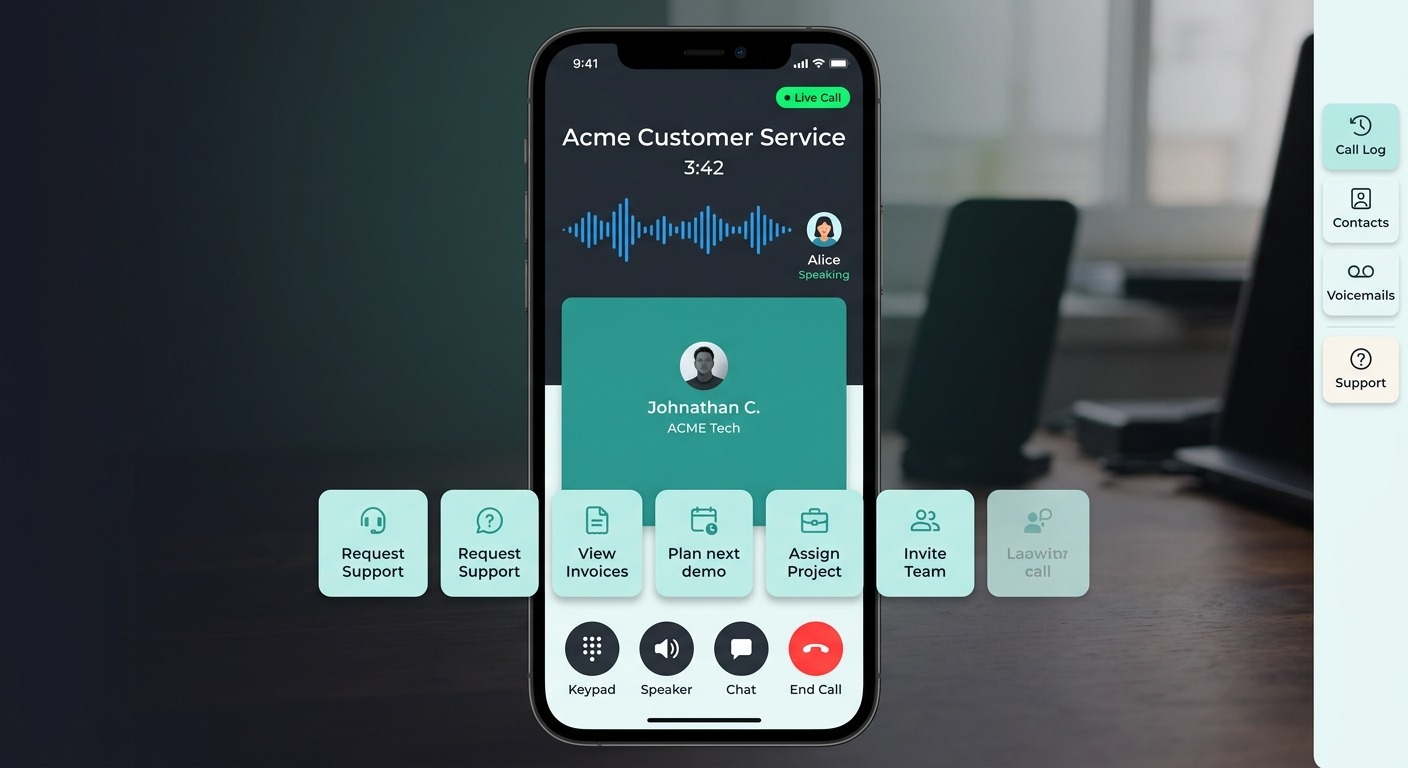
Step 4: Place the entry point. Add the voice call button where it makes sense, often in the chat screen header or a support menu, so users can switch from typing to talking in one tap.
That is the full journey from text-only support to a talking, in-app AI agent. Because it reuses infrastructure you already have, most of the effort is configuration rather than construction.
What’s Next
A voice AI chatbot turns your app into something a customer can simply talk to. Faster than typing, available every hour of the day, trained on your knowledge, and aware of who the user is. For support, booking, lead qualification, and accessibility, it removes the single biggest friction point on mobile: the keyboard.
This is one of four capabilities in the ChatMaxima Mobile App SDK. Upcoming posts in the series go deep on the text AI chatbot, in-app voice support with your human team, and in-app live chat. If you want the full picture now, read the Mobile App SDK overview.
Ready to let your users talk to your app? See what voice AI would cost for your product on the ChatMaxima pricing page.