Most support questions are not hard. They are repetitive. Where is my order, how do I reset my password, what are your hours, how do I upgrade my plan. The same handful of questions, asked thousands of times, each one pulling a human agent away from the work that actually needs a person.
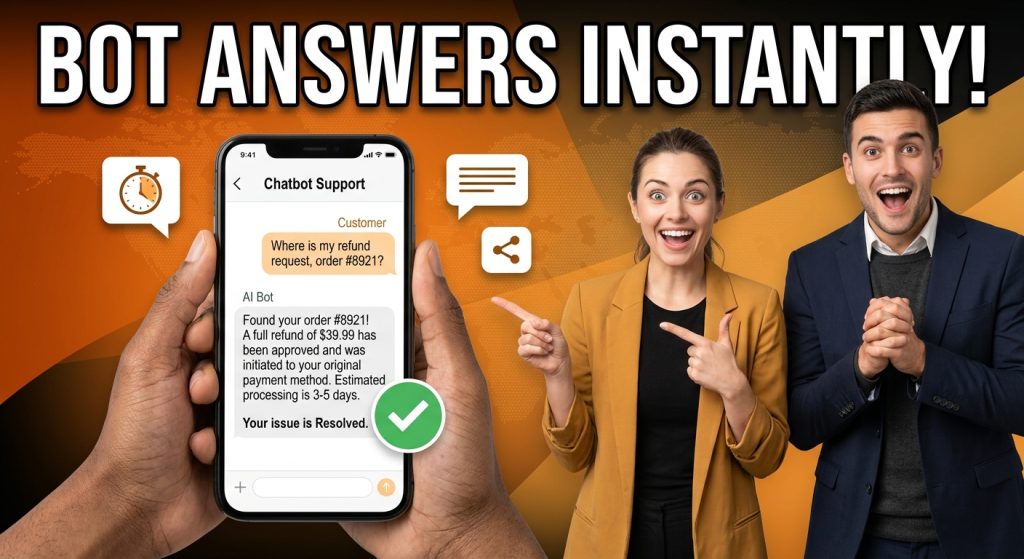
A text AI chatbot inside your mobile app answers those questions the instant they are asked, in a familiar chat interface, without anyone waiting in a queue. It is the workhorse of in-app support: not flashy, but it quietly resolves the bulk of your volume and frees your team for the conversations that matter.
This post introduces the in-app text AI chatbot: what it is, why text remains the backbone of mobile support, how the ChatMaxima version works, and how it hands off to a human when it should. It is part two of our Mobile App SDK series, which opens with the full SDK overview and continues with the voice AI chatbot introduction.
What an In-App Text AI Chatbot Is
A text AI chatbot is a conversational agent that lives inside your app and answers questions by chat. The user types, the agent understands the intent, and it replies with an answer drawn from your own content.
The key word is your own content. This is not a generic model guessing at answers. The agent is trained on your knowledge base, your help docs, your policies, and your product details, so it speaks accurately about your business specifically. It knows your refund window, your shipping times, your pricing tiers.
It is also conversational, not a menu. The user does not navigate a tree of buttons. They ask in plain language, the agent answers, and it handles the follow-up questions that naturally come next while remembering the context of the conversation.
Crucially, the in-app chatbot is not a dead end. When a question goes beyond what it can confidently answer, it hands the conversation to a human agent rather than looping the user in frustration. More on that handoff below.
Why Text Is Still the Workhorse of In-App Support
Voice is exciting, and it has a clear place, which we covered in the voice AI chatbot introduction. But text remains the foundation of in-app support for solid reasons.
It works everywhere, silently. People use their phones on trains, in offices, in waiting rooms, in bed. Text support works in all of those places where speaking out loud does not. It is the universal default.
It is skimmable and precise. A typed answer can include a link, a list of steps, an order number, or a button. The user can read it, scroll back, and act on it at their own pace. Spoken answers are great for simple questions, but text is better for anything with detail.
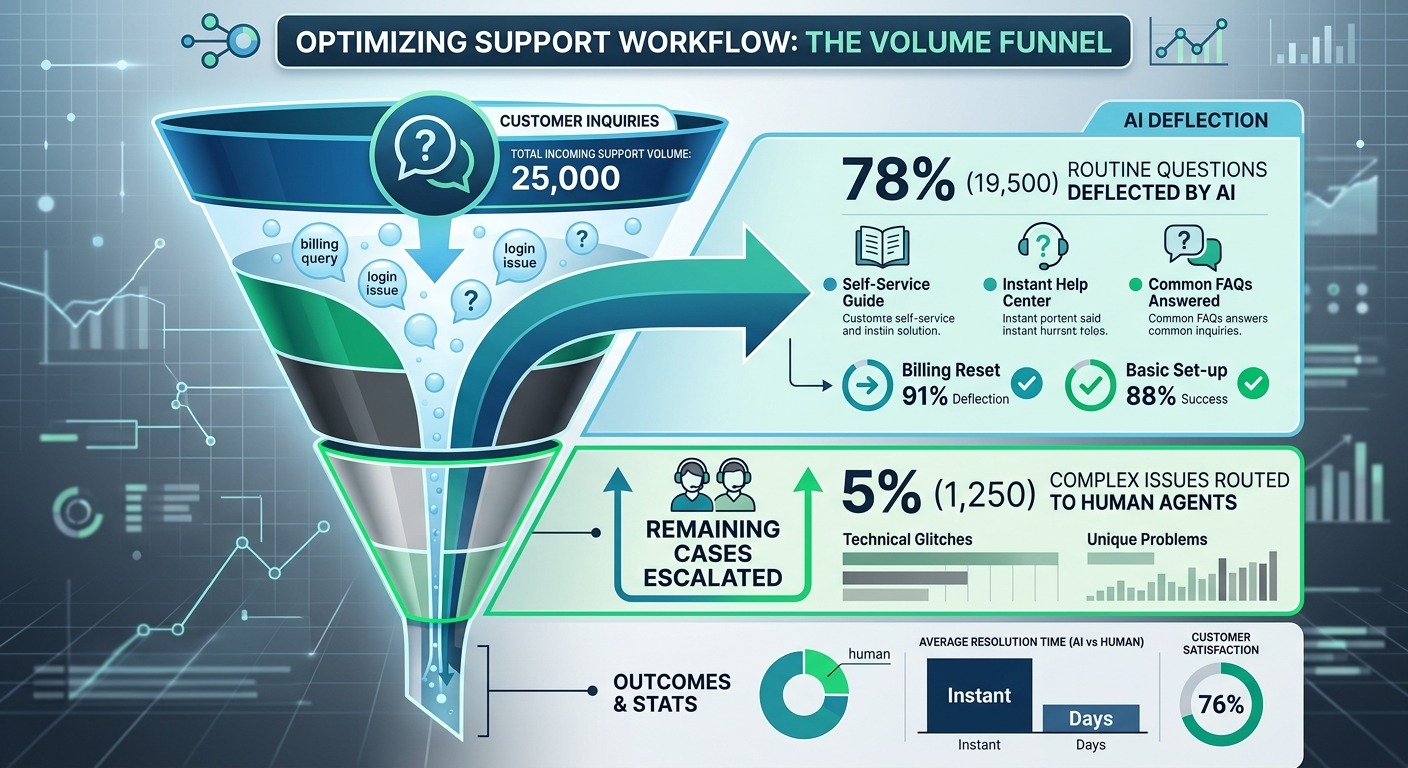
It carries the highest volume. The repetitive, high-frequency questions, the ones that clog a human queue, are almost all text-friendly. Deflecting those with an instant bot reply is where the biggest support-cost savings come from.
This is the same shift happening across the industry, as conversational AI replaces the slow ticket-and-queue model. We unpack that transition in AI-first customer support replacing ticketing systems.
How the ChatMaxima Text AI Chatbot Works
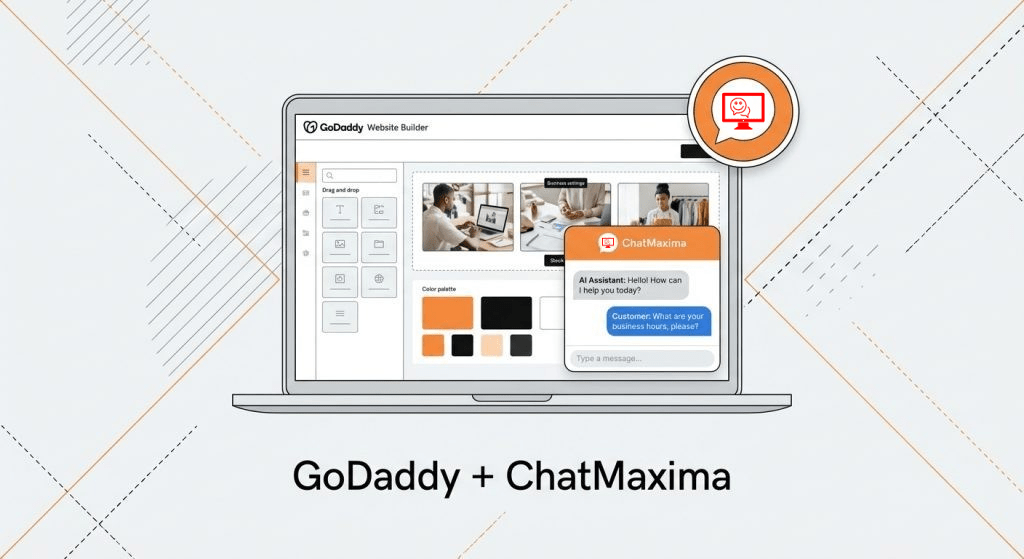
The text AI chatbot in the Mobile App SDK is the same chatbot engine ChatMaxima runs on websites, WhatsApp, and every other channel, brought inside your app through a single Flutter SDK.
When you add the SDK, a branded chat interface appears in your app. From the moment a user opens it, the chatbot is live: it greets them, answers questions, runs flows, and captures information, all over a real-time connection so replies feel instant.
A few things worth knowing:
- The bot is trained on your knowledge, so its answers reflect your actual product and policies, not generic responses.
- The chat UI is branded to your app, with your colors and identity, so it feels native rather than bolted on.
- The conversation rides the same ChatMaxima pipeline as your other channels, which means the bot flows, routing, and automations you already built work here without change.
- Every in-app conversation lands in the same unified inbox as your WhatsApp, web, and social messages, so your team works one queue.
For your developers, the integration is small. Add the package, connect with an API key, and drop the chat screen into your app. You do not build a chat UI, manage connections, or train a model from scratch.
What It Resolves
The text AI chatbot earns its keep on volume. The most valuable patterns:
Instant FAQ deflection. Order status, hours, returns, account questions, how-to steps. The bot answers these immediately, at any hour, so they never reach a human queue. This is where most of the cost savings live.
Guided flows. The bot can walk a user through a process step by step, tracking an order, starting a return, updating a setting, by asking for the right information and acting on it.
Lead capture and qualification. For apps that generate leads, the bot greets prospects, asks qualifying questions, and captures the answers as structured data before routing to a human, so no lead sits unanswered.
Triage before escalation. Even when a question needs a person, the bot gathers the context first, what the issue is, what the user already tried, so the human agent picks up informed instead of starting cold.
The common thread is that the bot handles the high-frequency, low-complexity work instantly and consistently, which is exactly the work that drains a support team’s time when done manually.
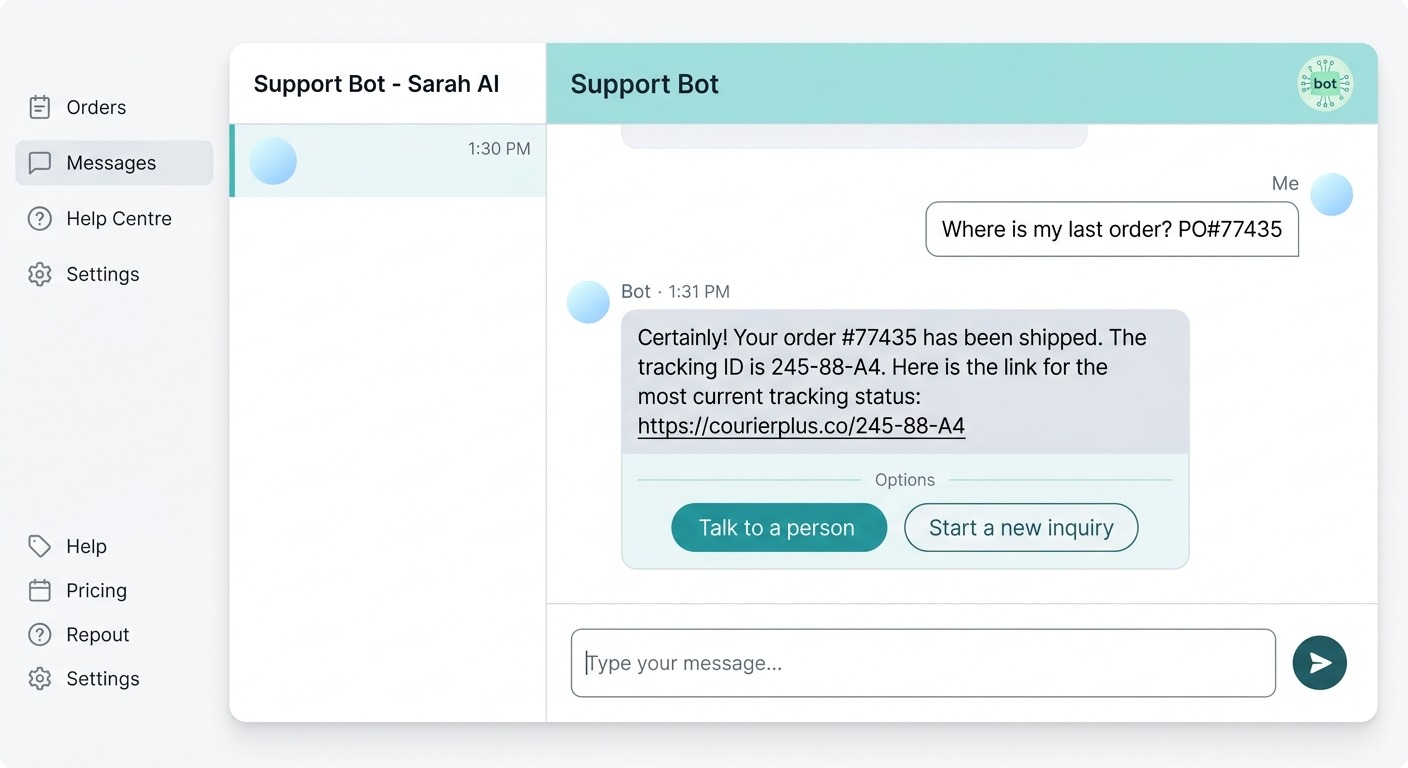
From Bot to Human, Without the Frustration
The fastest way to ruin an AI chatbot is to trap users in it. A bot that cannot escalate, that keeps replying “I did not understand,” turns a small problem into an angry customer.
The ChatMaxima text AI chatbot is built around a clean bot-to-human handoff. When the bot reaches the edge of what it can confidently handle, or when the user simply asks for a person, it escalates to a live agent. The full conversation history travels with the handoff, so the customer never has to repeat themselves and the agent picks up with complete context.
Because in-app conversations share the same inbox as every other channel, that human agent is not in a separate tool. They handle the escalated app chat right alongside their WhatsApp and web conversations. The transition is seamless from both sides.
Getting this balance right, automation for speed and scale, humans for the moments that need them, is the core of good support. We explore it in depth in automating support without losing the human touch.
Getting Started
Adding a text AI chatbot to your app is a short, configuration-driven path.
Step 1: Add the Mobile App SDK. Pull in the Flutter package and connect it with your app’s API key from the ChatMaxima dashboard.
Step 2: Drop in the chat screen. Place the ChatMaxima chat interface behind your support entry point, often a help button or a floating chat icon.
Step 3: Train and configure the bot. Point the bot at your knowledge base and set up the flows and answers you want it to handle. If you already run a ChatMaxima bot on other channels, much of this is reusable.
Step 4: Set escalation rules. Define when the bot hands off to a human and how those conversations route to your team.
That is the whole journey from zero to an in-app support bot that resolves the bulk of your routine questions on its own. Because it reuses your existing ChatMaxima setup, most of the work is configuration, not construction.
What’s Next
A text AI chatbot is the dependable backbone of in-app support. It answers the high-volume, repetitive questions instantly, works silently in any setting, captures and qualifies leads, and hands off cleanly to a human when a person is genuinely needed. It is where the biggest, most reliable support savings come from.
This is part two of the ChatMaxima Mobile App SDK series. Still to come: in-app voice support with your human team, and in-app live chat. For the full picture, start with the Mobile App SDK overview.
Ready to put an AI support bot inside your app? See what it would cost for your product on the ChatMaxima pricing page.