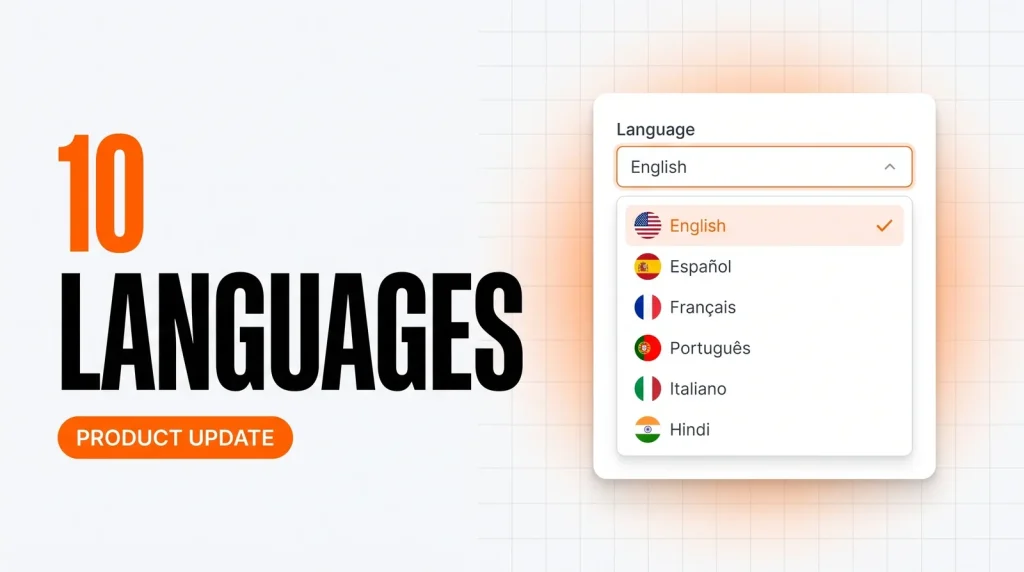
For a long time, running your ChatMaxima workspace meant working in English, whatever your first language was. That changes today. The entire ChatMaxima dashboard is now localized in 10 languages, so you and your team can build bots, manage conversations, and run campaigns in the language you think in.
The 10 languages we now support
ChatMaxima is available in:
- English
- Spanish (Espanol)
- French (Francais)
- Portuguese, Brazil (Portugues do Brasil)
- Italian (Italiano)
- Arabic (with full right-to-left support)
- Hindi
- Tamil
- Telugu
- Simplified Chinese
Your whole workspace, not just the login screen
This is not a translated sign-in page. Localization runs across the product: the inbox, tickets, MaxCRM contacts, the bot builder, campaigns, knowledge base, reports, and settings. Menus, buttons, form labels, help text, and system messages all follow your chosen language, so nothing switches back to English halfway through a task.
Arabic ships with proper right-to-left layout, so the interface mirrors correctly instead of simply swapping the words around. And because every teammate picks their own language independently, a support lead in Madrid and an agent in Chennai can each work in their own language inside the same workspace.
How to switch your language
It takes two clicks:
- Click the profile icon at the top right of your dashboard.
- Choose your preferred language under the Language section.
The whole dashboard switches instantly. There is nothing to install and no page to reload.
Do not see your language?
Right next to the language picker you will find a “Request another language” option. Tell us which language you want and it goes straight to our team, so your requests decide what we localize next.
Localized for your team, translated for your customers
Worth being clear on the difference. This update localizes the dashboard your team works in. Your customers were already covered: ChatMaxima has long offered a multilingual chat widget across Spanish, Arabic, Portuguese and more, and automatic message translation so agents and customers can chat even when they do not share a language. Now the tooling behind those conversations speaks your language too.
Try it now
Open your dashboard, click the profile icon, and pick your language. If you are new to ChatMaxima, you can start free and set your language from day one.
Switch your language in ChatMaxima, and tell us how it feels in your language. We read every response.