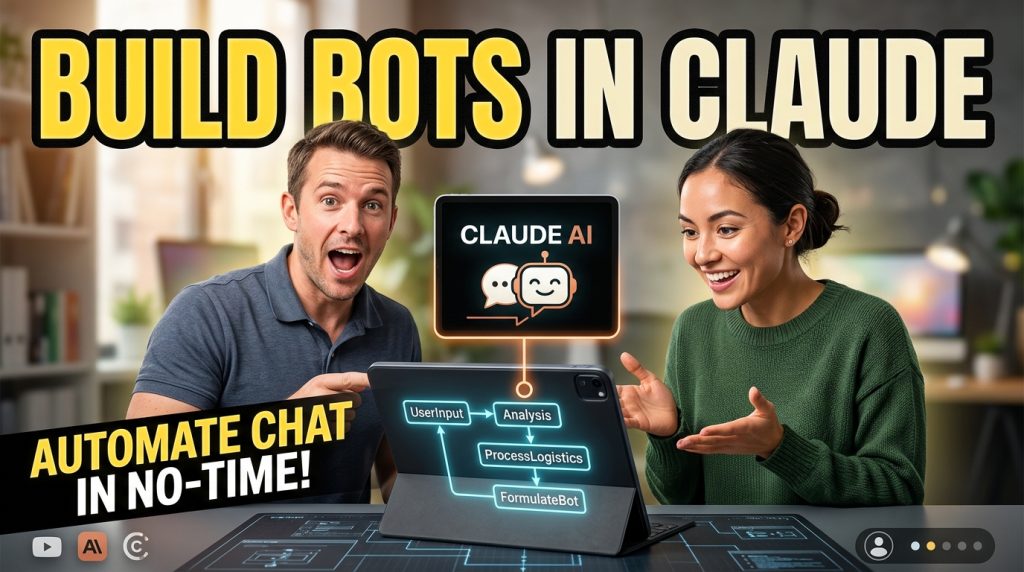
Building a chatbot has always meant opening a builder, dragging blocks, and wiring a flow by hand. Useful, but it pulls you out of the place where you do your thinking. Today we are changing that. ChatMaxima MCP lets you build, edit, and test ChatMaxima chatbots straight from the AI assistant you already use, whether that is Claude, ChatGPT, or Gemini.
You describe the bot you want in plain language. Your AI assistant calls ChatMaxima’s tools to create the bot, add the blocks, connect the flow, tidy the layout, and run a test conversation. The bot lands in your real ChatMaxima workspace, ready to open in the visual builder or publish to a channel.
This is the Model Context Protocol put to work for conversational AI. In this post we will cover what ChatMaxima MCP is, what it can do, how the one-click connection works, and how to build your first bot from a chat window.
What the Model Context Protocol actually is
The Model Context Protocol (MCP) is an open standard for connecting AI assistants to external tools and data. Instead of every app inventing its own plugin format, MCP gives assistants one common way to discover what a service can do and to call those capabilities safely. You can read the open specification at modelcontextprotocol.io.
The key idea is a clean split of responsibility. The AI client is the brain. It plans, reasons, and decides what to do next. The MCP server is the hands. It exposes a set of concrete tools the client can call. ChatMaxima MCP is the hands for chatbot building. Your assistant does the thinking, and ChatMaxima does the building inside your account.
That separation matters because it keeps you in control of the model. You are not locked into one vendor’s assistant. If you prefer Claude for reasoning, use Claude. If your team lives in ChatGPT, use ChatGPT. The bot you build is identical because the building happens in ChatMaxima either way. This fits the broader case we made in why model independence is the foundation of durable AI infrastructure.
What ChatMaxima MCP lets you do
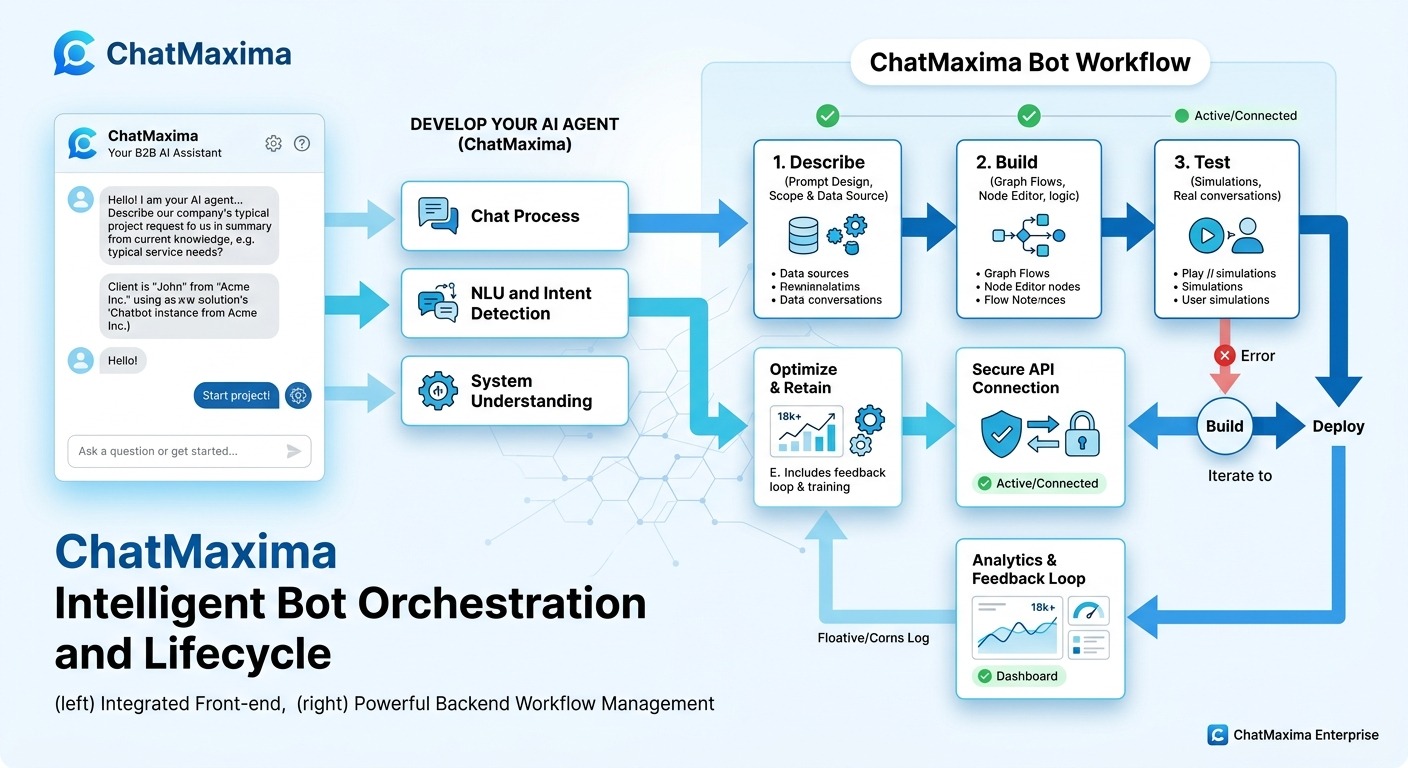
Once connected, your AI assistant gains a focused toolkit for working with ChatMaxima bots. There are nine tools, grouped into reading, building, and testing.
Reading and discovery:
- List block types. See the full catalog of blocks the builder supports, with categories, descriptions, and required fields.
- Get block schema. Pull the exact fields for any block type so the assistant configures it correctly.
- List bots. See every chatbot in your workspace.
- Get bot. Inspect a single bot’s block graph to understand its current flow.
Building:
- Create bot. Spin up a new bot with a starting step and a welcome message, ready to extend.
- Add block. Add a block and connect it after an existing one. The assistant threads each new block from the previous step, and the canvas auto-organizes as it goes.
- Connect blocks. Wire branches, like a button or condition output going to its own path.
- Organize bot. Run a final tidy pass so the diagram reads cleanly top to bottom.
Testing:
- Run test. Run a scripted conversation against the bot on the real runtime and read back the transcript, so the assistant can verify the bot behaves before you ship it.
The result is a complete build loop without leaving your chat window. Describe, build, test, refine, all in natural language.
One-click connection, built on OAuth
Connecting an external AI client to your business systems should be simple and safe. ChatMaxima MCP uses the standard OAuth authorization flow that modern MCP clients expect, so the whole setup is a few clicks.
Here is what happens when you connect. Your AI client discovers the ChatMaxima MCP server, registers itself automatically, and sends you to a ChatMaxima consent screen. You sign in with your normal ChatMaxima account, review what access is being granted, and approve. The client receives a secure token and the connection is live.
A few things make this safe by design:
- You authenticate as yourself. The connection acts on behalf of your own ChatMaxima user, never an arbitrary account.
- It is scoped to one workspace. Every tool call is limited to the workspace you approved.
- You choose the workspace. If you belong to more than one team, the consent screen shows a workspace picker so you grant access to exactly the right one.
- You can revoke anytime. Access lives on a token you control, not a password you shared.
There is nothing to copy, paste, or store in plain text. No fragile API key floating around in a config file. You approve once, and your assistant can build.
How to connect your AI client
The connection URL is the same for every client:
https://chatmaxima.com/mcp/
Claude. Open the connectors settings in Claude, add a custom connector, and paste the URL above. Claude will walk you through the ChatMaxima sign-in and consent screen. Approve, pick your workspace, and the ChatMaxima tools appear in your chat.
ChatGPT. In a workspace that allows custom connectors, add a new connector with the same URL. Complete the ChatMaxima authorization when prompted. The builder tools become available to the assistant.
Gemini and other MCP clients. Any client that speaks the Model Context Protocol can use the same endpoint. Add it as an MCP server, authorize through ChatMaxima, and start building.
After you approve, ask your assistant something simple to confirm the link, like “list my ChatMaxima bots.” If it returns your bots, you are ready.
Building your first bot by chatting
The fastest way to understand ChatMaxima MCP is to watch a real build take shape. Say you want a lead qualification bot for a real estate site. You might type this into your assistant:
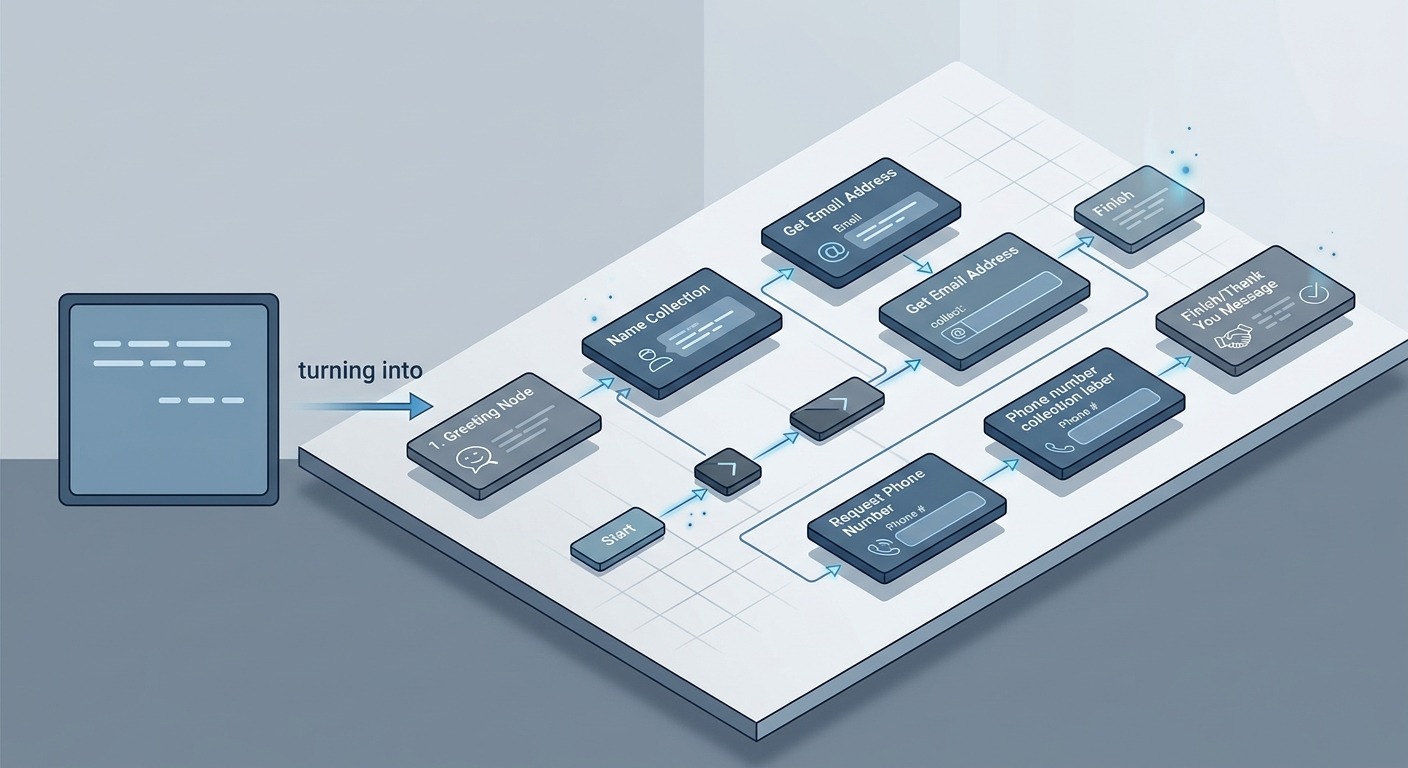
“Create a ChatMaxima bot called Real Estate Lead Capture. Greet the visitor, ask for their name, then their email, then their phone number, then ask whether they are buying or selling, and finish with a thank-you message.”
Your assistant will:
- Call create bot to make the new bot with a starting step and welcome message.
- Call get block schema for the block types it needs, so it knows the exact fields.
- Call add block several times, threading each step after the last one, so name leads to email leads to phone, and so on.
- Use connect blocks to wire the buying-or-selling branch.
- Call organize bot for a clean final layout.
- Call run test with a sample conversation to confirm the flow responds correctly.
A minute later you have a working bot in your ChatMaxima workspace. Open it in the visual builder to fine-tune copy, swap a block, or attach it to a channel. Nothing about the bot is locked to the chat session. It is a normal ChatMaxima bot.
This is the same lead-capture pattern we have written about for paid traffic, where speed of qualification decides whether a lead converts. If you run ads, pair this with the approach in how click-to-WhatsApp AI agents qualify leads 24/7.
Why building from your assistant changes the workflow
There is a real productivity gain here, and it comes from removing context switching. Most chatbot work starts as a conversation anyway. You are already describing what the bot should do, to a colleague or to yourself. ChatMaxima MCP lets that description become the build.
A few patterns we expect to become common:
Drafting fast, refining visually. Use your assistant to rough out the whole flow in one prompt, then jump into the builder for the last ten percent of polish. The assistant handles the tedious wiring. You handle judgment.
Iterating in plain language. “Add a step after the email question that asks for their budget range.” The assistant inspects the current bot, finds the right place, and inserts the block. No hunting through the canvas.
Building variations. Need three versions of a qualification flow for three campaigns? Ask once, adjust the differences in follow-up prompts, and test each with a scripted conversation.
Learning the platform. New to ChatMaxima? Ask your assistant what blocks exist and what they do. It reads the live catalog and explains, then builds with you.
This is the same direction we argue for in why vertical AI agents beat general chatbots for business. The value is not a generic assistant that talks. It is an assistant wired into the exact system where the work gets done.
Security and control
Because ChatMaxima MCP can create and change bots, we built it with strict boundaries.
Standard, modern auth. The connection uses the OAuth authorization-code flow with PKCE, the same security pattern that protects sensitive app integrations. Tokens are short-lived and refreshable, and the authorization code is single-use.
Workspace isolation. Every tool call is scoped to the one workspace you approved. An assistant connected to your marketing workspace cannot touch a different team’s bots.
Your identity, your permissions. The connection operates as your ChatMaxima user, with your role and your access. It cannot do anything you could not do yourself in the dashboard.
Reversible by design. Revoke the connection whenever you want, and the token stops working. Nothing about MCP weakens the controls you already have on your account.
In short, ChatMaxima MCP adds a powerful new way in, without opening a new way around your existing security.
What you can build
The builder tools are general, so the use cases are broad. A few starting points:
- Lead qualification bots that greet, capture details, and route hot leads.
- Support assistants that gather context before handing off to an agent.
- Booking and appointment flows that collect what you need to schedule.
- Product finders that ask a few questions and recommend.
- Feedback and survey bots that branch based on answers.
Anything you can build in the visual builder, you can now scaffold from a chat. And because MCP works alongside the rest of the platform, the bots you build connect to the same channels and integrations you already rely on, from web chat to messaging apps.
What is next
ChatMaxima MCP is live now. Connect your AI client to https://chatmaxima.com/mcp/, approve access to your workspace, and ask it to build something. The full read, build, and test toolkit is available from day one, and we are continuing to expand what the tools can do.
If you are new to ChatMaxima, the simplest path is to start a workspace, then connect your assistant and let it walk you through your first bot. You can see plans and start on the pricing page.
The way people build software is shifting from clicking to describing. With ChatMaxima MCP, building a chatbot now happens in the same place you think about it. Open your assistant, describe the bot you need, and watch it come together.