When a customer has a question inside your app, the gap between “I need help” and “I got help” decides whether they stay or leave. Send them to an email form and you have lost them for hours. Point them at an FAQ page and you have made them do the work. Make them call a number and you have pushed them out of your product entirely.
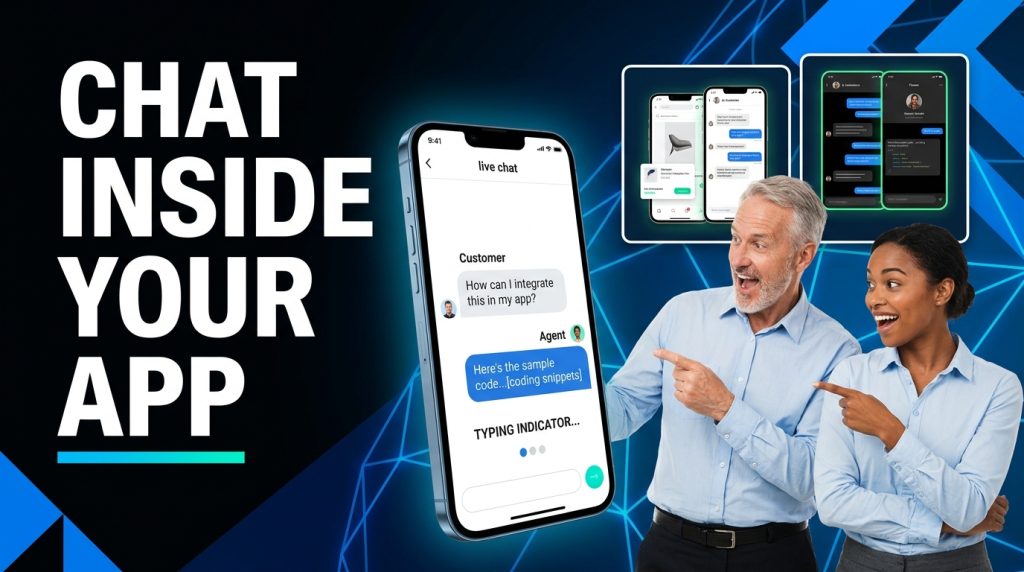
In-app live chat support closes that gap to almost nothing. The customer taps a chat icon, types their question, and is talking to your team in the same screen they were already using. No new tab, no inbox, no waiting a day for a reply. It is the most familiar support experience there is, and it is the dependable backbone that every other support mode sits on top of.
This post is the complete introduction to in-app live chat support: what it is, why it beats the alternatives on mobile, how the ChatMaxima version works, and how it connects to the rest of your channels. It is the final part of our Mobile App SDK series, which opens with the full SDK overview.
What In-App Live Chat Support Is
In-app live chat support is real-time text conversation between your user and your human team, inside your mobile app.
It is the human counterpart to the text AI chatbot. The bot handles the high-volume, repetitive questions instantly; live chat connects the user to a real agent for everything that needs a person. In practice the two are layered: the bot answers first, and hands off to live chat when needed. The customer experiences one continuous conversation.
What makes it “live” is that it happens in real time. The agent sees the message arrive, the customer sees typing indicators and read receipts, and replies flow back and forth in seconds. It feels like the messaging apps people already use all day, because that is exactly the interaction model.
And it lives inside your app, branded to match your product. There is no redirect to a separate support portal. The chat is part of your app’s experience, which is what keeps the customer in your product while they get help.
Why In-App Chat Beats Email and Push
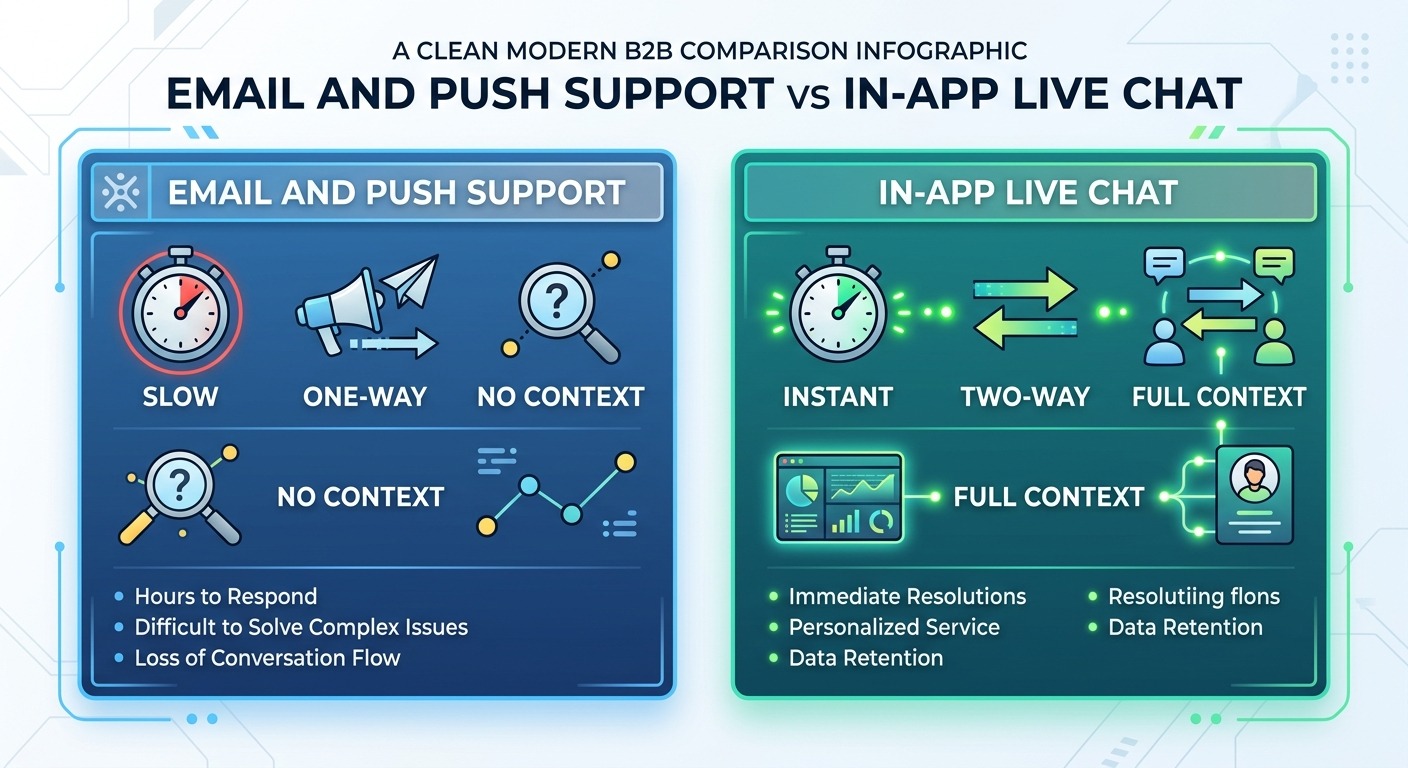
Plenty of apps still lean on email or push notifications for support. In-app live chat outperforms both, for concrete reasons.
Speed. Email support is measured in hours or days. In-app live chat is measured in seconds. For a customer who is stuck right now, that difference is everything.
Context. When a user starts a chat inside your app, you already know who they are, what plan they are on, and what they were doing. An email starts from zero, with the customer forced to explain everything. The chat starts with context already in hand.
Engagement. Push notifications are one-way and easy to ignore. A live chat is a two-way conversation that resolves the issue then and there, instead of bouncing the customer to another channel.
Retention. Every time support pulls a customer out of your app, you risk them not coming back. In-app chat keeps them inside your product, gets them unblocked, and lets them carry on. This is the same shift away from slow, ticket-based support that is reshaping the whole industry, which we cover in AI-first customer support replacing ticketing systems.
How the ChatMaxima In-App Live Chat Works
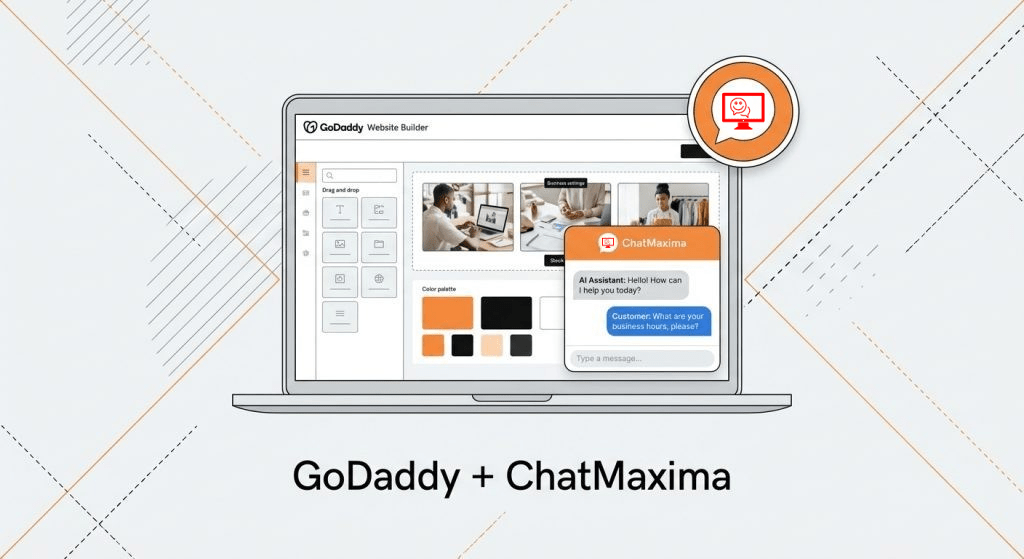
The in-app live chat in the Mobile App SDK is the same chat experience ChatMaxima runs across websites, WhatsApp, and other channels, brought into your app through a single Flutter SDK.
When you add the SDK, a branded chat interface appears in your app. From there, the experience is full-featured and real-time:
- Real-time messaging over a live connection, with typing indicators, read receipts, and instant delivery.
- Rich media. Customers and agents can send images, files, and voice messages, not just plain text.
- Conversation history. When a user reopens support, their past conversation is right there, so they pick up where they left off instead of starting over.
- Branded UI. The chat matches your app’s look, so it feels native rather than bolted on.
Because in-app conversations ride the same ChatMaxima pipeline as every other channel, the routing, automation, and bot flows you already use apply here without change. For your developers, the integration is small: add the package, connect with an API key, and drop the chat screen into your app. You do not build a chat UI or manage the real-time connection.
One Inbox: In-App Chat Plus Every Other Channel
Here is what separates in-app live chat done well from a chat widget bolted onto an app: where the conversations land.
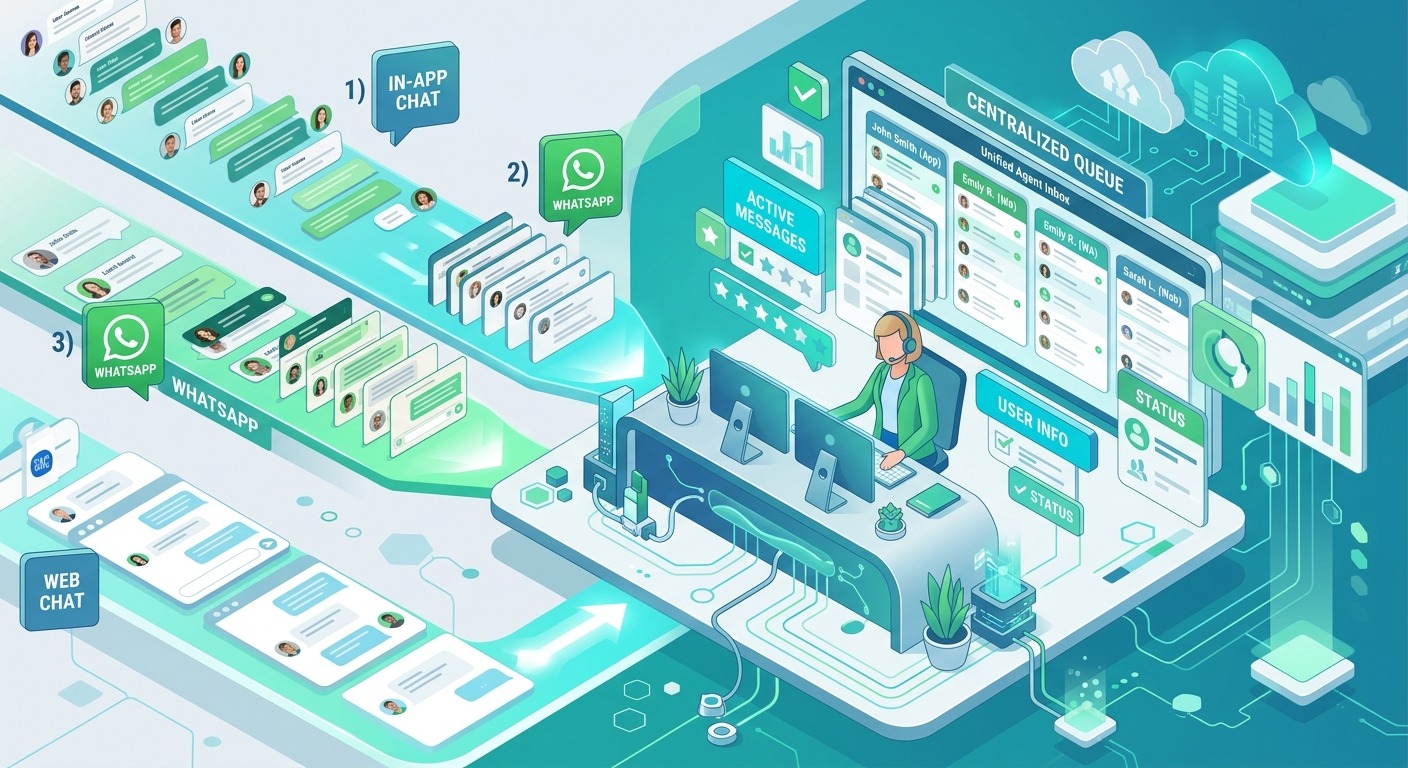
With ChatMaxima, every in-app chat arrives in the same unified inbox as your WhatsApp, web, social, and other conversations. Your agents do not switch between tools or tabs. They work one queue, and a message from your app sits right next to a message from WhatsApp.
This matters because customers are not loyal to a single channel. The same person might chat in your app today, message you on WhatsApp tomorrow, and email next week. In a unified inbox, that is one customer with one history, not three disconnected strangers. Your agent sees the whole relationship and responds with full context every time.
That omnichannel consolidation is the core idea behind modern conversational support, which we explore in conversational AI apps for 2026. The Mobile App SDK simply makes your own app one more channel feeding that single, unified view.
What It’s Great For
In-app live chat is the most broadly useful of the four capabilities, because almost every support and sales interaction can start here.
Everyday support. The reliable default for any question a customer has while using your app, with a human ready when the bot cannot resolve it.
In-the-moment sales questions. A user weighing an upgrade or a purchase can ask right there and get an answer before doubt sets in, instead of leaving to “think about it.”
Account and billing help. Sensitive or specific issues that benefit from a real agent with the customer’s account already in view.
Proactive outreach. Because it is two-way and in-app, your team can also reach out at the right moment, for onboarding nudges or to rescue a stuck user, inside the product rather than over email.
The common thread is immediacy. In-app live chat turns “I will deal with this later, or never” into “I got an answer and kept going.”
Getting Started
Adding in-app live chat support is a short, configuration-driven path.
Step 1: Add the Mobile App SDK. Pull in the Flutter package and connect it with your app’s API key from the ChatMaxima dashboard.
Step 2: Drop in the chat screen. Place the ChatMaxima chat interface behind your support entry point, often a help button or a floating chat icon.
Step 3: Connect your team and routing. Set how incoming chats route to your agents, reusing the rules you already run on your other channels.
Step 4: Layer in the bot. Put the text AI chatbot in front of live chat so it handles routine questions first and escalates to a human cleanly.
That is the whole journey to real-time, human-backed support inside your app, all feeding one inbox alongside your other channels. Because it reuses your existing ChatMaxima setup, most of the work is configuration, not construction.
What’s Next
In-app live chat support is the backbone of the whole experience. It is fast, familiar, and context-rich, it beats email and push on every dimension that matters, and it keeps customers inside your product while they get help. Layered with the AI bot in front and feeding one unified inbox behind, it turns support from a place customers dread into a one-tap conversation.
This completes the ChatMaxima Mobile App SDK series. Across four posts we have covered the voice AI chatbot, the text AI chatbot, in-app voice support, and now in-app live chat, four capabilities, one SDK, one inbox.
Ready to bring voice and text AI plus live support inside your app? See what it would cost for your product on the ChatMaxima pricing page.