Ask any practice manager where the day goes and the phone comes up quickly. Patients call to book, to move appointments, to ask whether you take their insurance and where to park, and every call competes with the person standing at the front desk.
A medical virtual receptionist takes part of that load. It can be a remote person, a traditional medical answering service, or, increasingly, an AI receptionist that answers every call in seconds. This guide explains which calls an AI medical receptionist can handle well, which must stay with your staff, what to check on privacy before you switch one on, what it costs, and how to set one up.
It builds on our comparison of AI and live answering services, and focuses on what is different in a clinic.
What is a medical virtual receptionist?
The term covers three quite different services:
| Medical answering service | Remote virtual receptionist | AI medical receptionist | |
|---|---|---|---|
| Who answers | A call center agent | A trained person working remotely for your practice | Software that holds a spoken conversation |
| Typical job | Takes messages, pages the on-call doctor | Works like an extra front-desk employee | Answers questions and books appointments |
| Hours | Usually 24/7 | Set shifts | 24/7 |
| Pricing model | Per minute or per call | Hourly or monthly | Monthly subscription plus usage |
| Strength | Clinical escalation and on-call paging | Judgment and continuity | Instant answer, no hold queue, many calls at once |
Many clinics combine them: an AI receptionist for routine calls around the clock, staff for anything clinical, and, where needed, a physician answering service for the on-call doctor.
Why clinics are looking at AI for the phones
The pressure is well documented. In a March 2026 MGMA Stat poll, practice leaders named the phone tasks that take up the most staff time: eligibility and prior authorization (45%) came first, followed by scheduling (31%), intake (9%) and prescription refills (6%) (MGMA, 2026). MGMA describes the phone as still the real front door for many patients.
Asked for their top patient access focus for 2026, practice leaders split between no-shows (27%), online scheduling (24%), phone access (22%) and wait times (21%), and those working on phone access are turning to AI tools for answering and triage (MGMA, December 2025).
Those numbers also mark the honest boundary. An AI receptionist is good at the scheduling and routine questions. Prior authorization and eligibility checks need your systems, your payers and your staff, and no voice agent should pretend otherwise.
Is your clinic ready for an AI receptionist?
An AI receptionist pays off fastest when most of these are true:
- Calls go to voicemail after hours, at lunch or during the morning rush.
- Most calls are routine. Booking, rescheduling, directions and “do you take my plan?” make up the bulk of them.
- Your schedule lives in a calendar the agent can read and write, with clear appointment types and lengths.
- Your information is written down. Services, prices, policies and new patient steps already exist on your website or in a front-desk document.
- Someone owns it. A practice manager or front-desk lead will review transcripts and update the knowledge when something changes.
If your calls are mostly clinical, such as nurse triage or post-operative questions, an AI receptionist is the wrong tool for that line. Keep those with clinicians and use the AI only for the booking line.
What an AI medical receptionist can handle
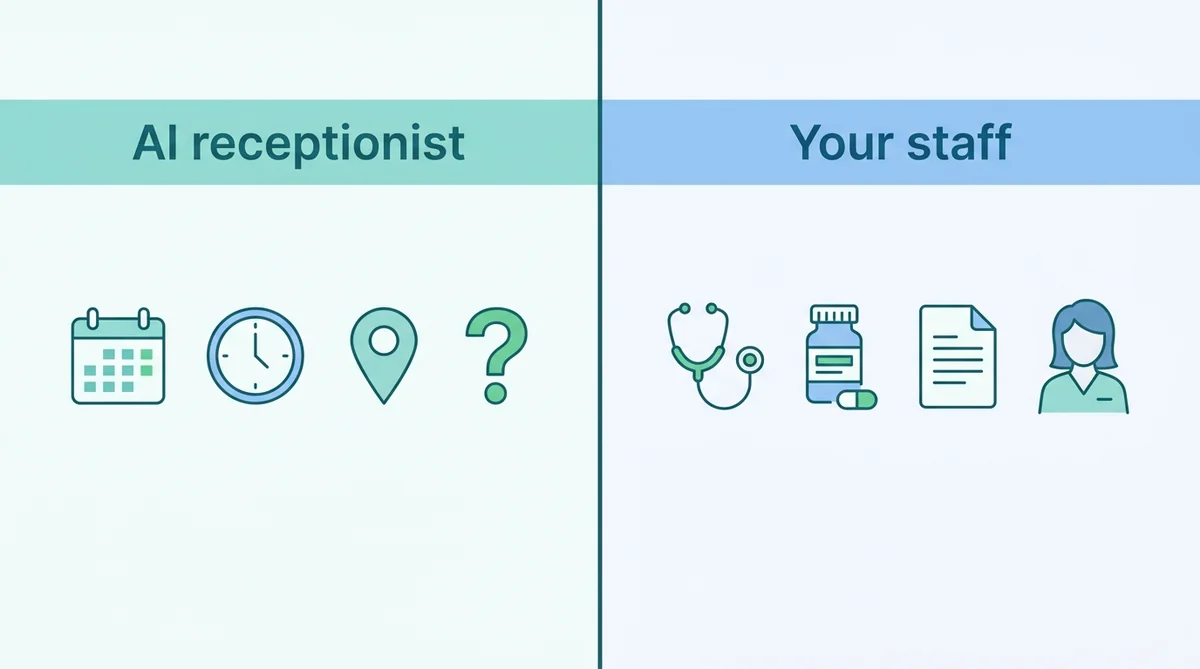
These are the calls where an AI receptionist earns its place, because the answer comes from information you already publish or from your calendar:
| Call type | What the AI does |
|---|---|
| Opening hours, location, parking | Answers from your knowledge source |
| Services and self-pay prices | Explains what you offer and the published price |
| Insurance accepted | Reads out the plans you list, and says staff confirm coverage |
| New appointment | Asks for the visit type and preferred time, books it in your calendar |
| Reschedule or cancel | Takes the request and the new preferred time |
| New patient questions | Explains what to bring and how registration works |
| After-hours calls | Answers instead of voicemail, takes a callback request |
| Several calls at once | Answers them all; nobody waits on hold |
The AI does not need to know anything about the patient’s health to do any of these. That matters, as the privacy section below explains.
Patients who speak other languages. Many clinics serve communities where English is not every caller’s first language. A voice agent can answer in the caller’s language, so a patient can book or ask about parking without waiting for a bilingual colleague. Choose the languages in the agent’s settings and test each one with a native speaker before launch, especially the emergency instruction.
What to keep human
Draw this line in writing before launch, and make the AI follow it on every call:
- Symptoms and medical advice. The AI never assesses symptoms, suggests treatment or says whether something is serious. It books the right appointment or points the caller to a person.
- Emergencies. If a caller describes an emergency, the AI tells them to hang up and call the local emergency number at once. Write this rule word for word.
- Test results and clinical questions. Results, diagnoses and follow-up questions belong with clinicians.
- Prescriptions. Refill decisions stay with staff; the AI can only take a callback request if your policy allows it.
- Eligibility and prior authorization. These need payer portals and staff judgment.
- Billing disputes and complaints. An upset patient deserves a person.
- On-call clinical escalation. If your doctors need paging after hours, keep a physician answering service or an on-call line for that.
A simple rule of thumb: if the call needs the patient’s health information to answer, it goes to a person.
An example call
A dermatology clinic on a Saturday evening:
AI: Thanks for calling Riverside Dermatology. I’m the clinic’s virtual assistant. How can I help?
Caller: I’d like to book a skin check.
AI: Of course. Are you an existing patient or new to the clinic?
Caller: New.
AI: Welcome. New patient skin checks are 30 minutes. I have Tuesday at 9:30am or Wednesday at 4pm. Which suits you?
Caller: Wednesday. Is the mole on my arm something to worry about?
AI: I can’t give medical advice, but the doctor will look at it on Wednesday. If anything changes quickly before then, please call your doctor or, in an emergency, your local emergency number. Can I take your name and the best number to reach you?
The AI booked the visit, collected only contact details and declined the clinical question, without making the caller feel brushed off.
Privacy, HIPAA and BAAs: what to check first
Any service that handles patient information for a US practice falls under HIPAA rules, and AI is no exception. Under HHS guidance, a vendor that creates, receives, maintains or transmits protected health information for a provider is a business associate, and the provider needs a written business associate agreement (BAA) with it before sharing that information (HHS business associate FAQs). An AI receptionist that stores call transcripts can fall into that category.
Before switching one on, ask every vendor, including us:
- Will you sign a BAA? If not, the AI must not collect health information. Keep it to scheduling, directions and general questions.
- What is stored, and for how long? Transcripts, recordings and contact details each need a retention answer.
- Who can see call data? Limit inbox and transcript access to staff who need it.
- Which AI and speech providers process the call? Each one is part of the chain.
Then design the conversation so the AI collects the minimum: name, phone number, appointment type and preferred time. No symptoms, no insurance member numbers, no dates of birth unless your agreements cover them. Outside the US, apply the same thinking to your local health privacy rules.
This is not legal advice; your compliance lead or counsel should sign off on the setup.
What it costs
There are three ways to cover the phones, and the numbers differ by an order of magnitude:
- An in-house hire. The BLS puts the May 2025 median pay for medical secretaries and administrative assistants at $45,930 a year (BLS), before benefits, and one person covers one line during working hours.
- A human medical answering service. Usually priced per minute or per call, which gets expensive as volume grows. Our AI vs live answering service guide compares real vendor prices at different call volumes.
- An AI receptionist. On ChatMaxima, a clinic taking about 600 calls a month at three minutes each (1,800 minutes) would pay roughly $120 a month: the $19 Starter plan, the $50 Voice Calls add-on (2,000 minutes), a Twilio phone number and inbound minutes (about $16), and speech processing on your own provider key (roughly $36). The AI model itself is included.
The AI does not replace your front desk. It takes the routine calls so the people at the desk can look after the patients in front of them.
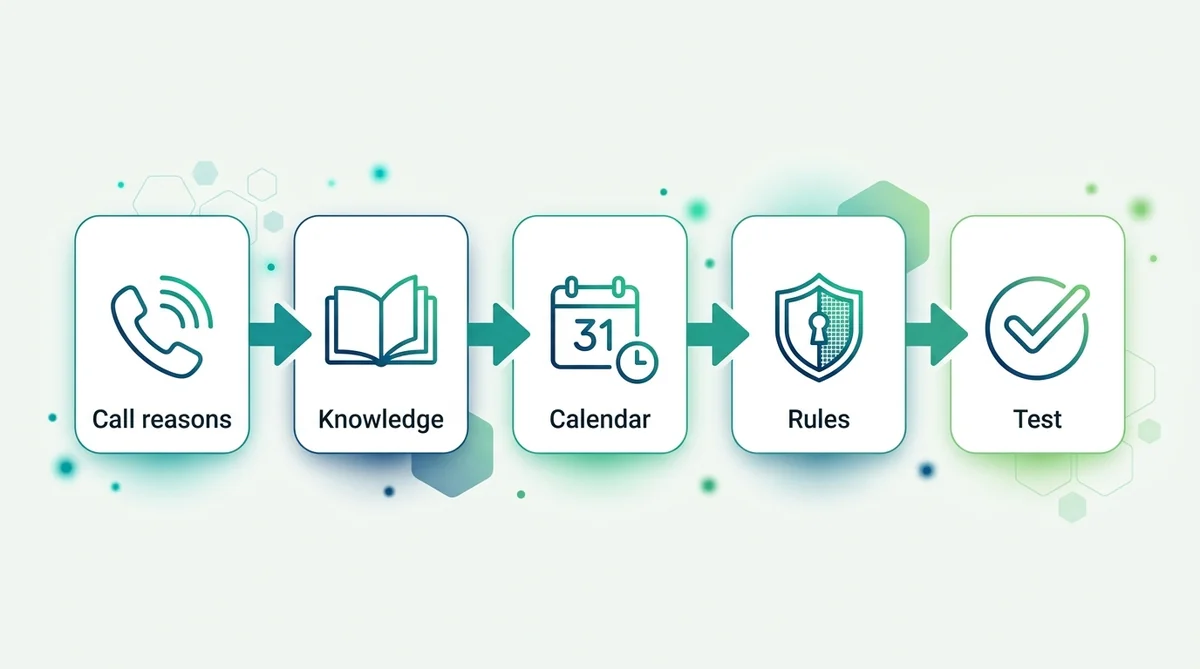
How to set up an AI receptionist for your clinic in 7 steps
- List your top 20 call reasons. Ask the front desk to tally a week of calls. Mark each one “AI can answer” or “staff only”.
- Write the knowledge source. Hours, address, parking, services, self-pay prices, plans accepted, new patient instructions and cancellation policy.
- Connect the calendar. The voice agent books into Google Calendar, so set up the appointment types and the slots you want it to offer.
- Write the rules. What it may book, what it must never discuss, the emergency instruction, and the exact wording for “I’ll ask the team to call you back”.
- Decide how callbacks reach staff. The agent can save the caller’s details to the CRM, add them to a Google Sheet or email the front desk.
- Route the calls. Point a Twilio number at the agent, or forward your line to it after hours or when the front desk is busy. The forwarding schedule lives in your own phone system.
- Test with real scenarios. New patient booking, a cancellation, an insurance question, a caller who describes symptoms, and an emergency. Then launch and review transcripts daily for the first two weeks.
How to measure whether it is working
Agree on a baseline in the month before launch, then track the same numbers every month:
- Answered calls: the share of calls that reach a person or the AI, rather than voicemail or a busy tone. ChatMaxima’s call reports show total, answered and missed calls and talk time.
- Bookings made by the AI, split into daytime and after hours.
- Callback requests and how quickly staff close them. A growing list means the AI is meeting calls it cannot finish, so review why.
- Front-desk interruptions. Ask the team whether the phone pulls them away from patients at the desk less often.
- No-shows for appointments the AI booked, compared with those booked by staff.
- Patient comments, good and bad, from reviews and from the front desk.
Read a sample of transcripts every week. They show where the knowledge is missing, where the AI hesitated and where a rule needs rewording.
Mistakes clinics make with AI receptionists
- Letting it improvise. An agent without clear rules will try to be helpful about symptoms. Write what it must never discuss, and test that it holds the line.
- Collecting too much. Every extra field (date of birth, member number, symptoms) adds privacy risk. Collect only what the booking needs.
- Hiding that it is AI. Say so in the greeting. Patients accept a virtual assistant; they do not accept being misled.
- No path to a person. Make sure every caller can leave a callback request, and that someone actually calls back the same day.
- Stale information. Holiday hours, new doctors and price changes must reach the knowledge source the day they change.
- Launching everywhere at once. Start with after-hours calls, review the first two weeks, then widen.
Know the limits before you launch
Every AI receptionist has gaps, and you should know ours in plain words:
- Inbound calls only. The voice agent answers calls; it does not make outbound reminder or callback calls.
- No live transfer. It cannot pass a call to a staff member mid-conversation. It takes a callback request instead, and it tells emergency callers to hang up and dial the emergency number.
- No automatic text after the call. Confirmations come from your calendar or a separate message, not from the call itself.
- After-hours switching happens in your phone system. You forward the line to the AI number on your schedule.
If live transfer to a nurse line is essential for your practice, plan around it: keep a human answering service for clinical calls and use the AI for scheduling and general questions.
Beyond the phone: chat for the same jobs
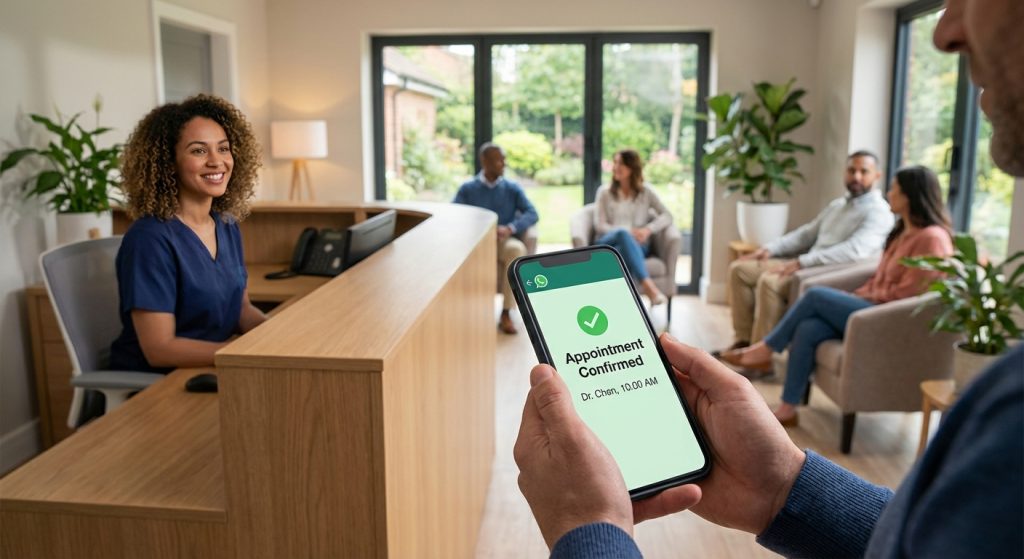
Many patients would rather message than call. The same assistant can run on your website and on WhatsApp, where it books appointments, answers the same questions and hands the conversation to a staff member when needed, with the full history in one inbox. WhatsApp is also where reminders and confirmations work best; our guide to healthcare chatbots that reduce no-shows covers that side.
Templates to start from
ChatMaxima’s marketplace has voice agent templates you can adapt instead of starting from a blank page:
- FrontDesk, a general virtual receptionist
- DentAssist, for dental practices
- Clara, for medspas
- VetCare, for veterinary clinics
Each one is a starting point: replace the knowledge, calendar and rules with your clinic’s own, and keep the “what to keep human” list above.
What’s next
A medical virtual receptionist works best when its job is narrow and clear: answer every call, handle scheduling and routine questions, collect as little as possible, and get everything clinical to your staff fast. Start with after-hours calls, where the alternative is voicemail, then extend to busy daytime periods once the transcripts look right.
For the wider picture, see our guide to AI receptionists for small businesses, and check the ChatMaxima plans to set up your first voice agent.