

If you run two businesses, or one business with two numbers, you have probably lived the two-phone life. One device for the boutique, another for the salon. Or worse, one phone and a daily ritual of logging out and back in, praying the verification SMS arrives quickly.
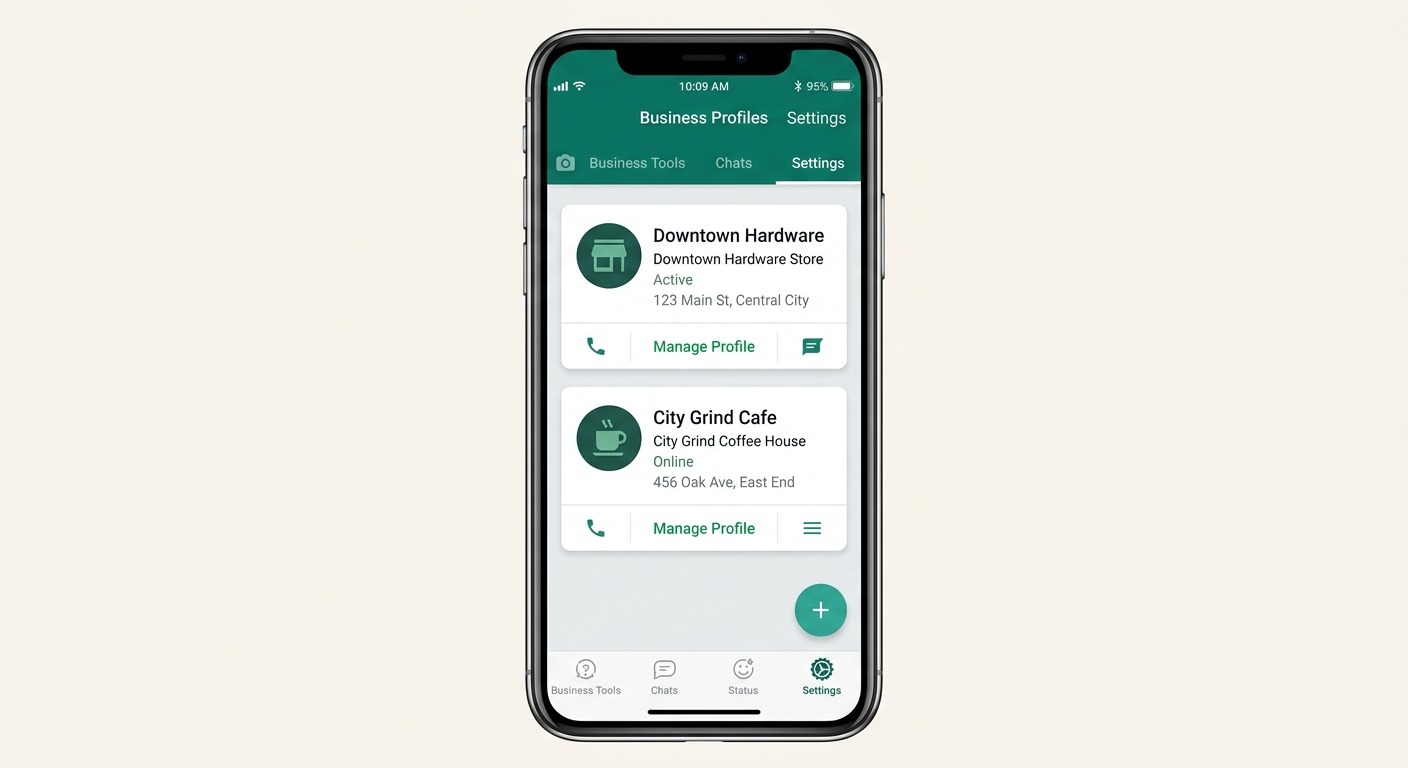
That era is finally ending. WhatsApp Business multi-account support is now rolling out in the WhatsApp Business beta for Android, letting you add and switch between two separate business accounts inside a single app on a single device. The feature was first spotted by WABetaInfo in WhatsApp Business beta for Android version 2.24.27.5, and it is reaching more beta testers over the coming weeks.
This is a genuinely useful update for millions of small businesses. It is also a good moment to understand exactly what the feature does, what it deliberately does not do, and at what point your business outgrows it. Let’s get into all three.
What the New Multi-Account Feature Actually Does
The headline is simple: two business numbers, one app, one phone. No second device, no dual-app cloners, no SIM swapping.
Here is what the feature includes based on the current beta rollout:
- Two accounts per device. You can add exactly one additional business account alongside your primary one. A third account is not supported.
- Full account separation. Each account keeps its own chats, catalog, business profile, and settings. Nothing merges or bleeds across accounts.
- In-app switching. You flip between accounts from the overflow menu in the Chats tab, no logout or re-verification required after initial setup.
- Cross-account notifications. You receive activity notifications from the inactive account, so you know something came in. To actually read and reply, you switch over.
If that sounds familiar, it should. The regular WhatsApp Messenger app got multi-account support back in 2023. The Business app is only now catching up, three years later, which tells you something about how carefully Meta gates changes to its commerce surface. Businesses depend on account integrity in a way casual users do not, so the slower rollout is defensible, even if it felt overdue to anyone juggling two phones since 2023.
How to Set Up a Second WhatsApp Business Account
Setup mirrors the flow you already know from registering your first account. Here is the step-by-step:
- Update the app. You need WhatsApp Business beta for Android version 2.24.27.5 or later from the Google Play Store. The rollout is gradual, so having the right version does not guarantee the feature is live for you yet.
- Open Settings. Tap the overflow menu (three dots) in the top right, then Settings.
- Look for the “+” button next to your account name at the top of the Settings screen. If you see it, multi-account is live on your device.
- Tap “+” and register the second number. Enter the phone number for your second business and confirm it with the verification code, exactly like a fresh account setup.
- Build out the second profile. Business name, description, hours, catalog, away messages, quick replies. Everything is configured independently per account.
One practical note: the second number still has to be a real, active phone number capable of receiving the verification code. Multi-account removes the need for a second phone to run the account, not the need for a second number to own it. A dual-SIM phone pairs perfectly with this feature for exactly that reason.
To switch between accounts afterward, open the overflow menu on the Chats tab and tap Switch accounts. The whole operation takes about two seconds.
Who Actually Benefits From This
The obvious winners are owner-operators wearing multiple hats. A few real-world patterns where this update removes daily friction:
The multi-business owner. You run a bakery and a catering service as separate brands with separate numbers. Until now that meant two devices or a cloned app of questionable reliability. Now both live in one official app with proper notification behavior.
The separate-lines business. One number for sales, one for support or deliveries. Small teams often route these to different staff, but in a one-person or two-person operation, the same human answers both. Multi-account makes that human’s life dramatically simpler.
The market-split business. Some businesses keep a local number for domestic customers and a second number for international or wholesale buyers. Switching between them in-app beats carrying a second handset to trade shows.
Franchise and location testing. Opening a second location and want its WhatsApp presence live before committing to bigger infrastructure? Register the new location’s number as your second account and run both from the same device during the pilot phase.
There is also a quieter benefit: fewer risky workarounds. For years, businesses without official multi-account support turned to app cloners and modified WhatsApp builds to run two numbers. Those tools violate WhatsApp’s terms of service and are a well-documented path to account bans, which for a business account means losing your chat history, your customer threads, and potentially your number’s standing with Meta. An official feature removes the temptation entirely.
The Limits You Should Understand Before Depending on It
Multi-account is a quality-of-life feature, not a scaling feature. Before you build your operations around it, be clear-eyed about the constraints.
Hard cap of two accounts. There is no way to add a third. If you operate three brands or three locations, you are back to workarounds for anything beyond the second number.
One active account at a time. Notifications from the inactive account tell you something arrived, but reading and replying requires switching. During a busy morning where both numbers are buzzing, you will be toggling constantly, and a message on the inactive account is easy to leave hanging. Response time expectations on WhatsApp are brutal; customers expect answers in minutes, not hours.
One phone, one operator. Both accounts live on one device. Your second account cannot simultaneously be answered by a colleague on their phone. The Business app does allow linking companion devices per account, but you are still fundamentally in single-operator territory. There is no shared inbox, no assignment, no visibility into who answered what.
No automation beyond the basics. Greeting messages, away messages, and quick replies work per account, and they remain the extent of the Business app’s automation. No chatbot flows, no CRM sync, no broadcast campaigns beyond the app’s modest broadcast lists, and rich automation like drip sequences or AI-driven replies is API-land.
Beta status. As of mid-July 2026, this is rolling out in the Android beta channel. Stable-channel timing has not been announced, and there is no word yet on iOS. Beta features occasionally shift before general release, so treat the current behavior as close to final but not guaranteed.
None of these are criticisms; the Business app is deliberately scoped for small operations, and within that scope, multi-account is exactly the right feature. The question is what to do when your scope stops being small. For a deeper comparison of the app’s ceiling versus other options, see our guide on WhatsApp Business App vs Web vs API in 2026.
Multi-Account vs the Other Ways to Run Multiple Numbers
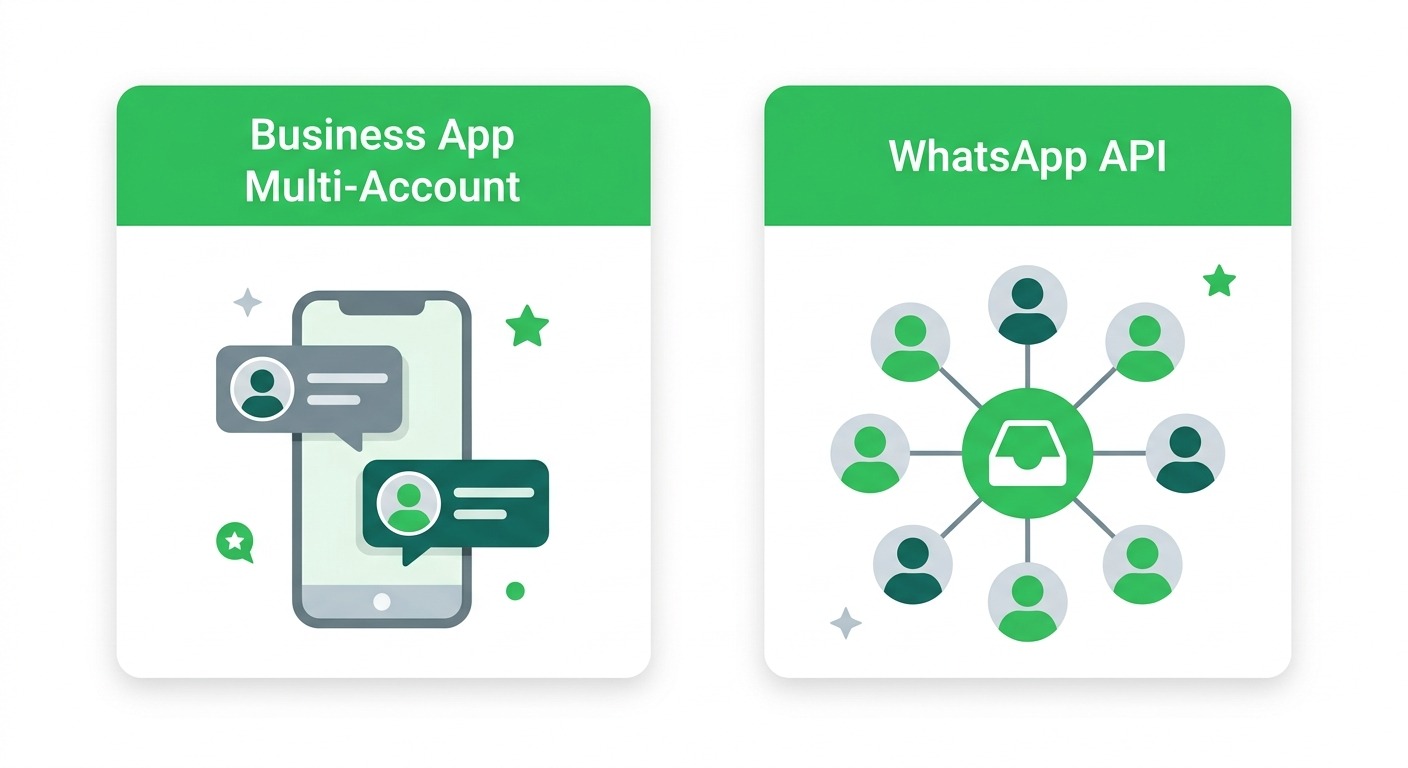
It helps to place this feature in the full landscape of options, because “I need to manage more than one WhatsApp number” has at least four answers in 2026, each fitting a different stage of business.
Option 1: Multi-account in the Business app. Free, official, two numbers, one operator, one device. Perfect for owner-operators. This is the new feature, and for its target user, it is the best answer available.
Option 2: A second phone or dual-SIM device. The old way. Still works, still clunky. With official multi-account support now rolling out, the second-handset approach survives mainly for people who want a hard physical boundary between businesses, or more than two accounts.
Option 3: WhatsApp Web and linked devices. Lets you answer one account from a computer alongside your phone. Useful for desk work, but it multiplies access to the same account rather than managing different accounts, and it inherits every limitation of the underlying app.
Option 4: The WhatsApp Business API. The step-change option. Numbers stop living on a phone entirely and instead connect to a platform where unlimited team members share an inbox, chatbots handle first response around the clock, conversations sync to a CRM, and broadcast campaigns run at proper scale with analytics. The trade-off is that the API charges per message delivered (templates by category and country, and from October 1, 2026 service replies beyond a free monthly allowance) and requires a platform to use it, which is where the decision gets more nuanced. Our WhatsApp Business API pricing guide for 2026 breaks down exactly what each message costs by category and region.
The interesting development of the past year is that Options 1 and 4 are no longer mutually exclusive. Meta’s coexistence capability lets a number run on the Business app and the API at the same time, which changes the migration math significantly. We covered the scenarios and pricing implications in detail in our post on WhatsApp Business app and API coexistence.
The Real Signal: When Two Accounts on One Phone Stops Being Enough
Here is a useful way to think about it. Multi-account solves the problem of too many devices. It does nothing for the problem of too many conversations.
If you are switching accounts a handful of times a day and answering everything comfortably, the Business app with multi-account is all you need. Genuinely. Do not pay for infrastructure you do not require.
But watch for these signals, because each one marks the point where a phone-bound account starts costing you money:
- Messages wait hours because the phone owner was busy. One person toggling between two accounts is a single point of failure for two businesses’ response times.
- You hire your first support or sales person and realize you cannot give them access to the number without giving them your phone.
- You want to answer the same number from three places at once, shop counter, back office, and home, with visibility into what has been handled.
- Repetitive questions eat your day. Opening hours, delivery status, pricing, the same ten answers on loop, on two numbers now instead of one.
- You want to message customers proactively at scale, promotions, restock alerts, appointment reminders, beyond what broadcast lists allow.
Every one of these is an API-tier problem. A platform like ChatMaxima sits on top of the WhatsApp Business API and turns each pain point into a solved problem: a shared team inbox where every agent sees and claims conversations, AI chatbots that resolve routine questions instantly on every number you operate, and campaign tools with delivery and read analytics. Multiple numbers stop being something you switch between and become channels flowing into one workspace, alongside Instagram, Facebook Messenger, web chat, and whatever else your customers use.
And because numbers connected via API are not tied to a device, “two accounts” stops being a ceiling. Five brands, ten locations, one inbox, with conversations routed to the right team automatically.
Practical Recommendations for Right Now
Whatever stage you are at, here is the sensible play this month:
If you run two numbers from two phones today: join the WhatsApp Business beta on Android, watch for the “+” button in Settings, and consolidate onto one device when it appears. Retire the second handset. This is free money in convenience terms.
If you are on the stable channel: wait. The feature will reach stable in due course, and beta software on a production business number is a judgment call each owner should make deliberately. If your business genuinely depends on the number, the cautious move is to let beta testers shake out the bugs.
If you cloned apps to run two accounts: migrate to the official feature as soon as it reaches you. Every day on a modified client is a day of ban risk on a number your customers know.
If you recognized your business in the outgrow signals above: the multi-account rollout does not change your trajectory, it just makes the interim more comfortable. Start evaluating API platforms now rather than after the next hire or the next missed-message complaint. Coexistence means you no longer have to give up the app to gain the API, so the switching cost has never been lower.
The Bottom Line
WhatsApp Business multi-account on Android is a small feature with an outsized quality-of-life impact for the owner-operators who make up the bulk of WhatsApp’s 200 million plus business users. Two numbers, one phone, official support, no workarounds. It shipped three years after the consumer app got it, but it shipped, and the beta rollout means general availability is close.
Just be honest about which problem you have. If the problem is device juggling, this update solves it completely, and it costs nothing. If the problem is conversation volume, team access, or automation, no amount of account switching will fix it, and the sooner you move the overflow to proper infrastructure, the fewer customers you leave waiting.
When you hit that point, ChatMaxima connects your WhatsApp numbers to a shared AI-powered inbox in minutes, with chatbots, campaigns, and CRM built in. Plans start free, so you can see it working with your own conversations before spending anything. Check the details on our pricing page and keep the second phone retired for good.
My WhatsApp business doesn’t have a n option to add another account 🙃 what can I do ?