If you are building a Flutter app and need chat inside it, the good news is you do not have to build the hard parts yourself. A mature ecosystem of chat SDKs handles real-time delivery, message storage, typing indicators, and UI, so you can ship in days instead of months.
The harder question is which one to pick, because “Flutter chat SDK” actually covers two very different kinds of product. Some are chat infrastructure, raw building blocks for messaging features inside your app. Others are customer engagement platforms, where chat is the front end of support, sales, and AI automation. Choosing the wrong category for your goal is the most common, and most expensive, mistake teams make.
This guide walks through the best Flutter chat SDKs in 2026, what each is good at, and then, honestly, where ChatMaxima fits and where it does not. You can browse the broader Flutter package landscape any time on pub.dev, but this post focuses on the options worth serious evaluation.
First, What Are You Actually Building?
Before comparing SDKs, answer one question: are you building chat as a feature or chat as a support channel?
Chat as a feature means messaging is part of your product itself. A marketplace where buyers and sellers message each other. A dating app. A community or social app. A telehealth app where patients message doctors. Here you need chat infrastructure: fast, scalable, customizable, user-to-user messaging.
Chat as a support channel means messaging is how your users get help, ask pre-sales questions, or talk to your team. Here you need an engagement platform: a chat that connects users to your agents and AI, lands in a team inbox, and ties into the rest of your customer conversations.
The same word, “chat,” but very different requirements. Most of the SDKs below lean clearly toward one camp. Keep your answer in mind as you read.
What to Look for in a Flutter Chat SDK
Whichever camp you are in, a few criteria separate a good choice from a painful one:
- Native Flutter support with UI kits. A real Flutter SDK with prebuilt, customizable UI saves weeks. SDKs that only offer raw APIs leave you building the entire chat interface yourself.
- Real-time reliability. Typing indicators, read receipts, presence, and instant delivery, working consistently even on flaky mobile networks.
- Media and rich messages. Images, files, and voice, not just plain text.
- Scalability and pricing model. Whether the pricing fits your stage, since some enterprise tiers get heavy fast for early teams.
- AI and automation. Increasingly decisive in 2026: can the SDK do more than transport messages, or does it also bring bots, routing, and AI answers?
The Best Flutter Chat SDKs in 2026
GetStream
GetStream is one of the most popular choices for chat as a feature. It is a scalable, API-and-SDK platform for real-time in-app chat, video, and activity feeds, with first-class Flutter SDKs and prebuilt UI components. Features like AI moderation, typing indicators, and in-chat file uploads come built in.
Best for: product teams building user-to-user messaging or social feeds at scale who want polished UI kits out of the box.
Sendbird
Sendbird is a heavyweight in the chat infrastructure space, frequently compared with GetStream for mid-market and enterprise apps. It is powerful and battle-tested, though its pricing and tier structure can feel heavy for smaller or early-stage teams. Note that its Flutter UI kit support has historically lagged its core APIs, which can mean more custom UI work.
Best for: established companies with the budget and engineering resources to build messaging features on enterprise-grade infrastructure.
CometChat
CometChat is a cloud platform for adding real-time text, voice, and video chat to apps, with customizable UI kits and SDKs, and even a no-code widget you can embed in minutes. It commonly serves health apps, ed-tech, and marketplaces.
Best for: teams that want feature-rich chat (including voice and video) with ready-made UI and a faster path to launch.
Twilio Conversations
Twilio approaches chat from the communications side. Its Conversations API handles 1:1 and group messaging across SMS, WhatsApp, and in-app chat, which makes it a natural fit for omnichannel customer messaging built on Twilio’s wider platform.
Best for: teams already invested in Twilio who want to unify chat with SMS and WhatsApp programmatically, and who have the engineering capacity to assemble the experience.
MirrorFly
MirrorFly offers chat plus voice and video, with both cloud and self-hosted deployment options. The self-hosting route appeals to teams with strict data-residency or compliance needs who want to run the stack on their own infrastructure.
Best for: organizations that need full control over where chat data lives.
Talk.js and PubNub
Two more worth knowing. Talk.js is a drop-in chat focused on speed of integration, strong for quickly adding user-to-user chat, though it is more JavaScript-native than Flutter-first. PubNub is real-time messaging infrastructure, extremely capable but lower-level, you build more of the experience on top of it.
Best for: Talk.js when you want the fastest possible drop-in user chat; PubNub when you want raw real-time infrastructure and full control.
The Dividing Line: Infrastructure vs Engagement
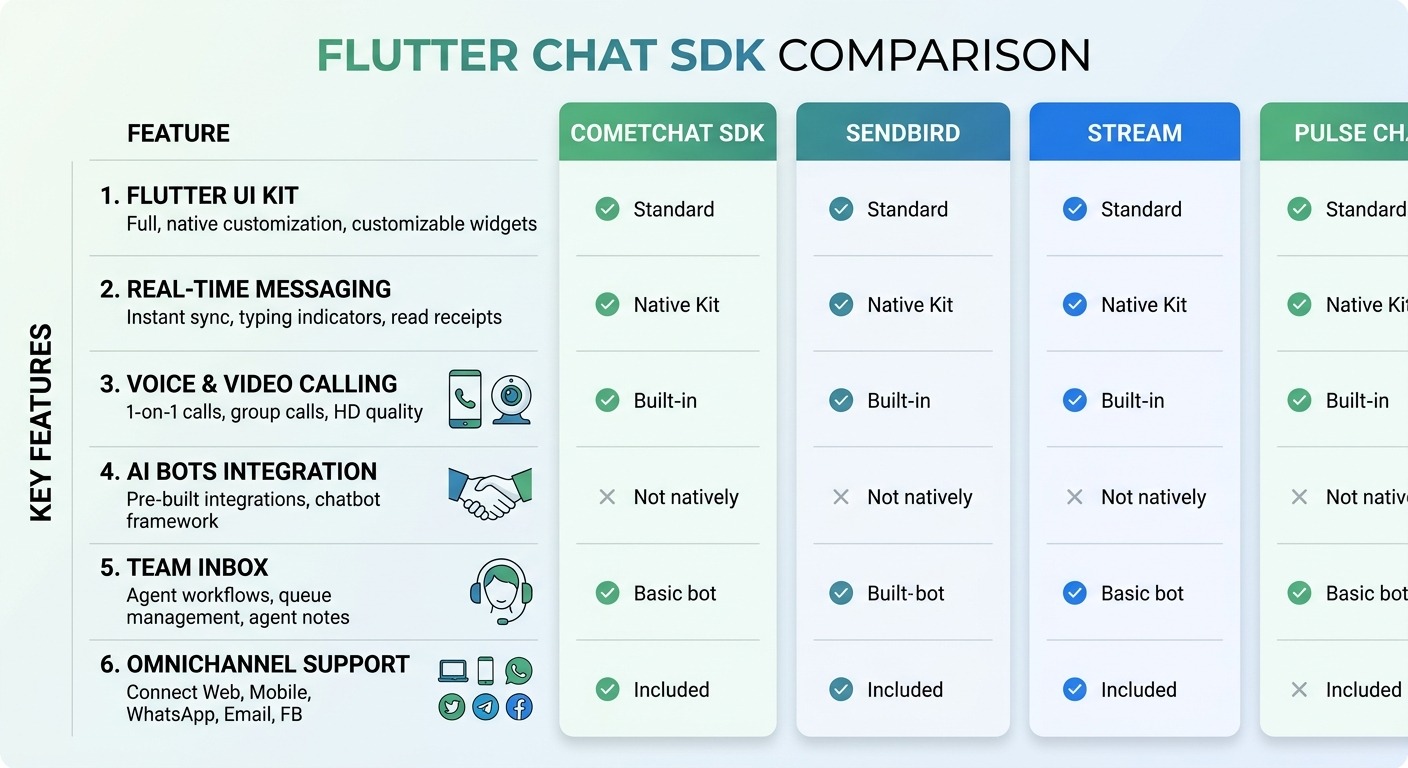
Notice a pattern in the list above. Almost every option is chat infrastructure, brilliant for building messaging features into your product, but designed to transport messages, not to run your customer support or sales.
If your goal is chat as a feature, that is exactly right, and one of those SDKs is your answer. They give you the pipes and the UI; you build the experience and provide the people or bots on the other end.
But if your goal is chat as a support and engagement channel, infrastructure alone leaves you with a lot still to build. You would still need to add an agent inbox, bot automation, AI answers, routing rules, and a way to connect app chat to your WhatsApp and web conversations. That is a second large project on top of the SDK. This is the gap a customer engagement platform fills, and it is the shift toward conversational, AI-first support we cover in AI-first customer support replacing ticketing systems.
Where ChatMaxima Fits
ChatMaxima is honestly not a raw chat infrastructure SDK. If you are building a peer-to-peer messaging app or a social feed, one of the infrastructure SDKs above will serve you better, and we will happily say so.
ChatMaxima fits the other camp: chat as a support, sales, and engagement channel inside your app. The ChatMaxima Mobile App SDK is a single Flutter SDK, but what it brings is the whole engagement layer, not just the pipes:
- A branded in-app chat UI, real-time, with media and voice, ready to drop in.
- An AI chatbot that answers the high-volume questions instantly, trained on your own knowledge, as covered in the text AI chatbot introduction.
- A live agent handoff to your human team, with full context carried across.
- Voice AI and live voice support as part of the same SDK, not a separate vendor.
- One unified inbox where in-app chat sits alongside WhatsApp, web, and social, so the same customer is one identity across every channel.
In other words, where the infrastructure SDKs hand you building blocks, ChatMaxima hands you a working support and engagement system. You are not assembling an inbox, a bot, and an AI layer on top of a chat pipe, those come together.
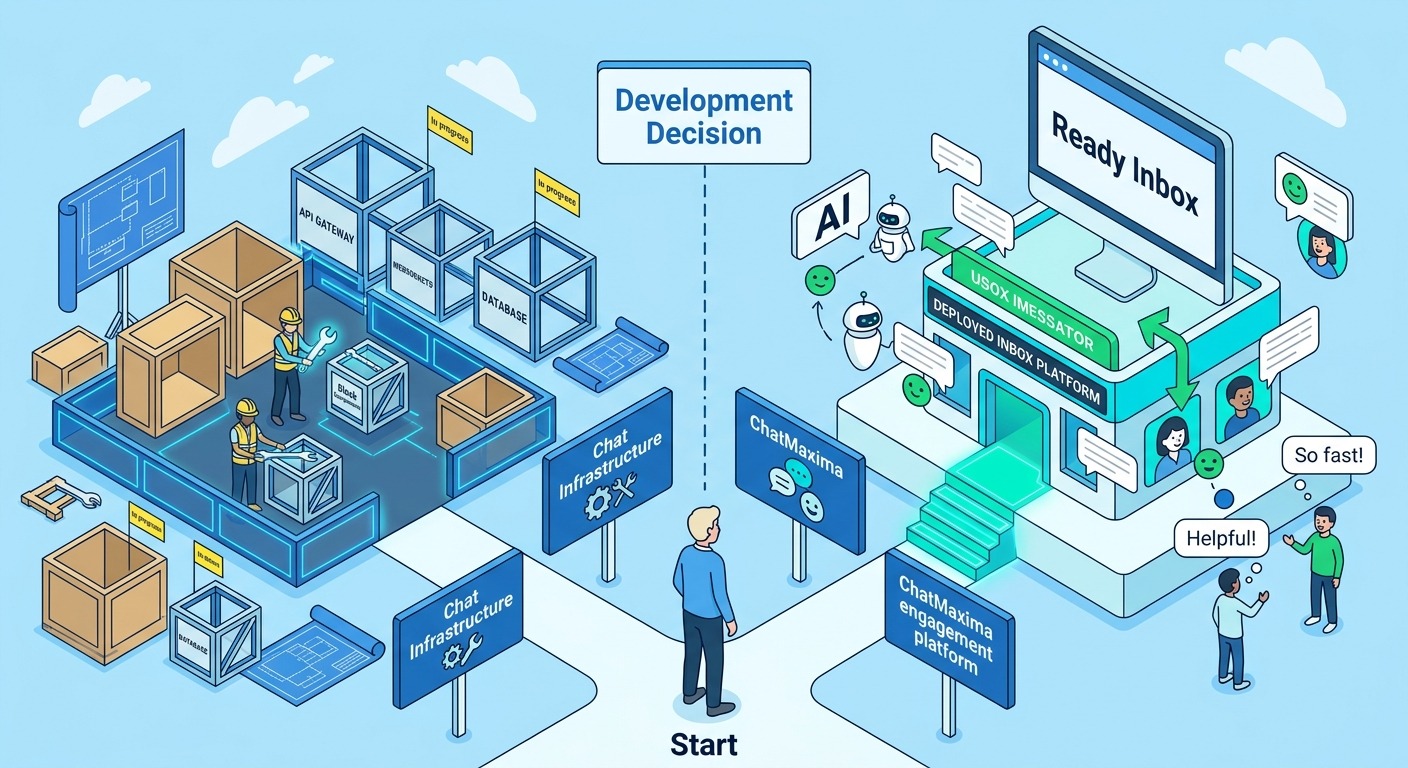
So the comparison is less “ChatMaxima vs GetStream” and more “what job is the chat doing?” For user-to-user product messaging, pick infrastructure. For talking to your customers, qualifying leads, and supporting users with AI plus humans, pick an engagement platform. Because this is a vendor-selection decision, our alternatives page lays out how ChatMaxima compares to other engagement tools.
How to Choose: A Quick Decision Guide
To cut through it, ask these questions in order:
-
Is chat a feature of my product, or how customers reach my team? Feature points to infrastructure. Support points to an engagement platform.
-
Do I want to build the inbox, bot, and AI myself? If yes, infrastructure gives you the freedom. If no, an engagement platform includes them.
-
Do my app chats need to share an inbox with WhatsApp and web? If omnichannel matters, you want a platform built around a unified inbox, not a standalone chat pipe.
-
How important is AI automation on day one? If you need a bot deflecting questions immediately, choose a platform where AI is native rather than something you bolt on.
-
What is my budget and team capacity? Infrastructure plus a from-scratch support layer is a bigger build. A platform trades some low-level flexibility for a much faster path to a working system.
There is no single “best” Flutter chat SDK, only the best one for the job your chat is doing.
Conclusion
The Flutter chat SDK market in 2026 is strong, and most of the well-known names, GetStream, Sendbird, CometChat, Twilio, MirrorFly, are excellent at what they are built for: powering messaging features inside your product. If that is your goal, choose among them with confidence.
If instead your goal is to let customers get help, ask questions, and talk to your team inside your app, with AI handling the volume and humans handling the rest, that is a different job, and it is exactly the job ChatMaxima is built for. One Flutter SDK brings voice AI, text AI, live chat, and live voice support, all feeding one inbox alongside your other channels.
See what an in-app AI support and engagement layer would cost for your app on the ChatMaxima pricing page.